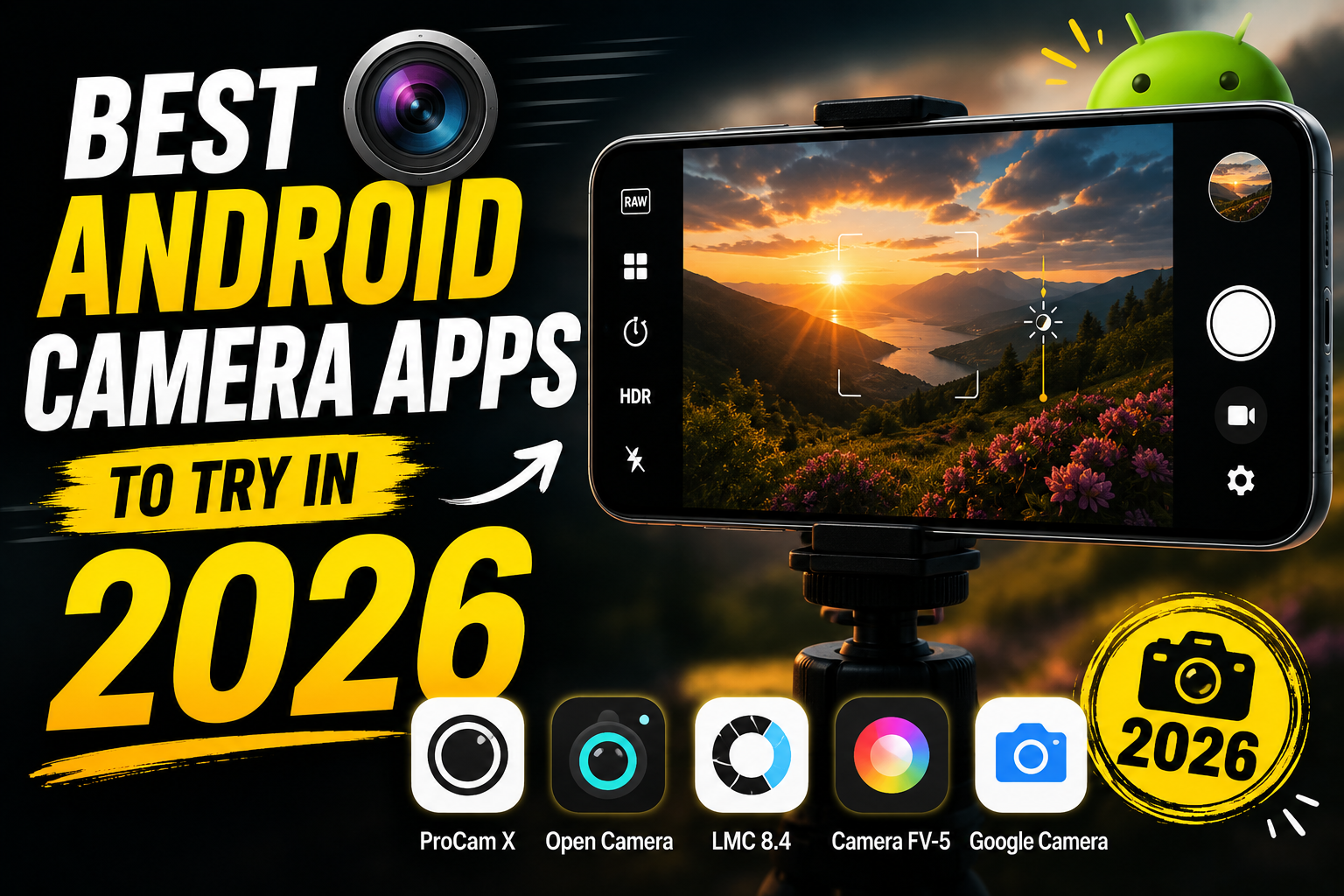
Hello friends, today we are going to look at something very practical for your phone, how to pick and set up the right Android camera apps in 2026. Many users feel their photos look flat or noisy while social media is full of sharp and colorful shots from similar phones. Often the difference is not only the sensor, it is the camera app and how it is configured.
This blog will help you understand which camera apps are worth installing this year, what each style of app is good at, and how to avoid common setup mistakes that quietly ruin your images. Instead of hunting through random app reviews, you will get a structured view of the categories, key settings, and realistic pros and cons so you can choose with confidence.
The guide is written for casual users who mostly shoot in auto mode, mobile creators who post on Instagram, TikTok, or YouTube Shorts, and anyone curious about manual controls like ISO or shutter speed. You do not need to be a photography expert. The goal is to turn your existing phone into a more reliable camera for daily use, travel, food shots, and quick videos.
We will also connect this to safe install habits and long term storage planning. New camera apps often ask for many permissions, and some low quality tools can be aggressive with ads or data collection. By the end, you will know how to pick solid Android camera apps in 2026, which settings to change first, and how to keep your photos backed up and organized.
Related Resource
The download link button above opens the Telegram resource connected to Android Mobile cAMERA APP oN 2026. Use it to join the channel or open the shared details without searching manually.
How Android camera apps evolved by 2026
Camera apps on Android in 2026 are not just about a shutter button. Many now use on device AI to detect scenes, clean up noise, and even suggest better framing. At the same time, stock camera apps from Samsung, Google, Xiaomi, OnePlus, and others have improved a lot, so third party apps need a clear reason to exist.
A common mistake is installing five camera apps and never learning any of them fully. A better approach is to keep your default app plus one or two focused tools, for example one manual camera and one specialist app for low light or RAW shooting. This keeps your workflow simple while still adding power.
Main types of Android camera apps in 2026
Instead of chasing one perfect app, think in categories. Different apps are strong at different jobs.
- Stock camera apps from your phone brand, usually best for everyday auto photos and full support of all lenses.
- Manual or pro camera apps with controls for ISO, shutter, focus, and RAW files.
- Computational and low light apps focused on night shots, HDR, and AI based processing.
- Video first apps for vlogging, manual video control, and better audio handling.
- Fun and social camera apps with filters, beauty tools, and direct posting features.
Your goal is to map these categories to your real life. If you mostly shoot family photos and quick clips, you may just need stock plus a better portrait or night app. If you are building a YouTube channel, a dedicated video app will matter more than ten filter apps.
Quick comparison of popular Android camera app styles
The exact app names change often, but the feature patterns stay similar. Use this table as a reference when checking options on the Play Store.
| App style | Best for | Key features to look for | Typical drawback |
|---|---|---|---|
| Stock brand camera | Daily photos and quick social sharing | Fast launch, reliable focus, lens switching, HDR, night mode | Limited manual control, updates tied to system |
| Manual camera app | Learning photography basics and RAW shooting | ISO, shutter, white balance, focus peaking, histogram | Slower, sometimes weaker auto mode, may not support all lenses |
| Computational photo app | Low light, backlit scenes, city night views | Multi frame HDR, advanced night mode, AI denoise | Longer capture time, heavy processing, larger files |
| Video creator app | Vlogging, tutorials, short films | Manual exposure, frame rate choice, audio levels, log like profiles | Steeper learning curve, may need paid version for full quality |
| Fun and social camera | Stories, filters, quick portraits | Live filters, background blur, beauty controls, direct share | Heavy ads, privacy questions, often weaker image quality |
Real world example 1, upgrading food and travel photos
Imagine a user with a mid range Android phone from 2023 planning a 2026 holiday trip. Their usual complaint is that restaurant and night market photos look yellow and blurry. They mainly use the default auto mode with flash, which crushes the atmosphere and adds harsh light.
For this case, keeping the stock camera plus installing one good manual camera app and a low light tool can help. In the restaurant, they can switch off flash, increase ISO slightly, and lower shutter speed while using a table or glass as support. The low light app can handle street scenes and city skylines with a tripod or a stable railing.
Real world example 2, short form video creator
Consider a creator posting daily Reels or Shorts. Their pain points are changing exposure when moving indoors to outdoors, audio levels jumping, and focus hunting on their face during talking clips. Shooting only with the stock app can be limiting when you need consistent results for every upload.
A video first Android camera app in 2026 usually brings manual exposure lock, clean focus tracking, on screen audio meters, and sometimes flat color styles for better editing. The creator can set one reliable profile for outdoor daytime and another for indoor low light, then reuse them so every clip looks similar and needs less correction.
Case study workflow, one week with a two app setup
Many people think a better camera experience means more apps, but that often leads to confusion. A simple one week test can be very effective. Pick your stock camera and one additional pro style app. For the whole week, use stock for fast snapshots and the pro app whenever you have ten seconds to think about the shot.
On day one set your pro app defaults. Save JPEG plus RAW if your storage allows, fixed aspect ratio, and moderate sharpening. Turn on grid lines and, if available, focus peaking. During the week note when the pro app gives clearly better results, for example portraits, sunsets, city lights. At the end, check your gallery and see where the extra effort was worth it.
This simple test usually shows that you do not need five extra apps. You learn which scenes really benefit from manual control, and you keep the phone fast for simple usage.
Key setup tips for Android camera apps in 2026
1. Check resolution and format settings
Many phones still default to medium resolution or compressed formats to save space. After installing or updating any camera app, open settings and confirm that the highest resolution mode is enabled. If your phone supports HEIF or HEIC and you share mainly within modern apps, it can save space with similar quality, but some old devices or Windows tools may read it poorly.
2. Tune focus and shutter behavior
Most camera apps let you choose tap to focus or continuous focus. For kids running or pets, continuous focus helps. For food, documents, or product shots, tap to focus with a short half second hold is more reliable. Also check if the app supports focus lock by holding your finger on the subject until a lock icon appears. This small habit prevents the camera from refocusing at the last moment.
3. Be careful with beauty and filter sliders
Face smoothing, eye enlargement, and heavy color filters can look good on small screens but strange on larger displays. If your app opens by default in beauty mode, reduce the sliders to very low or switch them off and add subtle edits afterward in an editor like Snapseed or Lightroom. Over processed portraits are hard to fix later.
Privacy, security, and storage cautions
Some camera apps in 2026 request access to contacts, call logs, or precise location without a clear reason. For a normal camera tool, storage and camera permissions are usually enough, with optional microphone for video and coarse location for geotagging. If an app asks for anything more, read the explanation carefully or pick a different one.
Ads are another concern. Banner ads during editing are common in free apps, but full screen ads just before capture or right after pressing the shutter can cause missed moments and mis taps. Check reviews for complaints about intrusive ads or hidden subscriptions.
For storage, large 4K video and RAW photos fill space quickly. Set a monthly reminder to move older content to cloud storage or an external drive. Also check that your gallery or file app is actually backing up your media folder from all installed camera apps, not only the default DCIM folder.
Conclusion
The best Android camera apps in 2026 are the ones that fit your habits, not just the ones with the longest feature list. For most users a smart two layer approach works well. Keep your brand camera app updated and learn its main modes like night, portrait, and pro. Add one high quality manual or video first app that you actually use for planned shots.
Before installing anything, check permissions, ad behavior, and whether the app supports your phone hardware fully. After installing, correct the core settings resolution, focus behavior, and storage location. Then run a short personal test week so you see what really improves, and remove any extra apps you do not touch. This keeps your phone clean while steadily improving your photography.
FAQ
Which Android camera app is best for beginners in 2026
For beginners the stock camera from your phone brand is usually the safest start, because it supports all lenses and modes. Add one simple manual app that offers auto mode plus a clear pro mode so you can grow into it instead of being overwhelmed on day one.
Do I really need a manual camera app
You only need manual control if you want consistent creative results, such as blurred water, light trails, or cleaner night shots. If you mainly share quick daytime photos, a manual app is helpful but not essential. Try one and see if you actually use it for a week.
Are third party Android camera apps safe
Many are safe, but some show aggressive ads or collect more data than necessary. Stick to well reviewed apps from known developers, read the permission list, and avoid tools from unknown sources outside the Play Store unless you fully understand the risk.
Why do some apps not use all my phone lenses
Access to ultra wide, macro, and telephoto lenses depends on how the phone maker exposes those cameras to Android. Some brands limit third party access or use their own camera APIs. If lens support matters to you, check the app description and user reviews for your specific model.
Is shooting RAW on Android worth it in 2026
RAW is useful if you edit photos later and want more control over shadows and highlights. It also helps for difficult lighting such as concerts or sunsets. It is not ideal for quick sharing because files are larger and need processing. Many users keep RAW enabled only on the manual app, not for every casual shot.
Thank you for reading. If you found this guide useful, stay connected with our blog for more latest tech news, practical Android apps, AI tools, and detailed mobile photography updates.








