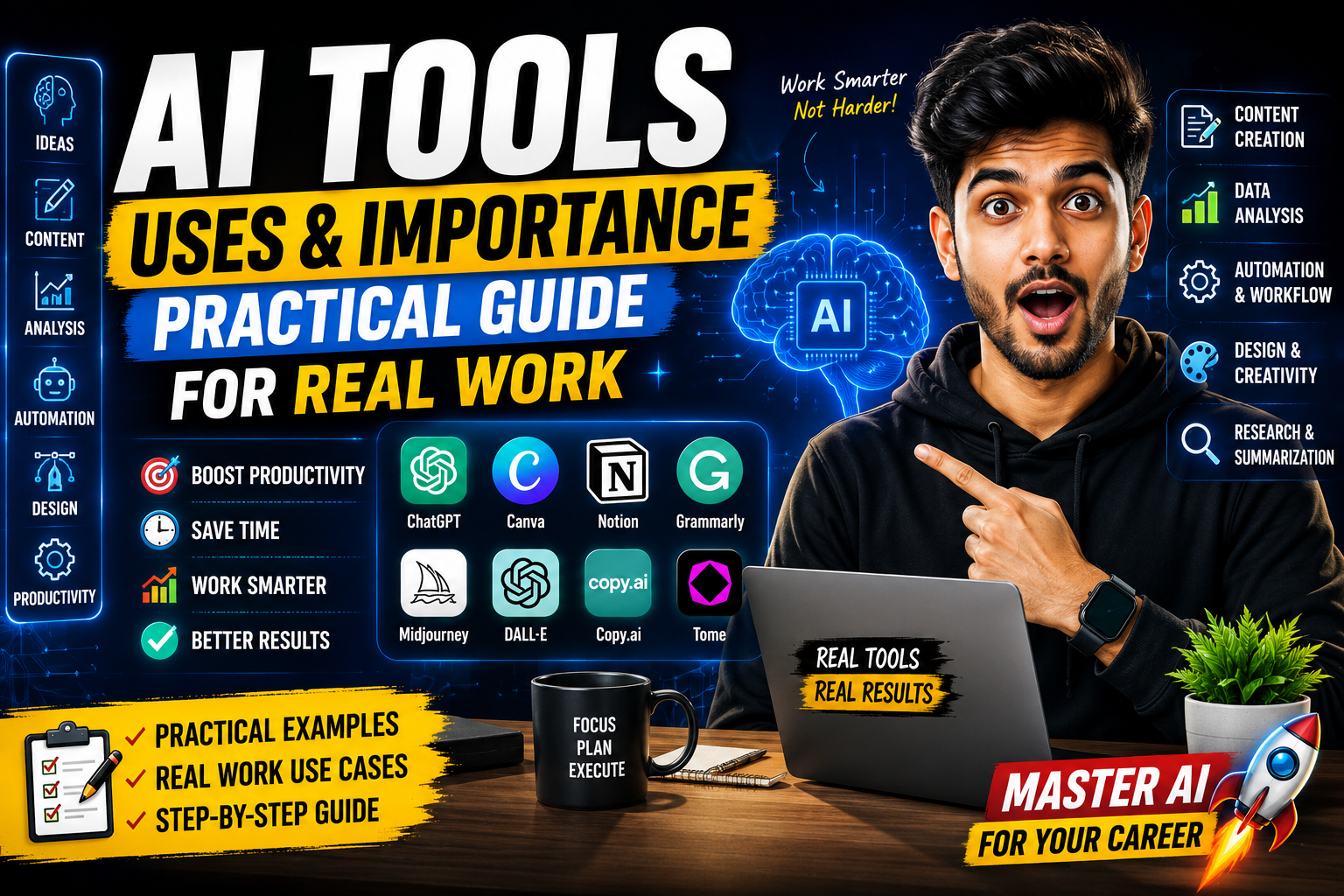
Hello friends, today we are going to look at something many people are curious about but still a little confused on, the real uses and importance of modern AI tools. Maybe you see people posting AI generated images, essays, or code and you are wondering what is actually useful and what is just hype.
This blog will help you understand where AI tools genuinely save time, where they create new problems, and how you can fit them into your daily work or study. We will walk through real examples from writing and research to marketing, coding, design, and business operations, with clear pros and cons for each area.
The guide is for students, freelancers, content creators, small business owners, and even office workers who hear about AI every week but do not know which tools to try first. You do not need to be a programmer. You only need basic computer or smartphone skills and a little curiosity to experiment and learn.

Since there are hundreds of apps on Android, iOS, and the web that promise smart automation, it is easy to install the wrong one or trust risky shortcuts. Here we will focus on responsible uses and realistic benefits, so you can choose safe AI tools, build better prompts, and avoid common beginner mistakes that waste time or harm your reputation.
Related Resource
The Ai Tools button above opens the WhatsApp resource connected to Ai Tools Uses And Importance. Tap it if you want to join the related group, channel, or update link.

What Are AI Tools In Simple Words
AI tools are apps or websites that use machine learning models to perform tasks that usually need human thinking or creativity. Examples include chat based assistants for writing, image generators for graphics, transcription tools for audio, and recommendation engines for marketing.
Many of them run in the cloud, so you only need a browser or a simple mobile app. Features and accuracy can change quickly as models are updated, so an AI tool that feels average today might become much better or more expensive in a few months.
Main Uses Of AI Tools In Daily Work
1. Writing, research, and communication
One of the most common AI tools uses and importance points is faster writing. People use AI chat tools and copywriting apps to draft emails, blog outlines, captions, and basic reports. The tool suggests structure and wording so you are not starting from a blank page.
For example, a marketing assistant might ask an AI tool to turn product notes into three versions of a social media post, short, medium, and long. The human then edits for brand voice and accuracy. This workflow can cut writing time in half while keeping control over the final tone.
2. Coding assistance
Developers use AI coding tools to suggest code snippets, explain error messages, and generate test cases. These tools plug into popular editors or run in the browser. They are helpful for routine patterns, boilerplate code, and learning new frameworks.
The catch is that AI generated code can contain subtle bugs or outdated methods. Good teams treat it as a pair programmer, not as a replacement. They still review every line and run tests before sending code to production servers.
3. Content creation for social and blogs
Creators rely on AI to brainstorm video ideas, generate article outlines, repurpose long content into shorter clips, or suggest hooks and titles. Some use AI video or audio tools to clean background noise or add captions automatically.
Suppose a YouTube creator uploads a transcript of a 15 minute video to an AI tool. The tool can produce a summary, ten short title ideas, and three description variations with keywords. This gives the creator options and speeds up the publishing process.
Comparison Of Popular AI Tool Types
Here is a quick comparison of common AI categories so you understand where each type fits.
| AI Tool Type | Main Use | Typical Strengths | Typical Limitations |
|---|---|---|---|
| Chat and writing assistants | Draft text, answer questions, summarize | Fast, flexible, good for first drafts | May invent facts, needs human editing |
| Code assistants | Suggest code, explain errors | Saves time on boilerplate, useful for learning | Can create insecure or inefficient code |
| Image generators | Create visuals from text prompts | Great for concepts, thumbnails, mockups | Quality varies, license terms can be complex |
| Audio and transcription tools | Convert speech to text, edit audio | Good accuracy in clear audio, huge time saver | Struggles with accents or noise, privacy concerns |
| Analytics and marketing AI | Predict trends, segment audiences | Data driven recommendations, pattern detection | Needs quality data, can be hard to audit |
Why AI Tools Are Important For Different Users
Students and learners
Students use AI for summarizing long chapters, generating quiz questions, and checking grammar. When used carefully, this supports better understanding of complex topics. The danger appears when students copy full AI answers without thinking, which can cause plagiarism issues and weak long term learning.
Small businesses and startups
For small teams with limited budget, AI tools can act like extra staff for basic tasks. You can handle support replies, FAQ documents, product descriptions, and simple marketing content much faster. This helps you look more professional before you can afford a larger team.
However, relying only on AI text for customer communication can feel cold or generic. Business owners should review key messages, especially in sensitive areas such as refunds, legal terms, or health related topics.
Case study style example: Local service business
Imagine a small home cleaning company with three staff. The owner uses an AI writing tool to create service page descriptions, and an AI spreadsheet helper to analyze which neighborhoods bring the most repeat bookings. With that insight, the owner adjusts ads to focus on high value areas and uses AI again to test different ad messages.
Within a few months the team sees more targeted leads and spends less on broad advertising. The AI tools did not replace any worker, they simply handled the writing draft and basic data insight so the owner could make faster decisions.
How To Start Using AI Tools Safely And Effectively
Step 1: Choose tools from trusted sources
Install apps only from official stores or the vendor website. Be careful with browser extensions that request wide access to your data. Check recent reviews and see whether the company explains its privacy policy in simple language.
Step 2: Learn basic prompt skills
Most AI tools respond much better when you give context. Instead of asking write an email, try this structure: role, goal, format, and key points. For example, you can say you are a freelance designer, you need a proposal email, you want two short paragraphs, and you must mention earlier work with the client.
Step 3: Always review and fact check
AI models are not connected to a perfect database. They can sound confident and still be wrong, especially with statistics, medical details, or legal topics. For any critical content, double check facts with official websites, updated documentation, or human experts.
Step 4: Protect confidential information
Many AI providers log your prompts to improve their models. Do not paste passwords, full customer lists, unreleased financial data, or private contracts into public tools. If your company handles sensitive data, speak with your IT or legal team before using external AI services.
Common Mistakes People Make With AI Tools
- Copying AI content word for word without editing or checking grammar nuances
- Assuming AI understands context from past chats when the session was cleared or expired
- Using free tools with unclear data policies for sensitive business planning
- Trusting AI for final legal, medical, or financial decisions instead of only for research support
- Forgetting to add their own brand voice, stories, or local detail, leading to generic content
Conclusion
The real value of AI tools comes from using them as intelligent assistants, not as replacements for human judgment. They are strong at pattern recognition, language patterns, and fast drafting. You are strong at context, values, real experience, and final decisions.
If you pick reliable tools, build clear prompts, and keep a habit of editing and fact checking, AI can reduce busy work and free more time for deep thinking and creative projects. Start with one or two trusted tools, test them on low risk tasks, then expand your workflow as you gain confidence and see measurable time savings.
FAQ
Are AI tools free or paid
Many AI tools offer free tiers with usage limits. Paid plans usually unlock higher quality models, faster speed, team features, or API access. Start with free plans, then pay only when you see real value.
Can AI tools replace my job
AI is more likely to replace specific tasks than entire jobs. People who learn to work with AI often become more valuable, because they deliver the same work faster and can focus on complex decisions.
Is it safe to use AI for school assignments
Schools differ in their rules. Using AI to brainstorm, summarize, or check grammar is usually safer than submitting AI text as your own. Always follow your school policy and be honest about assistance.
Which AI tool should beginners try first
Most beginners start with a general chat based AI assistant for writing and questions. Then they add one focused tool, such as a transcription app, image generator, or code helper, based on their main work.
Will AI content hurt my SEO
Search engines focus on value and originality, not on whether a tool helped write the content. Low quality, unedited AI text can harm SEO. Helpful articles that are reviewed, fact checked, and tailored to user needs can perform well.
Thank you for reading. If you found this helpful, consider following this blog for more latest tech news, useful apps, AI tools, and practical updates that can improve your daily work and digital life.