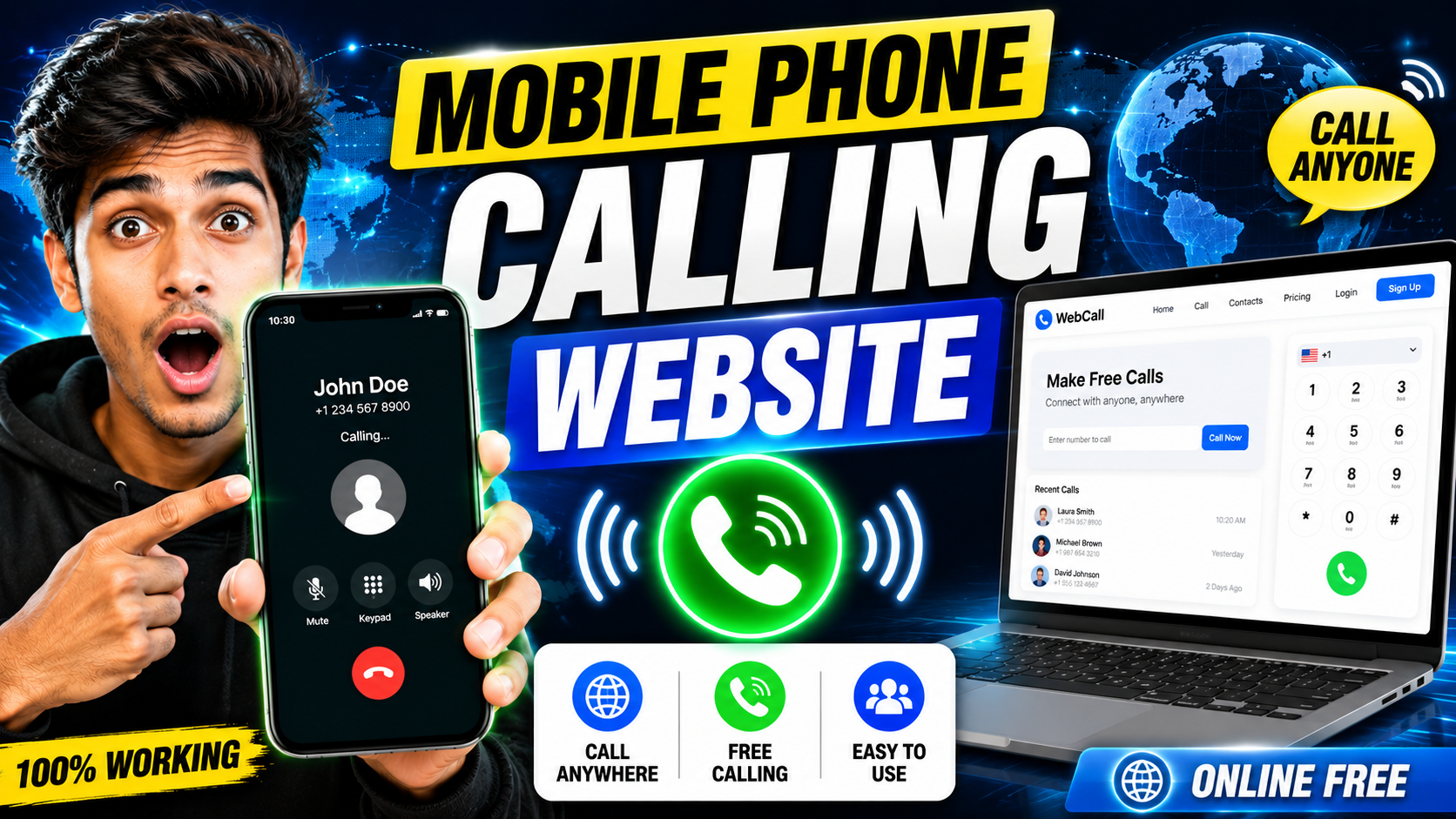
Hello friends, today we are going to try something useful with this topic. Many people want to call from laptop, office computer, or a spare phone, but do not know which mobile phone calling website is safe or how to set it up correctly. You might just want cheaper international calls or a way to call when your SIM has no balance but Wi Fi is available.
This article will help you understand how browser based calling works, what a mobile phone calling website can and cannot do, and which options are realistic for daily use. You will see the main types of services, a quick comparison table, and step by step examples so you can start calling without wasting money or time on shady sites.
The guide is written for regular users, not telecom engineers. If you are a student living abroad, a freelancer talking to clients, a family member calling relatives in another country, or someone who just needs a backup way to call when the phone network is weak, this will give you a clear path to follow.
We will also connect this information to a few reliable categories of tools, such as VoIP credit websites, web based calling apps, and number rental services. That way, when you see a big call now button on a new site, you will know what to check before you enter your card details or allow access to your microphone.
Related Resource
The WEBSITE LINK button above opens the related resource for Mobile Phone Calling Useful Website Online. It is included so readers can reach the mentioned page directly.

What is a mobile phone calling website
A mobile phone calling website is a service that lets you place voice calls to real phone numbers directly from your browser. Instead of dialing from a SIM, you use your internet connection. Some websites give you a temporary number, some use your existing number for caller ID, and some only support app to app calls, which means they cannot reach a regular landline or feature phone.
Most of these services are built on VoIP technology. Voice is converted to digital data and sent over the internet to the provider, which then connects your call to the normal telephone network. In practice, quality depends on three things, your network stability, the provider’s infrastructure, and the hardware you use like headset or laptop microphone.
Main types of mobile phone calling websites
Not all calling sites work in the same way. Understanding the categories helps you avoid wrong expectations and confusing pricing.
1. Browser dialer from big communication platforms
Examples include Google Voice in supported regions, Skype Web, and some corporate tools like Microsoft Teams or Zoom when calling real numbers. These usually require an account, sometimes paid credit, but are more stable and better documented.
2. Credit based VoIP portals
These are sites where you buy call credit then dial any mobile or landline number from the browser. Rates can be cheaper than normal carriers, especially for international calls. Users should always check the rate table for the specific destination, and test with a very small recharge first because some providers have hidden connection fees.
3. Virtual number and cloud PBX services
These are slightly more advanced, often used by small businesses. You rent a number from a region, receive calls in the browser, and can also call out. For freelancers or online shop owners, this is useful to keep a separate business number without buying an extra SIM.
Quick comparison of common calling website types
The table below compares typical features of these categories. Exact details vary, so always check the actual site.
| Type | Best For | Can Call Any Phone | Estimated Cost Level | Extra Notes |
|---|---|---|---|---|
| Big platform browser dialer | Personal calls, light business use | Often yes, in supported countries | Low to medium | Better support and app integration |
| Credit based VoIP portal | Frequent international calls | Usually yes | Low, but varies by destination | Watch for connection fees and rounding rules |
| Virtual number or cloud PBX | Freelancers, small business | Yes for most providers | Medium, monthly plus usage | Can receive calls in browser and forward to mobile |
How to set up a mobile phone calling website step by step
The exact interface is different on each site, but the basic workflow is similar. Use this as a checklist when you try any new service.
Step 1, choose a trusted provider
- Search for providers that clearly show company name, physical address, and support contacts.
- Check if the site uses HTTPS with a valid padlock in the browser bar.
- Look for clear rate tables and terms of service before creating an account.
Step 2, create and secure your account
- Sign up with an email you actually monitor, not a throwaway address.
- Use a strong password and enable two factor authentication if offered.
- Avoid reusing the same password you use on banking or email.
Step 3, set up calling details
- Fill in your caller ID options when possible, sometimes you can verify your personal number so it shows to the person you call.
- Grant microphone permission only when the browser asks and only for that site.
- Use a wired or good quality Bluetooth headset to reduce echo and background noise.
Step 4, test with a short call
- Make a quick test call to a close friend or your other phone.
- Check sound delay, echo, and connection stability.
- If the voice breaks, switch from Wi Fi to wired network or move closer to the router.
Real world examples of using a calling website
Example 1, student calling family abroad
Imagine a student living in Germany with family in India. Normal carrier rates per minute are quite high. The student opens a reputable VoIP credit site, loads five euros, and checks the exact per minute price to India. They then schedule weekly calls through the browser using a laptop and headset. The family answers on a regular feature phone, and both sides talk just like a standard call.
Example 2, backup calling during network outage
In some cities, mobile networks become overloaded during large events. A user might still have fast Wi Fi at home but cannot place regular GSM calls. A browser based calling site that supports outbound calls to mobiles becomes a backup channel. It is not perfect, sometimes there is a small delay, but it is often enough to coordinate with family or colleagues when normal voice is congested.
Case study style workflow, freelancer with a virtual number
Consider a freelance designer who works with clients in the United States while living in another region. Many clients prefer to see a local US number. The freelancer signs up for a virtual number service, rents a number from a US area code, and configures that number to ring in the browser and forward to their mobile when they are away from the desk.
On working days, the freelancer keeps the calling site open in a browser tab. When a client dials the US number, the browser pops up an incoming call window. The freelancer answers with a USB headset, checks caller details in a CRM tab, and takes notes during the call. Outbound calls show the same US number, which keeps communication consistent and more professional.
The main friction point here is configuration. The freelancer must set business hours, voicemail, call forwarding limits, and spending caps so that spam or robocalls do not burn through the credit. They also need to export call logs regularly for invoices. This setup takes a few hours, but once it is stable, the calling website becomes a central hub for voice communication.
Privacy and safety checks before you use any calling site
Voice calls carry sensitive information, so taking a few minutes for safety checks is important. Never create an account or recharge credit on a site that does not show a privacy policy and data handling explanation. If there is no clear statement about call recording, assume calls may be logged for quality and billing, and avoid sharing passwords or banking details by voice.
Do not store your payment card details if the site gives an option to pay as you go without saving the card. When possible, use a trusted payment method that offers dispute protection. If a calling site asks for unnecessary permissions, such as access to all your contacts, think carefully whether you really need that feature or if you can dial numbers manually from a separate document.
Conclusion
A mobile phone calling website can be a powerful tool when you pick the right type for your needs. Big platform dialers work well for casual and mixed use, credit based VoIP portals are ideal for cost conscious international calls, and virtual number services fit freelancers or small teams who want a professional presence without extra SIM cards.
The smart approach is to start small. Create an account with a reliable provider, add a minimal amount of credit, and test outgoing calls to a few numbers. Monitor quality, check the billing page, and adjust your setup step by step. With a stable internet connection and a bit of initial tuning, browser based calling can reduce your phone bill and give you more flexible ways to stay in touch.
FAQ
Is it legal to use a mobile phone calling website in my country
In many regions VoIP calling is legal, but some countries restrict or block certain services. Always check local regulations and your internet provider rules before relying on a calling website for important communication.
Can I call emergency numbers from these websites
Most online calling services do not support emergency numbers. Even when they claim some support, it may route incorrectly. For any emergency, you should use your local mobile or landline network, not a browser based call.
Are free calling websites safe to use
Some are legitimate, but many free only services limit call duration, show ads, or collect a lot of data. Avoid sites that hide their company identity or push you to install unknown browser extensions. Short test calls and basic security checks are essential.
Will my mobile number show when I call from the website
Only if the provider supports caller ID verification and you complete that process. Otherwise, the call may show a generic number or private. Check the caller ID section in your account settings before calling clients or important contacts.
What internet speed do I need for clear calls
Stable connection matters more than raw speed. As a rough guide, 1 Mbps upload and download is usually enough for a single clear voice call. If calls sound robotic or delayed, reduce other heavy usage on the same network and move closer to the router.
Thank you for reading this guide. If you found it helpful, keep following this blog for more practical tech tips, mobile apps, AI tools, and the latest updates that make daily digital life easier.