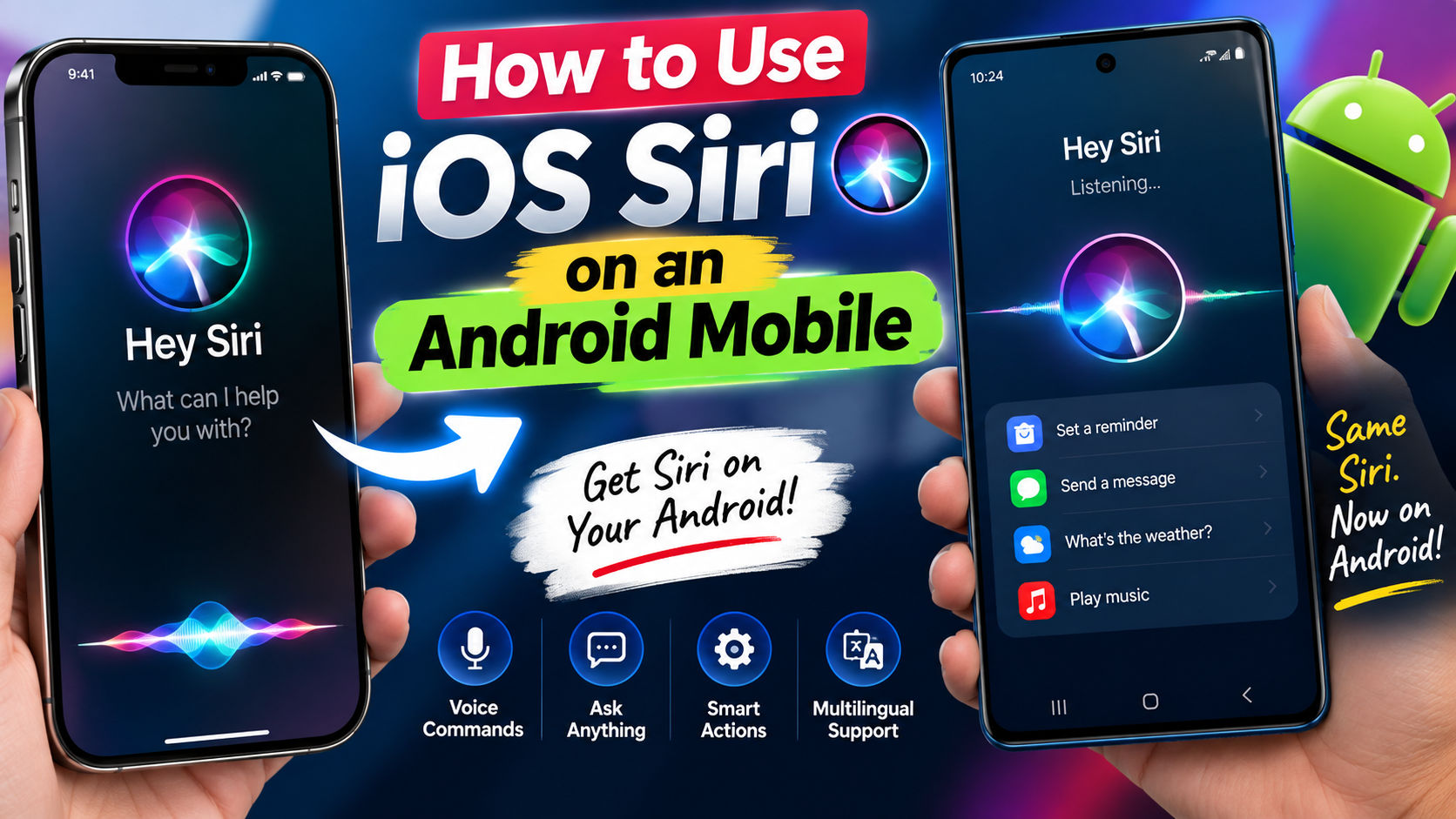
Today we are explain the best trick for every android mobile user so If you have recently switched from an iPhone to an Android phone, you may be wondering whether you can still use Apple’s Siri on your new device. Siri is one of the most well-known voice assistants, and many iPhone users are already familiar with using it for tasks such as making calls, sending messages, setting alarms, checking information and controlling different features on their devices.
But there is one important thing you need to know before trying to install Siri on your Android phone: Apple does not officially provide a Siri app for Android.
Siri is deeply integrated into Apple’s operating systems and hardware. Apple currently describes Siri as an assistant built into products such as the iPhone, iPad, Mac, Apple Watch and other Apple devices.

So, if you are using a Samsung, OnePlus, Xiaomi, Vivo, OPPO, Pixel or any other Android smartphone, you cannot simply download the official Siri app from the Google Play Store and use it like you would on an iPhone.
Can You Install Siri on Android?
The short answer is no, not officially.
There are websites and third-party apps that claim to offer “Siri for Android” or a Siri-like experience. However, these are not the official Apple Siri service. Some may simply provide a voice-assistant interface, while others may redirect your commands to a different assistant or AI service.

Android Siri APP
This is why you should be careful when searching for an APK that claims to be the “official Siri for Android.” Apple does not distribute an official Android version of Siri.
For example, if you see an APK named something like “Siri Assistant Android” on an unknown website, installing it does not mean you are installing Apple’s Siri. Apart from the fact that it is not genuine Siri, installing APK files from unknown sources can also create unnecessary security and privacy risks.
Why Doesn’t Siri Work on Android?
The main reason is that Siri is part of Apple’s software ecosystem rather than being a standalone Android application.
On an iPhone, Siri can interact with system features and Apple apps. It can perform actions such as opening apps, sending messages, setting alarms and responding to voice requests. Apple also continues to expand Siri with its newer Apple Intelligence features.
As of 2026, Apple has introduced Siri AI, a more conversational version of Siri powered by Apple Intelligence. Apple says the new Siri can understand personal context, provide richer responses and perform more systemwide actions.
These features are designed for supported Apple hardware and software, not Android phones.
What Can You Use Instead of Siri on Android?
Although you cannot officially install Siri on Android, you don’t really need to.
Android phones already have several alternatives that can perform many of the same tasks. Depending on your phone and software version, you can use Google’s AI assistant features, Gemini, or other compatible AI assistants.
For example, you can use an AI assistant to perform tasks such as:
- Asking questions
- Setting reminders
- Checking information
- Creating messages
- Getting directions
- Managing certain phone functions
- Summarizing information
- Generating text
- Having a conversational interaction
The exact features available can vary depending on your Android phone, operating system, installed apps and account settings.
How to Get a Siri-Like Experience on Android
If your goal is not specifically Apple’s Siri but rather a voice assistant that behaves like Siri, Android gives you several options.
Start by checking which AI assistant is available on your phone. On many newer Android smartphones, you can use Google’s AI services to ask questions using your voice.
For example, instead of saying:
“Hey Siri, set an alarm for 7 AM.”
you can use your Android phone’s supported assistant and say:
“Set an alarm for 7 AM.”
Similarly, instead of asking Siri to call someone, you can tell your Android assistant to call a saved contact.
Another example is asking for information. You could say:
“What’s the weather going to be like tomorrow?”
or
“Remind me to call John at 5 PM.”
The exact command support depends on the assistant and your Android device.
Can You Use Siri Through an iPhone?
There is one unusual situation where you can still use Siri while owning an Android phone: if you also have an Apple device that supports Siri.
For example, suppose you use an Android phone as your primary smartphone but still have an iPad or Mac. You can use Siri on that Apple device because Siri is supported there.
However, that does not make Siri available on your Android phone itself.
In other words, having an Apple ID does not mean you can download Siri onto Android. Siri’s availability depends on the Apple device and operating system.
What About Siri Shortcuts?
You may also come across tutorials claiming that Siri Shortcuts can be installed on Android. This can be confusing.
Siri Shortcuts are part of Apple’s ecosystem and are designed to work with supported Apple devices. They are not an Android replacement for Siri.
If you find an Android application using the word “Siri” in its name, check the developer carefully. It may be an independent third-party application and not something developed by Apple.
Is There a Siri APK for Android?
No official Siri APK for Android is available from Apple.
This is an important point because many users search for terms such as “Siri APK download,” “Siri for Android APK” or “Siri Android latest version.”
Downloading an APK from an unofficial website will not give you the real Apple Siri experience.
For example, an APK claiming to be “Siri for Android” may simply provide a different voice assistant with a similar interface. Another app may contain advertisements or request permissions that have nothing to do with Apple’s Siri.
Therefore, it is better to avoid unofficial Siri APK downloads.
Can Android Phones Get Siri in the Future?
There is no indication that Apple is offering an official Android version of Siri. Apple’s current Siri development continues to focus on its own hardware and operating systems.
Apple’s latest Siri AI is being introduced across supported Apple platforms, with Apple describing it as deeply integrated into iPhone, iPad, Mac, Apple Watch and Apple Vision Pro.
That means Android users should not wait for a Siri APK or unofficial installation method.
Instead, Android users can use the AI assistants already available on their devices.
Final Thoughts
So, can you use iOS Siri directly on an Android mobile? No.
There is currently no official Apple Siri application that you can install from the Google Play Store and use on an Android smartphone.
If you specifically want Apple’s Siri, you need a compatible Apple device. If your actual goal is simply to have a smart voice assistant on Android, you have several alternatives that can perform many of the same everyday tasks.
The important thing is not to confuse a third-party “Siri for Android” app with the real Apple Siri. If an unknown website asks you to download a Siri APK, especially outside the Google Play Store, it is better to avoid it.
For most Android users, using the AI assistant already supported by their phone is the simpler and safer option. You get voice commands, AI-powered answers and smartphone-related functions without trying to force an Apple service onto an Android device.