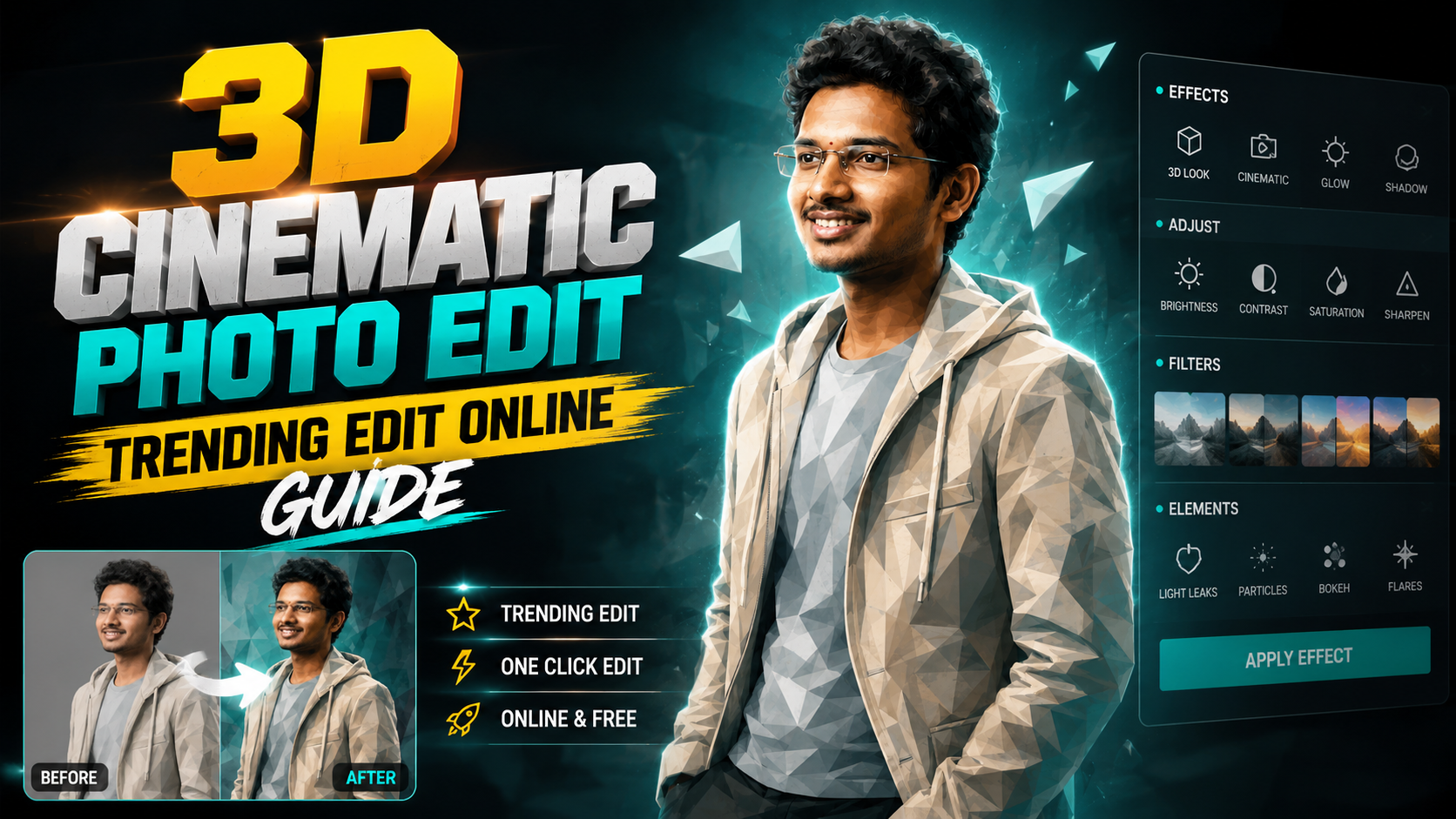
Hello friends, today we are going to try something useful with this topic of 3D cinematic photo trending edit online. Many people see those smooth parallax photos and fake 3D moves in Reels and shorts, but when they try to copy the effect the result looks flat or shaky. This guide will show a clear way to reach that modern look using online tools without heavy desktop software.
This article will help you turn a normal photo into a depth style 3D cinematic animation that feels ready for social media. We will look at the basic idea behind the trend, the type of photo that works, the best web tools to try, and a step by step workflow. You will also see real examples and a mini case study to fix a common bad edit.
The guide is written for beginners who edit on phone or simple laptop, short form content creators who want scroll stopping cover images, and anyone who likes experiments with depth, blur, and motion. You do not need pro skills, but you should be comfortable with uploading a photo, adjusting sliders, and exporting a short video or GIF.
We will focus on online editors that run inside the browser. Some use AI depth maps, some use simple layer animation. Most have a free tier with watermarks or export limits, which is usually enough to test your style. When you are ready you can connect these tools with your usual apps for Reels, YouTube Shorts, or status videos.
Related Resource
The Photo Making Prompt button above opens the related resource for 3D Cinematic Photo Trending Edit Online. It is included so readers can reach the mentioned page directly.
What People Mean By 3D Cinematic Photo Trending Edit
When people talk about a 3D cinematic photo trending edit online they usually mean a still image that has fake depth, smooth camera movement, and a film like color grade. The photo looks like a short shot from a movie, even though it started as a simple picture.
Three key parts create this feeling:
- Depth or parallax effect where foreground and background move at different speeds
- Cinematic color and lighting like teal and orange, soft contrast, or light bloom
- Slow camera style movement such as push in, slide, or tilt with easing
If even one part is missing the result often feels like a basic zoom effect. The trend works best when all three are balanced and not overdone
Online Tools That Work Well For 3D Style Photo Edits
There are many sites that promise one click 3D photos. In practice the quality depends on your photo, internet speed, and the specific effect you choose. Here is a simple comparison table of common categories of tools that people use for this style.
| Tool type | Good for | Typical limits | Best use case |
|---|---|---|---|
| AI depth photo sites | Automatic 3D parallax from a single image | Depth errors around hair and fingers, export length limits | Quick social media clips with minimal manual work |
| Online video editors | Keyframe movement, color grading, text, music | Need more manual control, slower on weak devices | Full cinematic edit with titles and sound |
| Social template sites | Pre made 3D like templates for Reels and shorts | Style can look overused, brand logos or watermarks | Fast trend based posts where speed matters more than control |
Whichever option you pick, avoid unknown download links that ask for strange permissions. Stay with browser editors from brands that clearly show pricing, terms, and privacy policies.
Basic Workflow For A 3D Cinematic Photo Trending Edit Online
Step 1 Choose the right photo
The trend looks best when the subject stands clearly in front of the background. For example a person in front of buildings, a car on a road, or a product on a table. Avoid busy backgrounds where everything is at similar distance. That confuses depth tools and gives messy edges.
Step 2 Create depth or parallax
Open your chosen browser tool and upload the photo. Look for options named 3D photo, parallax, camera move, or depth map. Many tools detect layers automatically. If the site allows manual depth painting, quickly mark foreground, midground, and background. Simple three layer depth often looks more stable than a very detailed one.
Step 3 Add the cinematic feel
After depth is ready, move to color and motion. Choose a soft film style filter, then reduce strength so the skin tone does not become too orange. Add a gentle vignette and a bit of blur on the far background. Set a slow push in or slide move, usually between two and four seconds, and add easing so the motion starts and stops smoothly, not robotic.
Step 4 Export for the correct platform
Most tools let you export as MP4 video, WebM, or GIF. For Reels and shorts choose vertical 9 by 16. For story posts you can also use the same. Check the bitrate and resolution, higher looks better but can be heavier on slow networks. Test a short five second export before making longer clips so you do not waste time on a setting that does not match.
Real World Examples You Can Try
Example 1 Portrait with slow push in
Take a half body portrait where the person stands in front of a city street. Use an AI depth site to create a 3D photo. Set the movement to a gentle push in toward the face, and apply a soft film filter with cooler shadows and warm highlights. Add a slight blur on the cars in the back. This works well as a cover clip for a vlog or quote video.
Example 2 Product shot with lateral parallax
Start with a product on a table, shot slightly from the side. In your online editor separate the product as foreground and room as background. Set a sideways camera move, like sliding from left to right. Add a highlight glow on the product and darker corners. This can be used as the opening three seconds of a product reel or review short.
Mini Case Study Fixing A Flat 3D Edit
Imagine you upload a selfie to a 3D site and the result looks fake. The face stretches, the hair has holes, and the background warps. This happens often with close up selfies because the depth difference between nose and ears is small and the background may already be blurred from portrait mode.
To fix this you can change the source photo first. Choose a slightly wider shot that shows the upper body, not only the face. Make sure the background has clear objects such as trees or buildings. In the editor reduce the depth strength or parallax distance. Strong depth looks cool in previews but quickly breaks at the edges on real faces.
Next, hide rough areas by styling. Add a bit more blur to the far background and a soft grain layer across the whole frame. Grain can mask small warping and feels more film like. Finally, shorten the movement duration so the camera does not travel too far. A shorter but cleaner move usually looks more premium than a long glitchy one.
Common Mistakes With Online 3D Cinematic Edits
- Using low resolution screenshots instead of proper photos, which gives fuzzy depth maps
- Over using zoom, which quickly makes viewers dizzy on small screens
- Stacking too many filters so skin tones and shadows look dirty
- Ignoring export settings, which can lead to heavy files that fail to upload on mobile data
- Uploading personal or private photos to random sites without checking privacy policies
A small tip is to keep a folder of safe test photos on your device. Use those when trying a new site. Once you trust the workflow you can move to more personal images.
Conclusion
Creating a 3D cinematic photo trending edit online is mainly about three things. Start with a photo that has clear depth, use a tool that gives you at least basic control over parallax and color, and export in the right format for your platform. You do not need advanced desktop skills, but you do need patience to test a few variations.
If you are just starting, pick one AI depth site and one online video editor and learn them well instead of jumping between ten different options. After two or three projects you will know what camera moves fit your style, how strong the depth should be, and which filters keep your subject natural. From there you can slowly add music, text, and more complex scenes.
FAQ
Which photo size is best for online 3D edits
For most tools, a photo around 2000 to 3000 pixels on the long side is enough. Larger images increase upload time and do not always improve depth quality.
Can I do 3D cinematic edits only on mobile
Yes, many browser based editors work on phone browsers. A larger screen is more comfortable for fine depth masking, but you can still get good results on a recent phone.
Why does my 3D photo look noisy after export
Some online tools compress video heavily to save bandwidth. Try a higher quality export setting if available, or shorten the clip duration to keep file size reasonable.
Is it safe to upload personal photos to these sites
Safety depends on the service. Always read the privacy policy and avoid uploading sensitive images. For very private content, prefer offline software instead of web tools.
How long should a 3D cinematic clip be for Reels
Three to six seconds works well for most platform algorithms and viewer attention. You can loop the same move or combine two angles inside a longer reel.
Thank you for reading this guide. If you found it helpful, keep visiting this blog for more latest tech news, useful apps, AI tools, and online editing updates.








