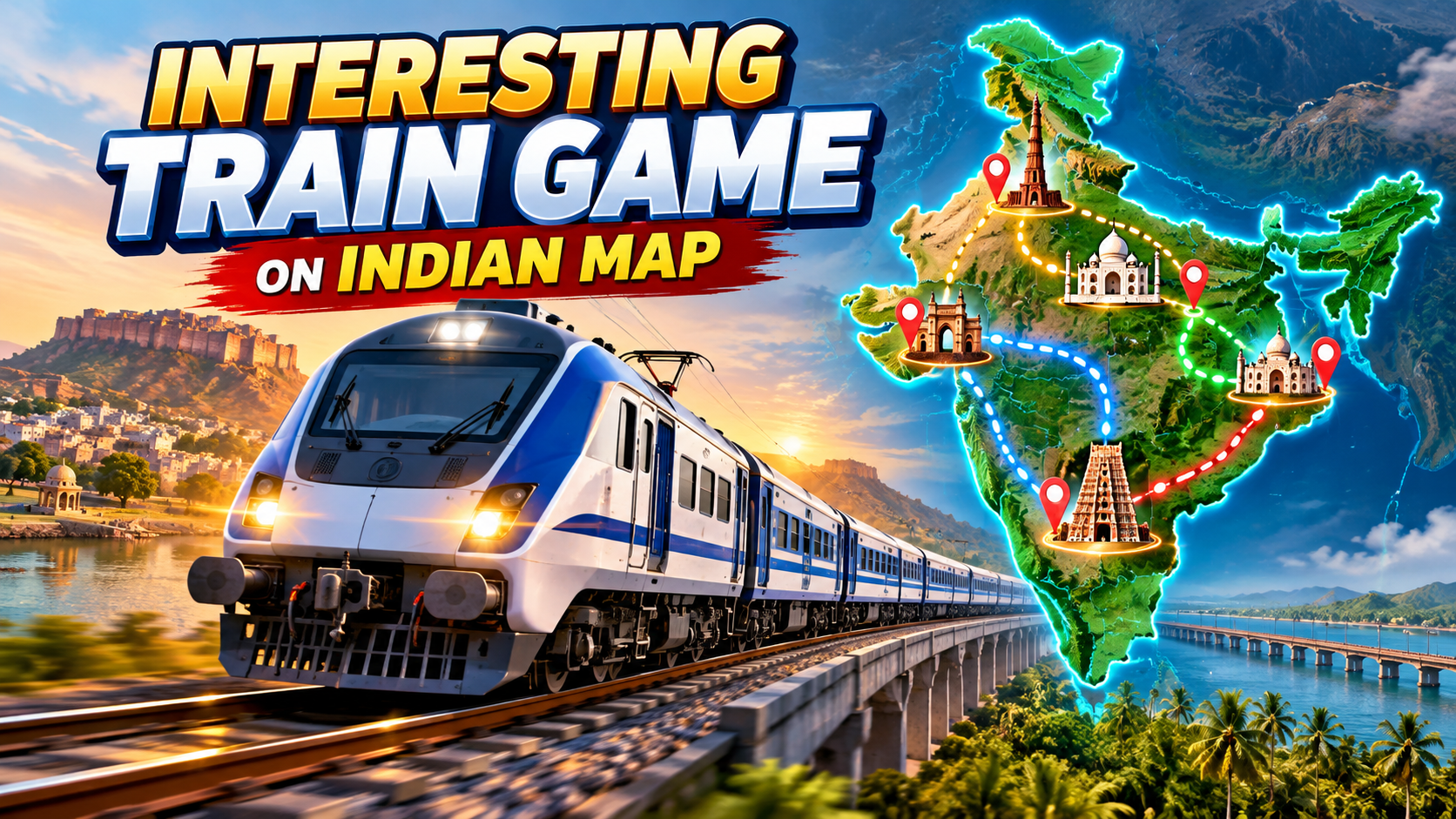
If you enjoy watching long distance trains on Indian Railways, the new wave of Indian map train games can be surprisingly absorbing. These titles don’t just drop a train on a generic track they draw full routes on an India map, sometimes with real stations like Mumbai CSMT, Howrah, and Vijayawada.
This guide focuses on how these map based Indian train games work, what to expect when you install one on your phone or PC, and how to tune settings for a smoother, more realistic experience.
1. What Indian Map Train Games Actually Do
Most Indian train games that highlight map in the description do at least one of these things:
- Show an India map with your route: A 2D or 3D overhead map with your departure and arrival stations pinned.
- Use real or inspired station names: Major junctions, metros, and sometimes even small halts along main routes.
- Let you pick routes from the map: You tap on a line or a city pair (e.g., Delhi → Jaipur) directly on the map screen to start a scenario.
- Draw live ish progress: A small minimap shows your train icon moving along its path as you drive.
More advanced titles also try to match real Indian Railway geography for example, coastal tracks in the Konkan region, tunnels in hilly sections, or bridges over big rivers.
Reality check: Even when the map looks official, it is still a game. Station layouts, timings, or distances are usually simplified so the gameplay doesn’t become painfully slow.
2. Before You Install: Safe Sources and Device Checks
Plenty of copycat apps use Indian Train and Map Game in the title to attract quick installs. A few safety checks help you avoid junk or risky apps.
2.1 Stick to official stores
- Use Google Play Store on Android and Apple App Store on iOS.
- Avoid random APK sites or modified builds that promise unlimited coins or all trains unlocked. These often carry malware or aggressive ads.
2.2 Skim the app listing carefully
- Check screenshots: Look for a clearly drawn India map, route selection UI, and cab view. If all screenshots look like generic foreign routes, it’s probably not the India map experience you expect.
- Read 2 3 recent reviews: Focus on comments about ads, controls, and performance, not just star ratings.
- Note the file size: Larger map based sims (500 MB+) may offer better graphics but can be heavy on low end phones.
2.3 Quick device reality check
On older budget phones, 3D Indian map train sims can struggle. Expect:
- Long initial loading times when the map and textures are generated.
- Frame drops in dense areas with cities, signals, and multiple trains.
- Battery drain during long sessions.
If your device is already close to full storage, clear some space first to reduce crashes when loading large routes.
3. First Time Setup: Graphics, Map View, and Controls
Once you launch the game, spend 2 3 minutes in the settings instead of jumping straight into a long route. It prevents a lot of frustration later.
3.1 Graphics and performance
- Graphics preset: Start on Medium. If the game runs smoothly for 10 15 minutes, try bumping to High.
- Shadows and reflections: These look nice on station platforms and over rivers, but they are also the first things to turn off if you see stutter.
- Draw distance: Some titles allow you to reduce how far ahead scenery is rendered. This directly helps on low end devices.
3.2 Controls and camera
- Control style: Many games give you a slider throttle or button based acceleration. Try both and stick with the one that feels less fiddly on your screen size.
- Camera rotation: If there’s a map camera or overhead camera, map it to an easy to reach gesture or button. It’s the best way to see where you are along the route.
- Invert axis options: Players coming from other simulators might prefer inverted look/scroll directions.
4. Reading the Indian Map: Routes, Signals, and Stations
The map layer is the main reason you picked an India focused train game, so it helps to understand what the on screen elements actually mean.
4.1 Route selection from the map
Common patterns you’ll see:
- Point to point routes: Tap a starting station pin (e.g., Chennai) and a destination (e.g., Bengaluru). The track between them lights up.
- Preset journeys: The game offers named trains like Express or Superfast on fixed paths, sometimes matching real routes.
- Freeroam mode: Less common, but some games allow you to explore segments without fixed schedules.
4.2 On route HUD and minimap
When you’re driving, look out for:
- Train icon: Shows your current position along the line.
- Upcoming station markers: Often color coded next stop in one color, later stops in another.
- Signal markers: Small dots or icons that may turn red, yellow, or green.
Many new players ignore the minimap and only watch the 3D track. That’s how you overshoot stations or jump signals without realizing there was a warning.
4.3 Basic signal and speed workflow
Each game implements signalling slightly differently, but a safe default pattern on most Indian map sims is:
- Glance at the minimap every 15 30 seconds to see upcoming signals.
- If you see a yellow or caution icon, gradually start reducing speed.
- If the next signal is red, aim to stop at least one train length before it.
- Use the map to judge distance; don’t rely on last second brake slamming.
This is especially important on busy corridors where the game simulates other trains crossing or sharing tracks.
5. Common Mistakes New Players Make on Indian Map Train Games
- Choosing the longest route first: A 2 3 hour real world express converted into game time can still feel long. Start with short commuter routes to learn controls.
- Ignoring time of day and weather: Night + rain + dense map layers can heavily drop FPS. If your phone is struggling, switch to clear daytime first.
- Playing on full brightness + mobile data: This drains the battery quickly. If the game supports offline play after install, consider switching to airplane mode to reduce background activity and pop up ads.
- Allowing all permissions blindly: Most train games should not need contacts, SMS, or microphone. Grant only what’s needed (e.g., storage for screenshots if clearly explained).
- Buying add ons too quickly: Many titles sell extra routes and locomotives. Play the free/base content long enough to decide whether the control scheme and graphics are comfortable before purchasing.
6. Privacy, Kids, and In App Ads
Train games attract kids who love to see colorful trains on a big map, but that combination of bright UI, ads, and purchases can be risky if not configured properly.
- Check for Offline mode: Some simulators offer a reduced ad offline mode once data is downloaded. Use it for kids to cut down on random links.
- Use platform level controls: On Android, consider enabling Google Play parental controls or using a child account so accidental purchases are blocked.
- Review data policy: Look for a basic privacy policy link in the app listing. If the studio is unknown and the policy is missing, think twice before letting kids use it unsupervised.
7. Quick FAQ on Indian Map Train Games
Do these games use real Indian Railways schedules?
Some premium simulators attempt to approximate real routes and timings, but most mobile games simplify schedules. Treat them as inspired by real operations, not a live timetable.
Can I play completely offline?
Many titles allow offline play once assets are downloaded, but features like leaderboards, cloud saves, or new route downloads will need an internet connection. Check the app description for an explicit offline note.
Why does the map look different from Google Maps?
Developers often use stylized or simplified map tiles. They might show only railway lines, major cities, and rivers. It’s normal if the map doesn’t match real satellite imagery.
Are these games available on PC too?
A few are, but many Indian map train games are mobile only. For PC, you may find separate train simulators with India route DLCs or community made maps. Always use official distribution platforms instead of random executable files from unknown sites.
Can these games help me learn Indian Railways geography?
They can give you a rough sense of which cities are connected and in what direction, but distances and branching routes may not be fully accurate. Use them as a fun helper, not a textbook.
For readers who enjoy experimenting with apps, you can also explore other simulation genres bus routes, truck routes, and city builders many now offer India based maps. Consider linking to your site’s broader Android app or game recommendation sections to keep readers exploring similar content.








