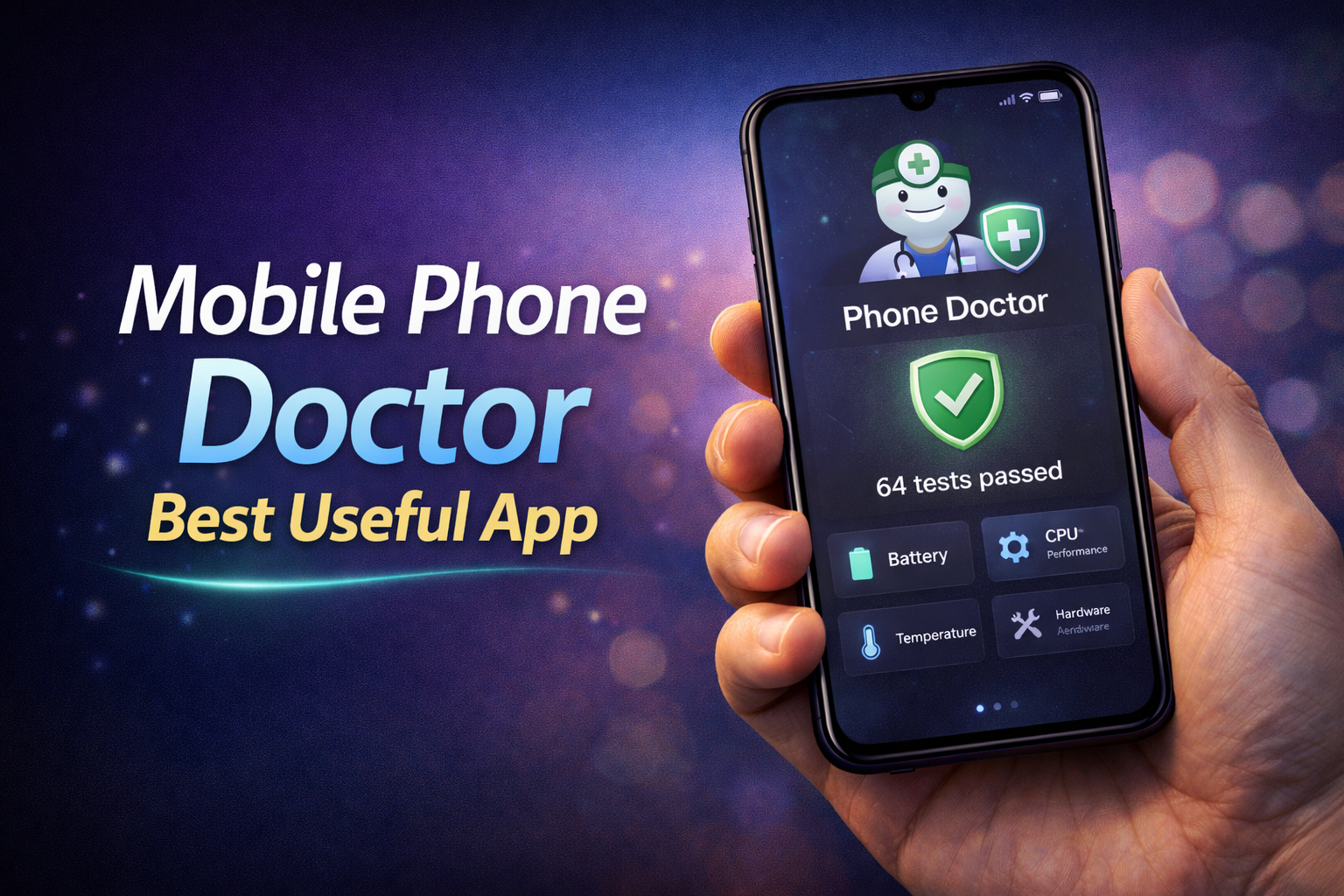
Smartphones have become an essential part of daily life, but most users don’t actually know the real condition of their device. Battery health, sensor performance, storage status, and hardware issues often go unnoticed until they become serious problems. This is where Phone Doctor Plus comes in as a highly useful tool for checking and maintaining your mobile phone’s health.
This app works like a complete diagnostic system for your smartphone. Instead of guessing what’s wrong with your device, it allows you to run detailed tests and get clear results about different components. Whether you are facing battery drain, screen issues, or sensor problems, this app helps identify the exact cause.
Why Mobile Diagnostic Apps Are Important
Most people only realize their phone has a problem when performance drops significantly. By that time, the issue may already be serious. A mobile diagnostic app helps detect problems early so you can take action before it gets worse.
For example, if your battery is degrading, the app can show reduced capacity and charging issues. Similarly, if your touchscreen has dead zones, the app can detect them through testing tools.
Ignoring these small issues often leads to bigger problems like overheating, sudden shutdowns, or hardware failure.
Key Features of Phone Doctor Plus
The app provides multiple testing tools that cover almost every part of your smartphone.
Hardware Testing
It allows you to test important hardware components like display, touchscreen, speakers, microphone, camera, and sensors. Each test gives instant feedback on whether the component is working properly.
Battery Health Check
Battery performance is one of the most critical factors in a smartphone. The app checks battery condition, charging speed, temperature, and overall health.
Sensor Testing
Modern smartphones include multiple sensors such as gyroscope, proximity sensor, and accelerometer. The app verifies if these sensors are functioning correctly.
Storage and Performance Analysis
The app analyzes storage usage and device performance. It helps identify unnecessary files, memory usage issues, and performance bottlenecks.
Real Use Cases
This app is especially useful in practical situations where users need accurate device information.
If you are planning to buy a second-hand phone, you can use the app to test all hardware components before purchasing. This helps avoid buying a faulty device.
Another example is troubleshooting. If your phone is lagging or overheating, running diagnostics can help identify whether the issue is related to battery, storage, or hardware.
Benefits of Using a Phone Diagnostic App
Using a diagnostic app provides several clear advantages.
• Detects hidden hardware problems early
• Helps maintain battery health
• Improves overall device performance
• Useful for buying or selling smartphones
• Saves repair costs by identifying issues early
For example, detecting a weak battery early can help you replace it before it affects daily usage. Similarly, identifying storage issues can improve phone speed.
Tips for Best Usage
Using the app correctly can give more accurate results.
• Run tests when your phone is not heavily used
• Perform full diagnostics at least once a month
• Avoid ignoring warning results
• Take action immediately if issues are detected
For example, if the app shows overheating, reduce heavy usage or check for background apps causing the problem.
Conclusion
Phone Doctor Plus is one of the most useful apps for monitoring and maintaining your smartphone’s health. It provides detailed insights into hardware, battery, and performance, helping users detect and fix problems early.
Instead of waiting for your phone to slow down or fail, using a diagnostic app gives you control over your device’s condition. In 2026, tools like this are essential for anyone who wants to keep their smartphone running smoothly and efficiently.
FAQs
Is Phone Doctor Plus safe to use?
Yes, it is a safe app that only analyzes your device and does not harm your data.
Can it fix problems automatically?
No, it mainly detects issues. However, it helps you understand what needs to be fixed.
Is it useful for old phones?
Yes, it is especially helpful for older devices to check battery health and hardware condition.
How often should I use it?
Running a full diagnostic once a month is enough to keep track of your phone’s condition.








