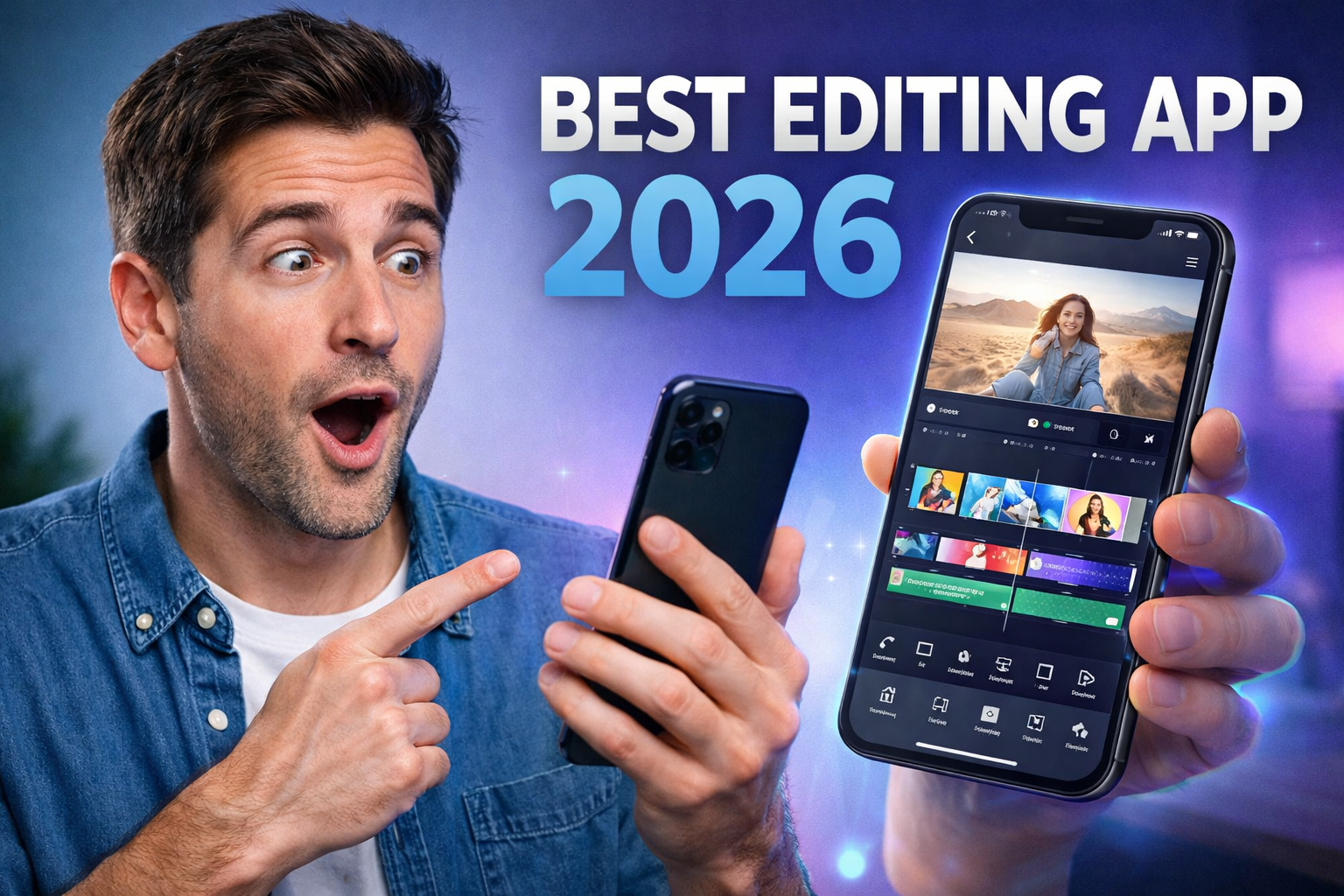
Video editing on mobile in 2026 has reached a level where you don’t need a laptop anymore, but don’t misunderstand this—just installing a popular app won’t make your videos good. Most people jump into trending apps like CapCut or VN and expect instant viral results, but the real difference comes from how you use the tools, not which app you install. Right now, apps are heavily focused on AI features like auto captions, background removal, and ready-made templates, which makes editing faster but also creates a problem—everyone’s content starts looking the same
The most trending video editing apps in 2026 are dominated by a few names because they actually deliver consistent performance. CapCut is leading because of its AI tools, templates, and ease of use, making it the first choice for Instagram Reels and YouTube Shorts creators.
VN Video Editor is popular among people who want more control without watermarks, offering multi-layer editing and cinematic adjustments. KineMaster is still relevant for advanced users who want detailed control like chroma key and multi-track editing, while InShot is preferred for quick and simple edits without complexity.
But here’s where most users go wrong—they rely too much on templates and effects. That’s lazy editing. If you’re just dragging templates and exporting, you’re producing the same content as thousands of others. Real improvement comes from understanding timing, cuts, and storytelling.
For example, a clean cut synced with music beats makes a video feel professional, while random transitions just make it look amateur. Similarly, using minimal text and proper pacing keeps viewers engaged, while overloading effects makes people scroll away.
Another hard truth is performance matters more than features. Some apps like CapCut can lag on mid-range devices, especially when using heavy effects, which kills your workflow. On the other hand, lighter apps like VN run smoother but require more manual effort. So the “best app” depends on your phone and your skill level, not just popularity. If your device can’t handle heavy editing, chasing advanced apps is a waste of time.
If you want real results, focus on two things instead of blindly following trends. First, learn basic editing flow—cut, trim, add music, then effects. Not the other way around. Second, keep your edits clean and intentional instead of overloading everything. These two alone will put you ahead of most creators who rely only on AI tools and presets.
In conclusion, the best video editing app on mobile in 2026 is not a single app—it’s the one you can actually use properly without lag and without relying on shortcuts. CapCut, VN, KineMaster, and InShot are all strong options, but your skill level and understanding matter far more than the app itself. If you keep chasing “best app” instead of improving editing basics, you’ll stay average no matter what you use.
FAQs
Which is the best video editing app in 2026?
CapCut is the most popular, but VN and KineMaster are better for control.
Is CapCut enough for professional editing?
For short-form content, yes. For advanced projects, not always.
Which app has no watermark?
VN Video Editor offers watermark-free exports.
Why do my edits look average?
Because you rely too much on templates instead of editing skills.
What is the biggest mistake beginners make?
Overusing effects and ignoring basic editing fundamentals.








