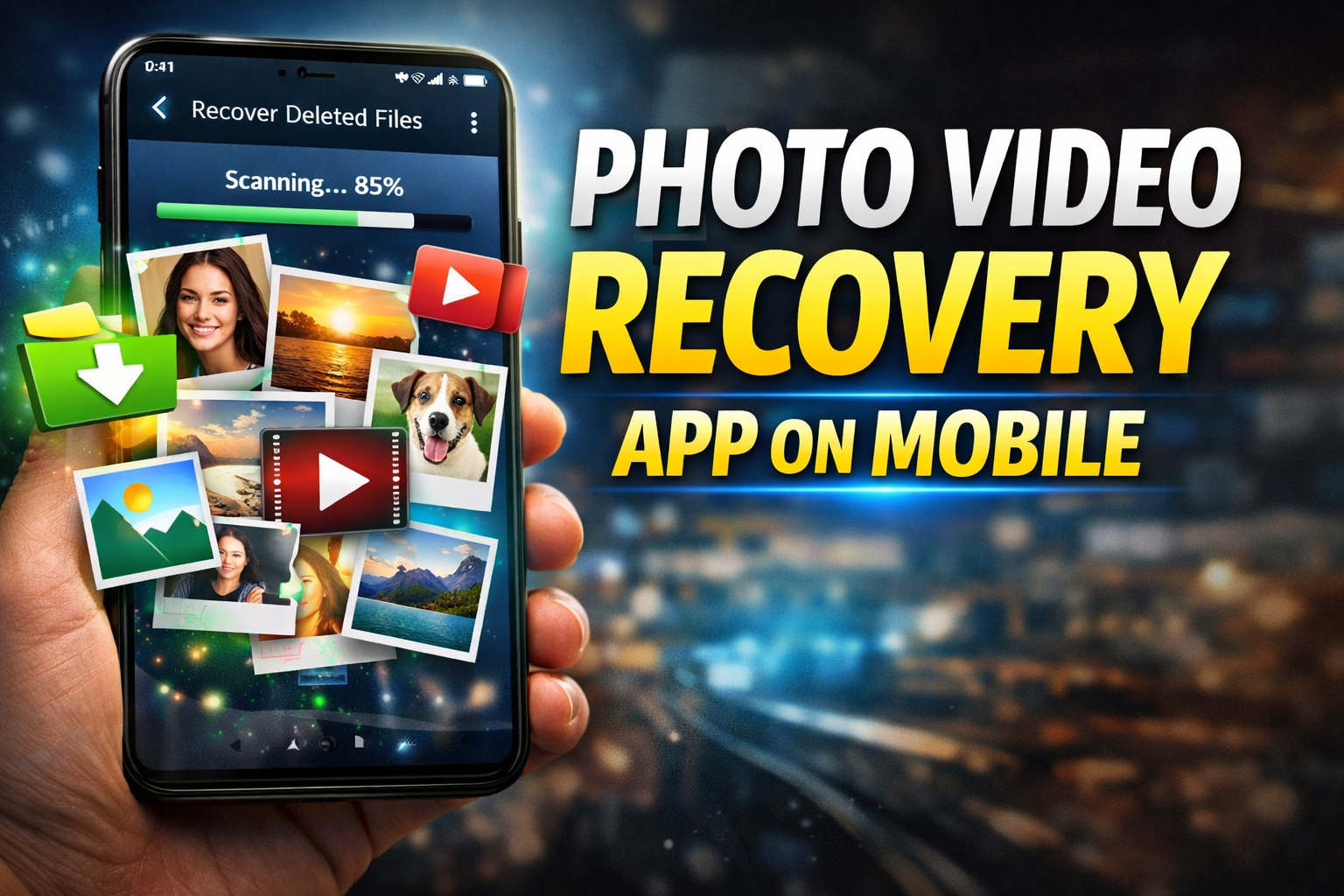
Most people only start searching for a recovery app after they’ve already lost their photos or videos—and by then, they’ve already made things worse without realizing it. The moment you delete a file, it isn’t actually gone. It stays in storage until new data overwrites it. If you keep using your phone normally, you reduce your chances of recovery fast.
Most people only start searching for a recovery app after they’ve already lost their photos or videos—and by then, they’ve already made things worse without realizing it. The moment you delete a file, it isn’t actually gone. It stays in storage until new data overwrites it. If you keep using your phone normally, you reduce your chances of recovery fast.
Apps like DiskDigger and Dumpster are commonly used for recovering deleted photos and videos. DiskDigger scans your storage and tries to bring back deleted files, while Dumpster works more like a recycle bin, storing deleted items so you can restore them later. But don’t expect miracles—these apps have limits.
Here’s the reality most people ignore. Recovery success depends on what you did after deleting the file. If you immediately try recovery, chances are decent. If you kept downloading apps, recording videos, or using WhatsApp heavily, your deleted files are probably overwritten and gone for good.

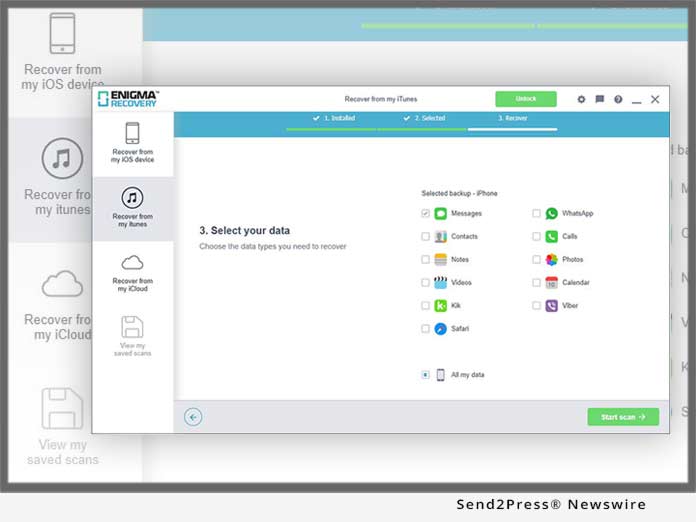

Two real scenarios so you understand clearly:
- You delete a video and instantly run a recovery app → high chance of getting it back
- You delete a video, keep using your phone for hours or days → very low chance of recovery
Cloud backups are your best safety net, not recovery apps. Services like Google Photos automatically back up your media, so even if you delete something, you can restore it from the cloud. Another option is checking your phone’s built-in gallery trash folder, where deleted files stay for a limited time before permanent removal.
Now let’s talk about common mistakes. First, installing multiple recovery apps and scanning again and again—this actually writes new data and reduces recovery chances. Second, trusting apps that promise “100% recovery”—that’s marketing, not reality. No app can guarantee full recovery, especially without root access.
If you want better results, follow this simple logic. Stop using your phone immediately after deletion. Use a trusted recovery app once. Check backups before doing anything else. That’s it. Anything beyond that is just reducing your chances.
In conclusion, mobile photo and video recovery apps can help, but only under the right conditions. Timing, storage usage, and backup habits matter more than the app itself. If you rely only on recovery after losing data, you’re already taking a risk.
FAQs
Can I recover deleted photos on mobile?
Yes, but only if they haven’t been overwritten.
Which app is best for recovery?
DiskDigger is popular, but results vary.
Do I need root access?
For deeper recovery, yes—but basic recovery works without it.
Are recovery apps safe?
Some are, but avoid apps asking unnecessary permissions.
What is the safest way to avoid data loss?
Use cloud backup like Google Photos regularly.








