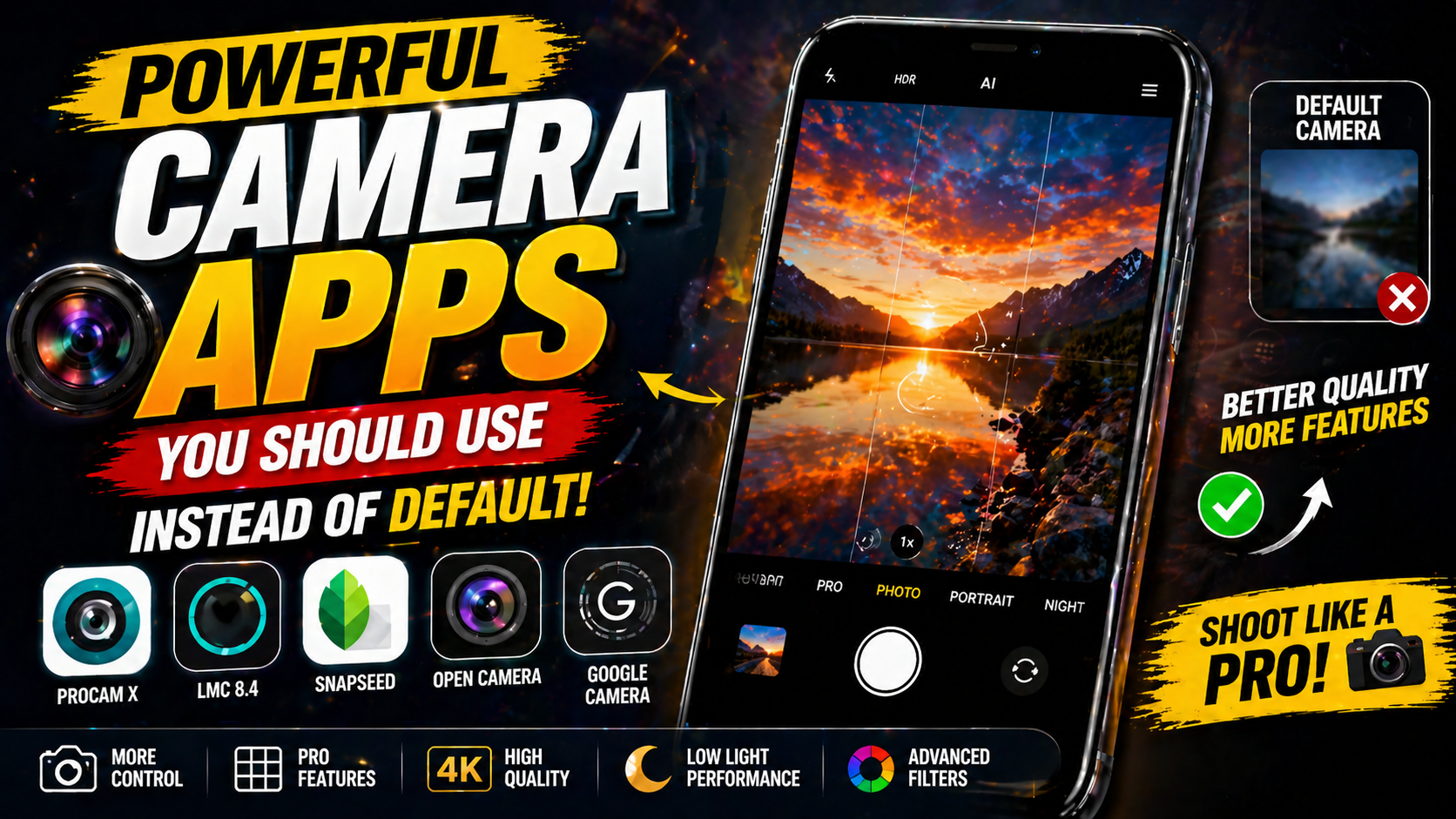
In 2026, smartphone cameras have become very powerful, but the truth is, the default camera app on your phone is not always using the full potential of your camera. Most default apps are made simple so anyone can use them easily, but because of that, they often hide advanced features or limit control. If you really want better photos, more control, and creative results, using a third party camera app can make a big difference. These apps are designed to give you more freedom, better quality, and sometimes even professional level features right from your phone.
Why You Should Try Camera Apps Instead of Default
Many people think the default camera is enough, and yes, for basic photos it works fine. But once you start noticing details like lighting, colors, or sharpness, you may feel something is missing. That is where camera apps come in. They unlock features that are not easily available in default apps.
Third party camera apps allow you to control things like ISO, shutter speed, focus, and white balance. This means you can adjust your photo exactly the way you want instead of depending on automatic settings.
Some apps use advanced processing and AI features to improve your photos. They can capture more details, balance light better, and even improve low light shots. This can make your photos look more professional without needing extra editing.
Better Image Quality
More Control Over Your Photos
Best Camera Apps You Should Try in 2026
Google Camera
Google Camera is one of the most popular camera apps in 2026. It is known for its powerful AI features and amazing photo quality. Many people use it to get better results than their default camera.
Why It Stands Out
It offers features like HDR plus and night mode, which help you take clear and bright photos even in low light. It also has portrait mode that creates a natural background blur, making your photos look like they were taken with a professional camera.
Open Camera
Open Camera is a great choice if you want full control over your camera. It is free, open source, and packed with features.
Best for Manual Photography
This app gives you DSLR like control over your shots. You can adjust exposure, focus, and even capture RAW images for better editing later. It is perfect for users who want to learn photography seriously.
ProShot
ProShot is another powerful camera app that is loved by advanced users. It offers both automatic and manual modes, so beginners and experts can use it easily.
Professional Level Features
You can control every detail in your photo and even record high quality videos with advanced settings. It gives a balanced experience between simple use and professional control.
Adobe Lightroom Camera
This app is not just for editing, it also has a powerful built in camera. It is perfect for people who want consistent quality from shooting to editing.
Best for Editing and Capture Together
It offers smart HDR, color control, and smooth workflow. What you capture in the camera matches perfectly when you edit, which makes the whole process easier and more professional.
Snapchat Camera
Snapchat may look like a simple social app, but its camera is very powerful in 2026. It uses AI filters and effects that make your photos creative and fun.
Best for Creative Content
It is perfect for social media creators who want quick and attractive visuals. You can apply filters, effects, and animations instantly without editing later.
How to Choose the Right Camera App
Not every app is for everyone. The best choice depends on what you need and how you like to take photos.
For Beginners
If you want simple and better photos without much effort, apps like Google Camera are a good choice. They do most of the work automatically.
For Advanced Users
If you want full control and professional results, apps like Open Camera or ProShot are better. They give you more options and flexibility.
For Social Media
If your focus is on reels and creative content, apps with filters and effects like Snapchat can be very useful.
Things to Keep in Mind
While these apps are powerful, they also depend on your phone’s hardware. Not every feature will work the same on all devices. Some apps may need certain camera support to unlock full features.
Also, it is always good to try different apps and see what works best for you. Sometimes the best app is the one that feels comfortable and easy to use for your style.
Conclusion
In 2026, using a powerful camera app instead of the default one can completely change your photography experience. It gives you more control, better quality, and more creative freedom. Whether you are a beginner or someone who loves photography, these apps help you take your photos to the next level. Once you start using them, you will notice how much difference a good camera app can make.
FAQs
Are camera apps better than default camera
Yes, they often provide more features, better control, and improved photo quality
Is Google Camera available for all phones
It is mainly for Pixel devices, but modified versions are available for many Android phones
Which app is best for beginners
Google Camera is easy to use and gives great results automatically
Do I need to pay for these apps
Some apps are free, while others offer paid features for advanced tools
Can camera apps improve low light photos
Yes, many apps use advanced processing to capture better low light images








