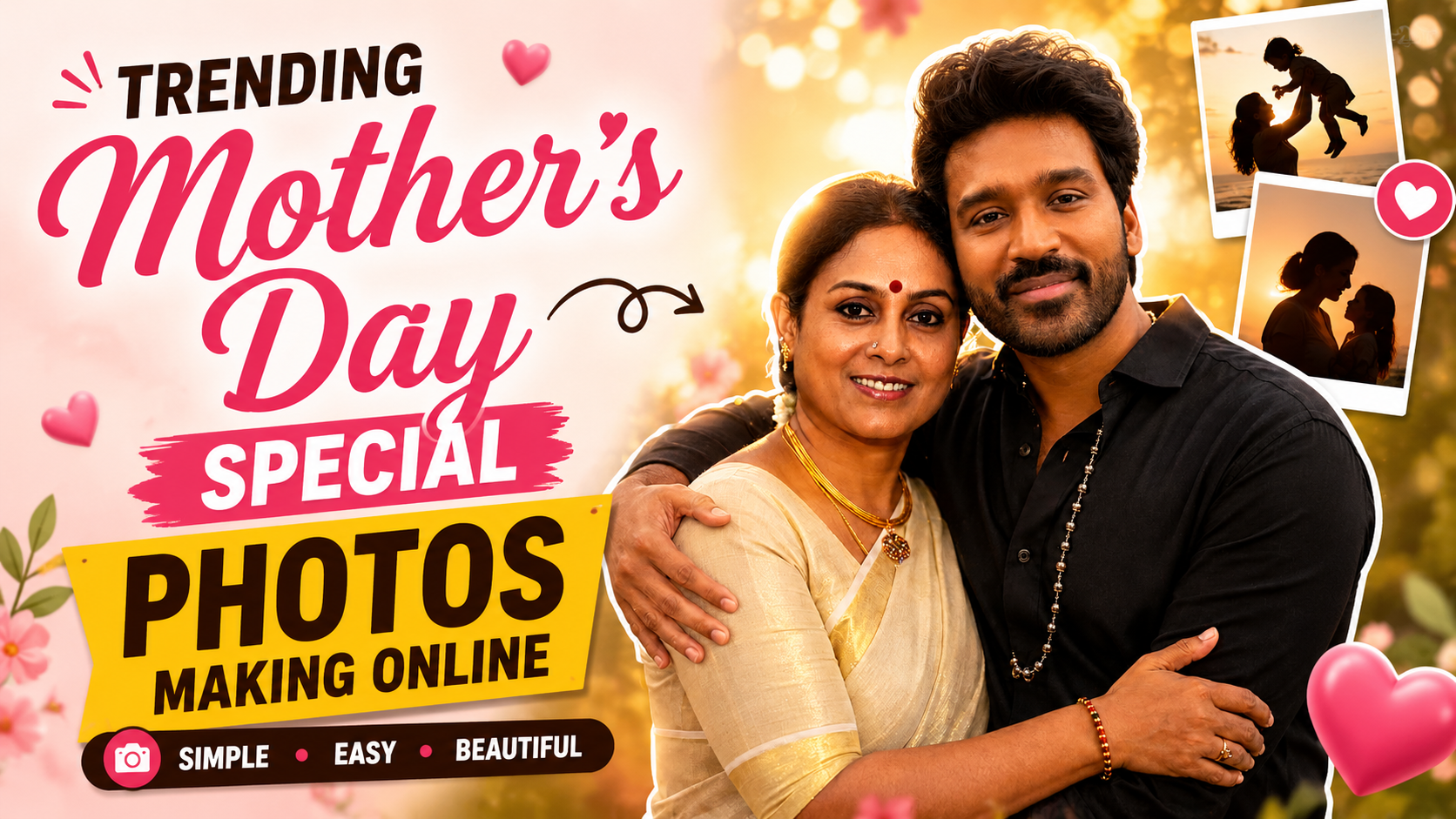
Hello friends, today we are going to try something useful with trending Mother’s Day special photos making online. Many people want a stylish photo for WhatsApp status or Instagram on Mother’s Day, but they do not know which app, layout, or effect will actually look modern and clean. This guide will show you a simple workflow to design beautiful, share ready photos without needing pro editing skills.
This article will help you pick the right online tools, set up a basic photo style, and avoid common mistakes like blurry images, heavy filters, or confusing text. You will see examples for a simple single photo edit, a creative collage, and an AI style photo card. By the end, you will be able to make a design that actually looks like the trending posts you see on social media.
The guide is written for casual users, not professional designers. If you only have a normal Android phone or basic laptop, and you just want a beautiful Mother’s Day photo for family groups, this is for you. We will keep it light, but still explain the settings that matter, like aspect ratio, font choice, and export quality, so your final image looks sharp.
We will also connect you to the right kind of resources. Instead of random unsafe download links, we will focus on popular, well known online editors and apps that usually respect privacy and work on most devices. You can try free tiers first, and only consider paid options if you really need extra templates or watermark removal for larger prints.
Related Resource
The Download Link button above opens the related resource for Trending Mother’s Day Special Photos Making Online. It is included so readers can reach the mentioned page directly.
1. Decide where you will share the Mother’s Day photo
Before you open any editor, decide the main place where you will use the photo. The size and layout should match that platform, otherwise text gets cut off or faces look stretched.
- WhatsApp status and Instagram story use vertical photos, usually 9:16.
- Instagram feed works best with square or 4:5 vertical images.
- Printable cards or frames look better in 3:2 or A4 style sizes.
Most online editors have a preset for story, post, or print. Choose the correct one before you start adding photos or text. Changing later can crop your design in a bad way.
2. Choose a safe and easy online photo editor
You can create trending Mother’s Day special photos making online with many tools. Here are three popular types that usually work well on both phone and desktop browsers. Features may vary by region and updates, so treat this as a starting point.
| Tool Type | Good For | Key Benefit | Common Limitation |
|---|---|---|---|
| Template based editor (like Canva, Adobe Express) | Quick stylish cards | Ready Mother’s Day templates and fonts | Some designs need paid plan or show watermark |
| Photo focused editor (like Fotor, Picsart web) | Filters and retouch | Good control over colors and effects | Too many effects can make image look fake |
| AI powered editor | Unique art style cards | Generates backgrounds and text art quickly | Results can be inconsistent, language may be limited |
Avoid unknown websites that ask you to download extra software or APK files just for simple editing. Stick to browser based tools or official apps from Google Play Store or Apple App Store to reduce the risk of malware or ad heavy popups.
3. Prepare the base photo of your mother or family
The most trending Mother’s Day posts usually start with a clean, bright base photo. You can use a recent portrait of your mother, a childhood photo, or a family picture. Follow these simple checks before uploading it.
- Make sure the face is clear and not in deep shadow.
- Avoid low resolution screenshots from old chats, they look grainy.
- If the background is messy, plan to crop closer to the face or use a blur tool.
If you cannot click a new photo, pick the sharpest old picture you have and use the crop tool to remove distracting elements. Do basic fixes like brightness and contrast first, then move to decorative elements.
4. Step by step workflow for a simple trending Mother’s Day card
Step 1: Select the right template or blank canvas
Open your chosen editor and select a layout like Instagram post or story. Many template tools offer a Mother’s Day section around May. Choose a clean design with space for one main photo and short text, rather than a very busy collage with small frames.
Step 2: Insert and adjust the photo
Upload your photo and drag it into the main frame. Use the crop tool to keep the face slightly above the center, which looks better in most feeds. Add a light filter if needed, but avoid very heavy color filters that change skin tone too much. A small increase in brightness and warmth is usually enough.
Step 3: Add short and readable text
Use one main line like Happy Mother’s Day and one short personal line. For example, Best friend, first teacher or Thank you for every silent sacrifice. Choose a simple font for the personal line and maybe a stylish script only for the main heading so the design does not look messy.
Step 4: Use subtle decorations
Add small hearts, flowers, or soft shapes at the corners. Keep them away from the main face area. Pastel pink, cream, or light gold accents look classy. Avoid filling every empty space with stickers, that usually makes the design look cheap and less trendy.
5. Real world examples and one mini case study
Example one, Riya wanted a quick WhatsApp status for her mother. She used a vertical story template, added one bright selfie with her mom, and used only a soft pink gradient background with the line For the woman who gave me everything. No extra stickers. Her status looked modern and was easy to read even on small screens.
Example two, a cousin living abroad had only one old scanned photo with her mother. The background was cluttered. She used an AI background remover in a web editor, placed the cutout on a simple cream background, added a thin border, and wrote, Distance is big, love is bigger. The result felt like a clean memory card, and she printed it as a small frame as well.
Case study style example, a family decided to create a Mother’s Day collage for their grandmother with four grandkids. Each child sent one selfie. They used a square collage layout with equal size frames, added the names below each photo in the same font, and wrote Thank you Dadi for holding this family together at the top. At first, they added heavy filters on each child, which made the collage inconsistent. After removing the filters and only adjusting brightness uniformly, the final collage looked much more natural and shared ready.
6. Export and share without losing quality
When your design looks good, check the export settings. For social media, a clear JPG or PNG is fine. Most tools show a quality slider, keep it near high but not maximum if your internet is slow. For print, select higher resolution if available. Avoid repeatedly downloading and re uploading between many apps, that can reduce image quality.
Before posting, quickly preview how it looks in the actual app. Upload as a draft or send it to your own chat first. Check if any text is too close to the top or bottom, sometimes app interfaces cover it. If something looks cut, go back to the editor and adjust spacing.
7. Common mistakes to avoid when making Mother’s Day photos online
- Too much text that becomes unreadable on phones.
- Using very neon colors that clash with skin tones.
- Placing stickers over the face or important details.
- Downloading from suspicious websites that add hidden watermarks.
- Sharing photos of elderly parents without asking if they are comfortable.
Keep the focus on emotion and clarity. Simple designs often perform better than complex ones, especially when many people view them for just a few seconds in a fast moving feed.
Conclusion
Trending Mother’s Day special photos making online is mostly about a clear photo, clean layout, and honest message rather than hundreds of fancy effects. Pick one safe online editor, choose the right size for your platform, adjust your base photo, then add short text and light decoration. Test the final image in the app where you will post, and do a quick check with your family if they are okay with the photo being shared.
FAQ
Which app is best for Mother’s Day photo editing on a phone
A simple template app like Canva or a photo editor like Picsart is usually enough. They have free plans with ready designs, but always check for watermarks before downloading.
How can I make a Mother’s Day collage with many photos
Use a collage layout in your editor, choose a grid with equal frames, and limit it to four to six photos. Adjust all photos with similar brightness so the collage looks balanced.
Is it safe to upload family photos to online editors
Popular services usually follow standard privacy rules, but do not upload very sensitive images. Read the privacy section if you are unsure and avoid unknown sites that look spammy.
What size is best for WhatsApp status Mother’s Day photos
A vertical 9:16 canvas works best. Most story templates use this size by default, so your text and photo will fill the screen without black bars.
Can I print the online Mother’s Day card I made
Yes, if the export quality is high enough. Choose higher resolution or print preset in the editor, then send the file to a photo print shop or home printer for a small frame or card.
Thank you for reading. If you found this guide useful, stay connected with our blog for more latest tech news, helpful apps, AI tools, and practical how to updates.








