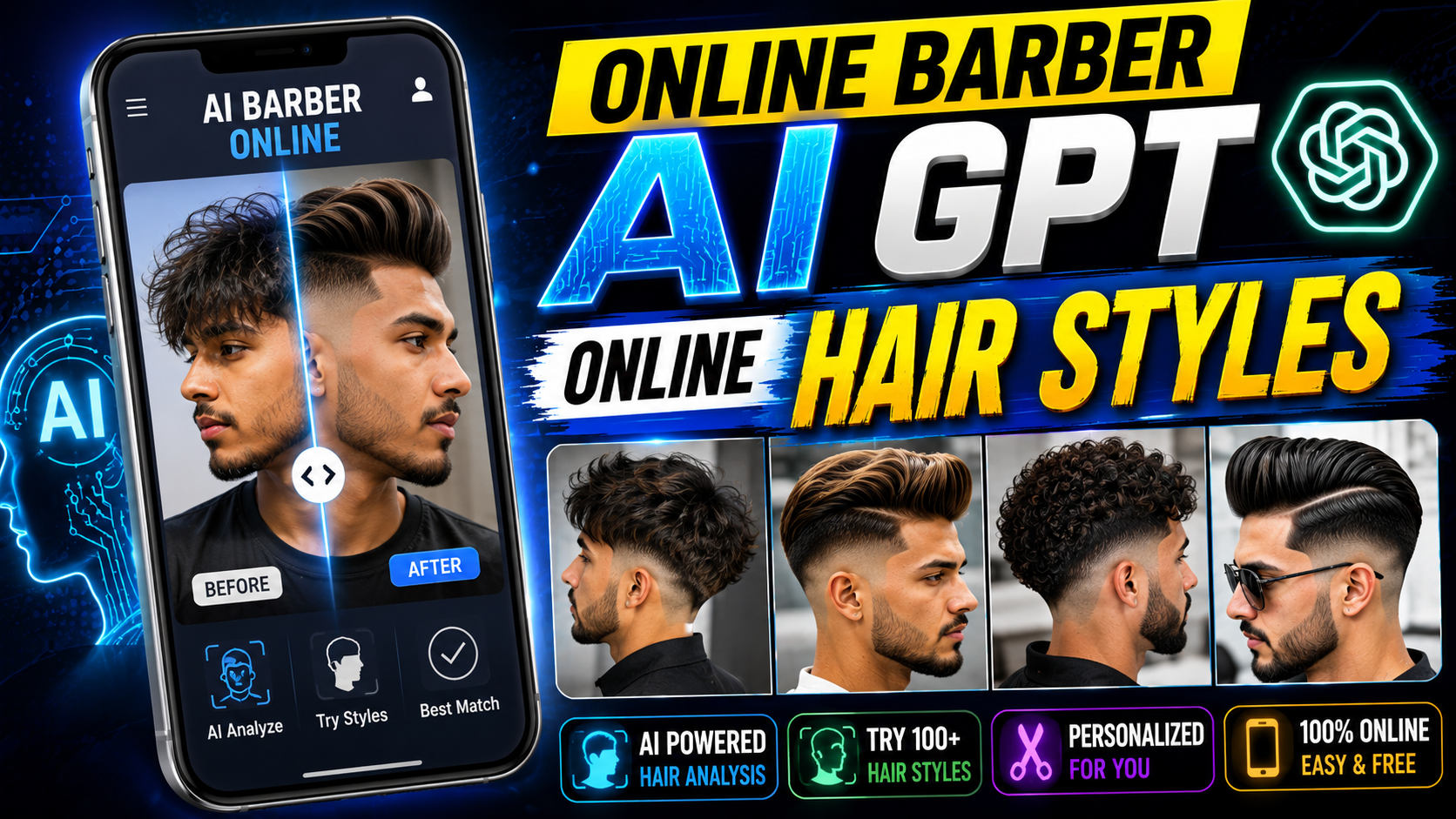
Hello friends, today we are going to try something very practical with the idea of an online barber AI GPT. If you have ever walked out of a barbershop wishing you could undo a haircut, you are not alone. The promise of AI hair style tools is simple, test different looks on your photo before anyone touches your hair.
This blog will help you understand what an online barber style GPT actually does, how photo based hair style previews work, and where these tools can save you from costly mistakes. We will look at real world examples like choosing between a fade, undercut, or bob, and we will also talk about some limitations that marketing pages usually ignore.
The guide is written for regular users, not only barbers or AI nerds. If you mostly use your phone to browse social apps and you only visit a barbershop every few weeks, you can still follow along. You will see how to upload a selfie safely, what information to ask the AI chat, and how to take the results to your stylist in a clear, respectful way.
Because there are many AI hair apps and GPT style bots flooding the web, it is easy to get lost between paid filters, deepfake style tricks, and simple AR lenses. We will focus on how a smart chat style barber assistant can guide you step by step, not just throw random haircuts on your head. That way, when you see a Try with AI or barber GPT button, you can decide if it is worth your time and money.
Related Resource
The WEBSITE LINK button above opens the related resource for Online Barber Ai GPT Online Hair Styles. It is included so readers can reach the mentioned page directly.
What is an online barber AI GPT
An online barber AI GPT is typically a chat style assistant that combines two things. First, a language model trained to talk about haircuts, face shapes, and grooming. Second, a hair style generator or AR preview tool that can put different cuts and colors on your selfie. Some services bundle both, others only provide the chat and link out to a separate image tool.
The goal is not to replace a human barber. Instead, it acts like a planning layer between your ideas and the barbershop chair. You describe your hair type, work dress code, budget for maintenance, and the AI suggests realistic options with reference images and sometimes direct photo previews.
How these AI hair style previews usually work
Most online barber AI tools follow a similar flow, though details depend on the site or app. It usually looks like this.
- You upload a clear selfie with good lighting and your hair pulled away from your face if possible.
- The system detects your face shape, hairline, and sometimes hair density.
- A GPT style chat asks a few questions about your lifestyle and taste, for example corporate job, curly hair, prefer low maintenance.
- The AI suggests a list of cuts and applies some of them to your selfie for visual testing.
The quality of the preview can vary. Simple web tools may look like rough filters. Stronger platforms use diffusion models that can simulate texture, volume, and even beard changes. Expect some mismatch between preview and real life, especially with complex curls or very short fades.
Example use cases for an online barber AI GPT
Example 1: First time skin fade without regrets
Imagine a user who always keeps medium length hair but keeps seeing skin fades on social media. They are not sure if it will work with their round face. Inside an online barber AI GPT, they upload a selfie, explain that they want a very short cut but not a shaved look, and mention work is in a conservative office.
The AI might generate previews of a low fade, mid fade, and a short textured crop. It can also warn that an aggressive high fade could accent the roundness of the face. The user goes to their barber with final screenshots and a few notes like low mid fade, keep a bit more length on top, taper sideburns.
Example 2: Color change for long hair
A different case is someone with long dark hair planning their first blonde look. A GPT powered barber assistant can show them several shades, warm honey, cooler ash, and bronde, over their real photo. It can also estimate that full bleaching may need several sessions and suggest asking the salon about hair health and bond treatments.
Here the main value is not only the preview but also the conversation. Many tools can summarize questions to ask a colorist and explain why some references from social media are not realistic for every starting color.
Example comparison of online barber style tools
Different platforms package these ideas in their own way. Below is a generic comparison so you know what to look for when you browse app stores or web tools. Features and names vary by region and update, so always check the latest description before paying for anything.
| Type of tool | Main feature | Best for | Common downside |
|---|---|---|---|
| Chat based barber AI GPT | Text chat with optional image links, detailed advice on cuts and care | Planning a style, understanding face shape, questions for your barber | No direct live preview unless linked to a separate generator |
| Photo filter style hair app | Quick overlays of haircuts on selfies | Fast testing of multiple trendy looks | Can look cartoonish, weak guidance, subscription upsells |
| Advanced AI hair simulator | High quality renders, sometimes with 3D head turns | Serious restyle, color plus cut planning | Higher cost, requires very clear photos, more setup time |
| Barbershop own AI assistant | Custom styles that match what that shop can provide | Aligning expectations with a specific stylist | Catalog might be limited to that salon, branding focus |
Step by step: How to use an online barber AI GPT safely
If you decide to try one of these tools, treat it like any other service that handles your selfie data. Here is a simple workflow that fits most websites and apps.
- Search for online barber AI or hairstyle GPT in a trusted app store or use a well known AI chat platform with plugins or image tools. Avoid random download links from short videos or private messages.
- Read the privacy section, at least enough to know if your photos are used for training or shared with third parties. If this is not explained clearly, skip that tool.
- Take a fresh selfie with even lighting, no heavy filters, and your full hair visible. Glasses are usually fine but hats and big hair accessories confuse detection.
- When the chat starts, be specific. Mention hair thickness, scalp issues if any, and how often you are willing to visit the barber for maintenance.
- Ask the GPT for at least three options. For each style, request a short list of pros, cons, and maintenance needs.
- Save final previews and the style description. At your appointment, show both to your barber and ask for their honest view before cutting.
Realistic pros and cons of AI hair style tools
Used carefully, an online barber AI GPT seems almost like a friend who knows about grooming and never gets tired of answering questions. It can help shy customers explain what they want, and it can reduce misunderstandings caused by vague phrases like just clean it up or same as last time when hair has grown out a lot.
However, there are limits. AI previews often struggle with very textured curls, tight coils, and complex braiding. The render may flatten volume or misrepresent how color reflects on natural hair. Some tools downplay this to sell subscriptions. Always treat the image as a guide, not a contract. Your barber still has to work with your real hair growth pattern and history.
There is also the risk of chasing viral looks that do not match your routine. An AI might show you an amazing high maintenance style that needs daily heat styling and product. The cut will not age well if you usually wash and go. That is why the conversation part of a GPT is important. Ask blunt questions about upkeep and damage risk.
Case study style scenario: From vague idea to clear haircut plan
Take a user who only knows they want something fresh for a new job. They join an online barber GPT and type something like I want to look more professional but still modern. The AI asks for a selfie, job type, and personal style. After analyzing, it suggests a medium fade with a side part, a classic slick back, and a textured quiff.
For each style, the GPT explains how it pairs with their face shape, what products it usually needs, and how it looks with light stubble versus a full beard. The user chooses the textured quiff, tests a few fringe lengths in the preview, and saves the one that balances office friendly with personality. When they visit the barbershop, the conversation becomes very simple, here are three pictures of the look, here is how I plan to style it daily.
Conclusion
An online barber AI GPT is most useful when you treat it as a planning partner, not a magic mirror that predicts the exact final cut. It works best for people who feel unsure how to explain themselves in a barbershop, or who are considering a major change in length or color and want to explore options without impulsive decisions.
If you try one of these tools, start with a trusted platform, pay attention to how it handles your photos, and use the chat feature to ask about practical details like maintenance, cost, and hair health. Let the AI narrow down choices, then rely on a skilled human barber to translate the concept into a cut that works for your real hair.
FAQ
Is an online barber AI GPT accurate enough to trust for big changes
It is accurate as a style direction, not as a pixel perfect prediction. Use it to decide between general shapes and lengths, then confirm details with your barber before cutting or bleaching.
Can these AI tools work properly with curly or coily hair
Some do a decent job, others flatten texture. If you have curls or coils, focus more on the chat advice and reference photos of real people, and treat the preview images as rough sketches only.
Do I need to pay for a subscription to get good results
Not always. Many platforms offer free trials or a limited number of previews. Paid plans usually add more styles and higher resolution exports, so wait until you see value before upgrading.
Is it safe to upload my selfie to an AI barber site
Safety depends on the provider. Always read how they store and use images, avoid unknown download links, and prefer services that allow deletion of your photos from their servers.
How can I show AI results to my barber without confusing them
Save two or three final images and the written style notes, for example mid fade, keep weight on top, low maintenance. Show them at the start of the appointment and listen to your barber if they suggest adjustments.
Thank you for reading. If you found this guide helpful, keep an eye on this blog for more practical coverage of tech, AI tools, useful apps, and the latest updates that actually matter in daily life.








