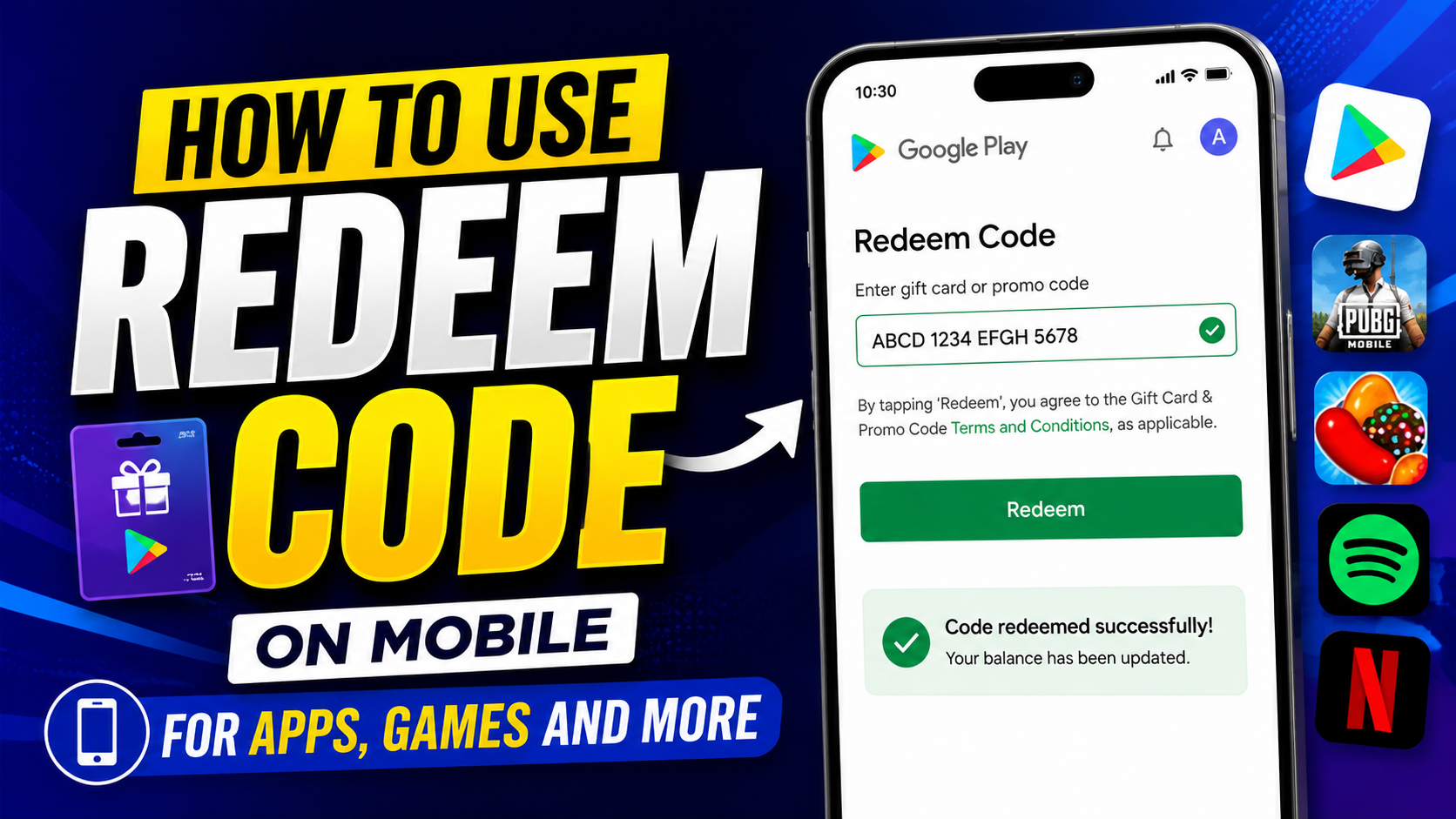
Hello friends, today we are going to try something useful with this topic. Many people receive gift cards, promo vouchers or game codes on their phone and then get stuck on the simple question, where do I actually enter this code. If you type it in the wrong place, the balance never appears and the offer can even expire.
This guide will show you exactly how to use redeem code on mobile in the most common places, including Google Play Store, Apple App Store, and inside popular game apps. You will see clear steps, screenshots in your mind, and also what to check when the credit does not show up immediately after redemption.
The article is written for regular users, not just power gamers. If you use Android or iPhone, buy in app items, subscribe to streaming services, or sometimes get gift cards from friends or online rewards programs, this walkthrough will help you avoid mistakes and get the full value of every code you receive.
You will also learn the difference between store wide gift cards and very specific partner codes, for example a game top up code that works only in one title. By the end, you will know where to tap, what to check on the confirmation screen, and how to keep your account safe from fake offers that ask for your code.
Related Resource
The Download Now button above opens the related resource for How To Use Redeem Code On Mobile. It is included so readers can reach the mentioned page directly.
Where You Can Usually Redeem Codes On Mobile
Most mobile codes fall into one of three groups. Store credits for Google Play or Apple App Store, game or app specific codes, and wallet or subscription vouchers such as Netflix, Spotify or local telecom bundles. Each group has its own redemption screen and the code will not work if you try it in the wrong place.
| Type of code | Typical length | Where to redeem | What you receive |
|---|---|---|---|
| Google Play gift code | Usually 16 characters | Google Play Store account menu | Store balance for apps, games, movies and more |
| Apple App Store or iTunes gift card | 16 characters, can include letters | Apple ID balance section in App Store | Apple ID credit for apps or subscriptions |
| Game promo code | Varies, often 10 to 20 characters | Inside the game settings or promo center | Items, skins, coins or passes |
| Subscription voucher | Varies by service | Inside each service app account or redeem section | Extra days or months of service |
How To Use Redeem Code On Mobile In Google Play Store
On Android phones, many codes are meant for Google Play Store. They turn into Play balance which you can later use to pay for apps, in app purchases, books or movies. The exact layout can change slightly between Android versions, but the core path stays similar.
Step by step on Android
- Open the Google Play Store app on your phone.
- Tap your profile picture in the top right corner.
- Select Payments and subscriptions then choose Redeem code.
- Type your code carefully, keep the original order of letters and numbers.
- Tap Redeem then confirm on the next screen.
After confirmation you should see a success message with the amount added to your Google Play balance. If you do not see any change, go back to Payments and subscriptions and tap Payment methods to check the balance line.
Real example using a Play gift card
Imagine you receive a physical Google Play gift card worth 500 Rupees. You gently scratch the silver strip to reveal the code and follow the steps above. Once redeemed, Play balance now shows 500. Later, when you buy a premium app for 299, the store automatically uses your Play balance instead of your card, as long as you do not change the payment method during checkout.
How To Redeem Code On iPhone In App Store
On iOS devices, codes for Apple services go into your Apple ID balance. Some gift cards can also be used for Apple Music or iCloud once they become account credit. The location of the redeem button is inside the App Store profile screen.
Steps for iPhone and iPad
- Open the App Store app.
- Tap your profile picture on the top right.
- Tap Redeem Gift Card or Code.
- Choose Use Camera to scan a physical card, or tap Enter Code Manually.
- Enter the code and tap Redeem, then confirm.
If the code adds to your balance, you can see it under your name on the account page. Some region specific cards may be limited to certain stores, so if you get an error about region, contact Apple Support or the seller rather than trying random fixes.
Using Redeem Codes Inside Game Apps
Many popular games such as Free Fire, PUBG Mobile, Genshin Impact, or online card games use their own promo codes. These do not work in Google Play or App Store. You must enter them either inside the game menu or on the official top up website linked to your account.
Common places to find the redeem option
- Settings screen, sometimes called Account or Others.
- Events or Announcements section during festivals.
- Dedicated Redeem Center button on the main lobby screen.
For example, a game might show a banner for a Diwali event with a button saying Enter Code. After tapping, you enter the code, tap confirm, then you receive items through the in game mail or inventory screen. Always claim the item before the event ends, some rewards are time limited.
Mini case study, missing diamonds after top up code
Consider a player who buys a third party voucher for diamonds in a shooting game. They receive a 12 character code by SMS. Instead of using the official redeem site, they enter it incorrectly in the Google Play redeem screen. Play Store rejects it because the code is not a Play format. After checking the seller instructions, they finally go to the correct game recharge portal, log in with their player ID, enter the code there, and diamonds show up in game mail within five minutes. The lesson here is simple, always follow the exact redemption path provided by the service.
Fixing Common Redeem Code Errors On Mobile
Even when you follow the correct path, you may see errors like code invalid, already used or region not supported. Instead of trying the code again and again, you can troubleshoot logically.
Quick checks to try
- Check for extra spaces if you pasted from SMS or email.
- Verify that similar characters are correct, like O and zero, or I and one.
- Confirm you are logged into the right Google or Apple account.
- Make sure your Play Store or App Store region matches the country of the gift card.
- Read the small print for expiry date or minimum spend.
If the message says already redeemed, look at your order history or email to see if the balance was added earlier. For store credits, both Google and Apple provide support forms where you can submit the code and proof of purchase. For game codes, only the game publisher or official seller can really fix a broken voucher.
Safety Tips Before You Enter Any Mobile Code
Since codes represent real money or valuable items, many scammers try to trick users into sharing them. Any stranger asking you to read out a gift code on chat, email or call should be treated as unsafe. Once a code is redeemed on another account, it usually cannot be moved back to you.
- Never share screenshots that show your full code.
- Redeem only through official apps and websites, not random links from messages.
- Be careful with social media giveaways that ask you to DM a code first.
- Keep physical cards until you are sure the balance has successfully added.
A simple rule helps. The person who pays you should send you a code, you redeem it directly in your own account app. You should not send codes to any person promising cash in return unless it is a clearly trusted and known partner with a proper process.
Conclusion
Learning how to use redeem code on mobile is mainly about knowing the right place to enter it. Store codes go in Google Play or App Store, game codes go in the game or official redeem site, and subscription vouchers stay inside their own app. Once you match the code type with the correct screen, redemption usually takes less than a minute.
Whenever you get an error, slow down and double check account, region and expiry date before you blame the code. And for safety, keep every redemption inside official apps and never share unused codes with anyone. If you follow these habits, almost every voucher or gift card you receive will turn into real value instead of frustration.
FAQ
Why does my redeem code say already used
In most cases, someone has already redeemed that code on an account. Check your own balance first, then contact the seller or support with proof of purchase if you think it was never used by you.
How long does it take for balance to appear after redeeming
Store credits for Google Play and App Store usually appear instantly. Game items can take a few minutes and may arrive through in app mail. If nothing shows after one hour, contact support.
Can I transfer redeemed balance to another account
Normally you cannot move store credit from one Google or Apple account to another. Once redeemed, it is locked to that account, so always redeem on the profile you actually use for purchases.
Why does my card say not valid in your country
Many gift cards are limited to one country store. If your Google Play or App Store region is different, the code will fail. You can ask the seller for a local region card or request a refund if they listed it incorrectly.
Is it safe to buy redeem codes from third party websites
Some are genuine, but there is also risk of used or stolen cards. Check reviews, avoid prices that look unreal, and prefer official sellers or well known platforms when possible.
Thank you for reading this guide. Stay tuned to our blog for more latest tech news, useful apps, AI tools and practical how to updates that make your daily mobile life easier.








