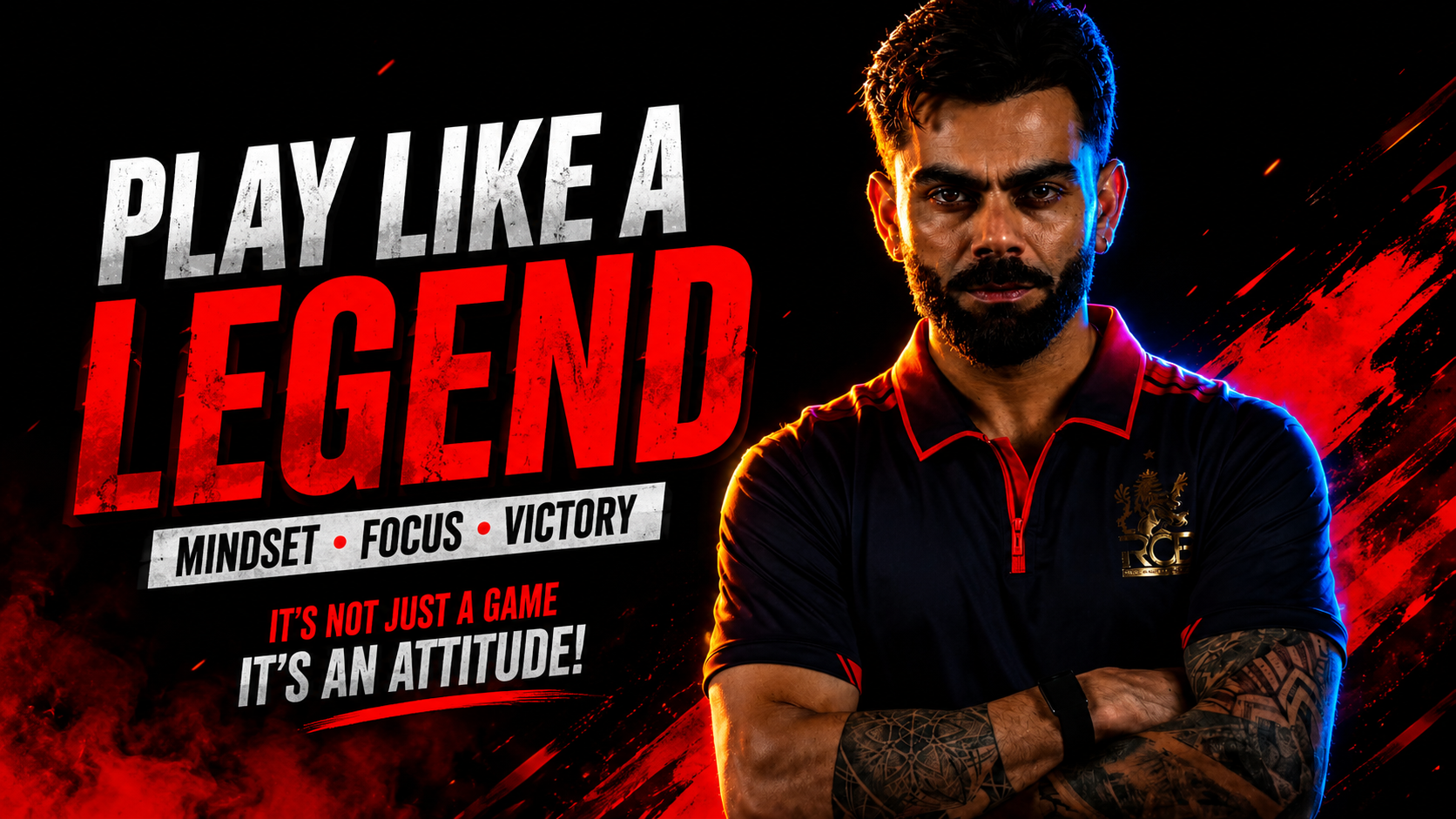
Hello friends, today we are going to try something useful with this topic. Many people see those cinematic dark photos on Instagram, Pinterest and AI galleries but have no idea what exact words were used to get that look. You type a few random words and the result looks muddy or just underexposed instead of clean and stylish.
This guide will show you how to write a trending photo dark effect prompt that gives a moody look without killing detail. We will keep it practical, with ready to copy prompt ideas, simple formulas, and a workflow that works for both AI image tools and mobile photo editing apps that support text prompts or presets.
The article is for beginners and casual creators who want dramatic dark style photos for social media, thumbnails, or personal projects. You do not need pro gear or desktop software. If you use tools like Lightroom mobile, PicsArt, Snapseed or AI editors such as Midjourney, DALL·E, or other prompt based apps, you will find clear examples you can adapt.
We will also connect the prompt writing to a step by step editing routine. That way you are not just blindly copying words, you understand what dark contrasty, low key, or cinematic means in real adjustments. You can then tweak the prompt for portraits, street shots, food images, or product photos without destroying skin tones or important detail.
Related Resource
The Prompt Link button above opens the related resource for Trending Photo Dark Effect Prompt. It is included so readers can reach the mentioned page directly.
BIRTHDAY PHOTO PROMPT
What People Mean By A Trending Photo Dark Effect Prompt
When people mention a trending photo dark effect prompt they usually want a moody low light style with deeper shadows, subtle highlights and richer colors. It is not simply a dark exposure. The subject should still be visible and sharp, while the background looks more mysterious or cinematic.
In AI tools the prompt controls the whole scene, including light direction, color and texture. In mobile editing apps that accept prompts the wording is translated into a preset that adjusts contrast, curves, saturation and split toning. Because each app uses its own model, results can vary by version and region, so treat every example here as a starting point, not a fixed recipe.
Simple Formula For A Reliable Dark Effect Prompt
Instead of guessing words, you can follow a short structure. This works for most AI and prompt based editors.
Formula:
- Subject
- Environment or mood
- Lighting style
- Color mood
- Quality words
- Dark effect control words
Example using the formula:
Close up portrait of a girl in a city alley, cinematic night mood, soft side light on the face, deep teal and orange color grade, ultra detailed, dark moody low key effect, strong contrast but visible shadows.
Note the last part about visible shadows. If you only say dark and contrasty the tool may crush shadows into pure black. Add balance words like gentle fade in blacks or keep skin tones natural to protect important areas.
Copy Ready Dark Effect Prompts You Can Test
Here are some prompts tuned for common situations. You can paste them into your AI image tool or into mobile apps that allow text style prompts. Adjust brand names or locations if needed.
1. Street photo dark effect prompt
Wide street scene in light rain, neon shop signs, wet pavement reflections, one person walking with umbrella, cinematic atmosphere, rich teal and magenta colors, strong contrast, dark moody effect, background in soft haze, highlights controlled, details still visible in shadows.
2. Portrait dark effect prompt
Half body portrait near a window, subject looking slightly away from camera, soft window light from one side, neutral background, skin tones natural, dark moody low key style, muted colors, subtle film grain, clean details in eyes, shadows gently lifted, no harsh noise.
3. Product or tech photo dark effect prompt
Smartphone on dark wooden table, top down view, single soft light from corner, strong shadow shapes, desaturated background, cool tone highlights, dark modern moody look, high clarity on product edges, background almost black but still textured.
4. Food photo dark effect prompt
Bowl of ramen on rustic table, side light from window, steam visible, dark restaurant background, warm golden colors on food, overall dark and moody tone, background desaturated, focus on textures, subtle vignette, gentle matte blacks.
Use these as base prompts. Replace subject and setting with your own ideas but keep the lighting and dark style wording, that is what carries the effect.
Comparison Of Tools That Work With Dark Style Prompts
Different tools interpret a trending photo dark effect prompt differently. This rough comparison can help you pick a starting place. Features may change with updates, so always check the latest notes from each app.
| Tool type | Example tools | Prompt control | Best for | Common drawback |
|---|---|---|---|---|
| AI image generator | Midjourney, DALL·E and others | Very high, full scene created from text | New scenes, concept art, stylized portraits | May ignore small details in prompt, learning curve |
| Prompt aware editor | Some mobile AI photo editors | Medium, prompt mapped to filters | Fast styling of existing photos | Results can look similar across photos |
| Classic editor with presets | Lightroom mobile, VSCO, Snapseed | Manual edits, preset names instead of prompts | Precise control, consistent batch edits | Takes more time, no direct text prompt |
If you already have a real photo and you only need a dark effect, classic editors with curves, HSL, and split tone controls often give cleaner results than extreme AI filters. Use AI generation when you actually want a new scene.
Step By Step Workflow To Build The Dark Look
Whether you use a prompt or sliders, the logic is similar. Here is a simple path you can follow in any editor.
- Start with exposure Do not just drag exposure down. Set overall brightness so that the subject is readable. You can always darken the background later with local adjustments or vignettes.
- Add contrast carefully Increase contrast or use a gentle S curve. Avoid instant filters that crush blacks to pure black. If your app allows, lift the black point slightly for a softer shadow roll off.
- Control colors Dark style usually uses muted colors with a strong pair such as teal and orange or warm subjects on cool backgrounds. Lower global saturation a bit, then boost specific hues that matter for the subject.
- Shape the light Use radial or linear gradients to darken edges and background, not the whole frame. This mimics real lighting and keeps attention on the subject. AI prompts that mention spotlight on subject or background falling into shadow try to do the same thing.
- Add final mood Adjust split toning so shadows have a cooler tone and highlights stay neutral or slightly warm. A very light grain or texture can help the dark effect look intentional instead of like a mistake.
Real World Examples And A Mini Case Study
Example 1, Fixing a flat evening street shot
You have an evening street photo that looks grey and boring. Use a prompt like moody night street, neon reflections, rich contrast, dark cinematic effect in a prompt based editor, or manually lower exposure slightly, add contrast, push blues and cyans cooler, and darken the sky with a gradient. This keeps lights bright while the rest of the scene falls into moodier tones.
Example 2, Turning a normal portrait into a dark style photo
Take a window portrait shot in daylight. Instead of making the entire image dark, lower exposure a little, raise contrast, desaturate background colors, and add a vignette around the subject. Mention soft side light, dark background, and natural skin tones in any prompt you use, which protects the face while the environment goes deeper.
Mini case study, Recovering from an over dark prompt
Imagine you used a trending photo dark effect prompt like very dark moody portrait and the output looks gritty with crushed shadows and strange skin. To repair it, change the prompt to dark moody portrait, soft light, details visible in shadows, natural skin, clean look. In a classic editor you would open shadows slightly, lower clarity on skin, and reduce black clipping. The lesson is that a few balance words can move the result from harsh to stylish.
Common Mistakes With Dark Effect Prompts
- Using only words like dark, gothic, high contrast without saying what should stay visible.
- Ignoring skin tones which can become grey or orange if the prompt or preset is too aggressive.
- Applying the same heavy dark effect to every photo, including bright lifestyle shots that do not fit the mood.
- Downloading random dark presets from unsafe sites which can include malware or confusing install steps. Prefer official app stores, trusted marketplaces, or built in styles.
- Forgetting platform compression. Very dark images often get crushed more when uploaded, so keep a little extra detail in shadows.
Conclusion
A strong trending photo dark effect prompt is less about magic words and more about clear instructions for light, color and detail. When you say what stays bright, what becomes dark, and how colors should feel, AI tools and mobile editors can give you results that look planned instead of accidental.
Start with the simple formula, adapt the copy ready prompts, and then translate what you see into real sliders like exposure, contrast, and split tone. After a few edits you will know how far you can push the dark effect before it hurts the subject. Save your best versions as presets so your future photos stay consistent with less work.
FAQ
What is a photo dark effect prompt in simple words
It is a short text instruction that tells an AI image tool or a prompt aware editor to create or apply a moody low light style with deeper shadows, controlled highlights, and a cinematic feel.
Can I use these prompts on normal phone photos
Yes, if your editing app supports text based styles. If not, you can still follow the same ideas manually by adjusting exposure, contrast, color and vignettes to match the described look.
Why do my dark edits look noisy and messy
Very dark images amplify sensor noise, especially from low light phone photos. Avoid extreme exposure drops, reduce shadow noise if your app supports it, and keep ISO lower when shooting.
Are dark style photos bad for social media reach
Not automatically. However, some platforms compress dark images heavily. Export at good resolution, avoid pure black blocks, and test a few posts to see how your audience responds.
Can I mix dark effect prompts with other styles
You can, but avoid conflicting words. Pair dark moody with specific light instructions and color moods, and do not mix it with very bright pastel styles in one prompt.
Thank you for reading. If you found this useful, stay connected with our blog for more practical guides on tech, creative apps, AI tools and the latest updates for your daily digital life.








