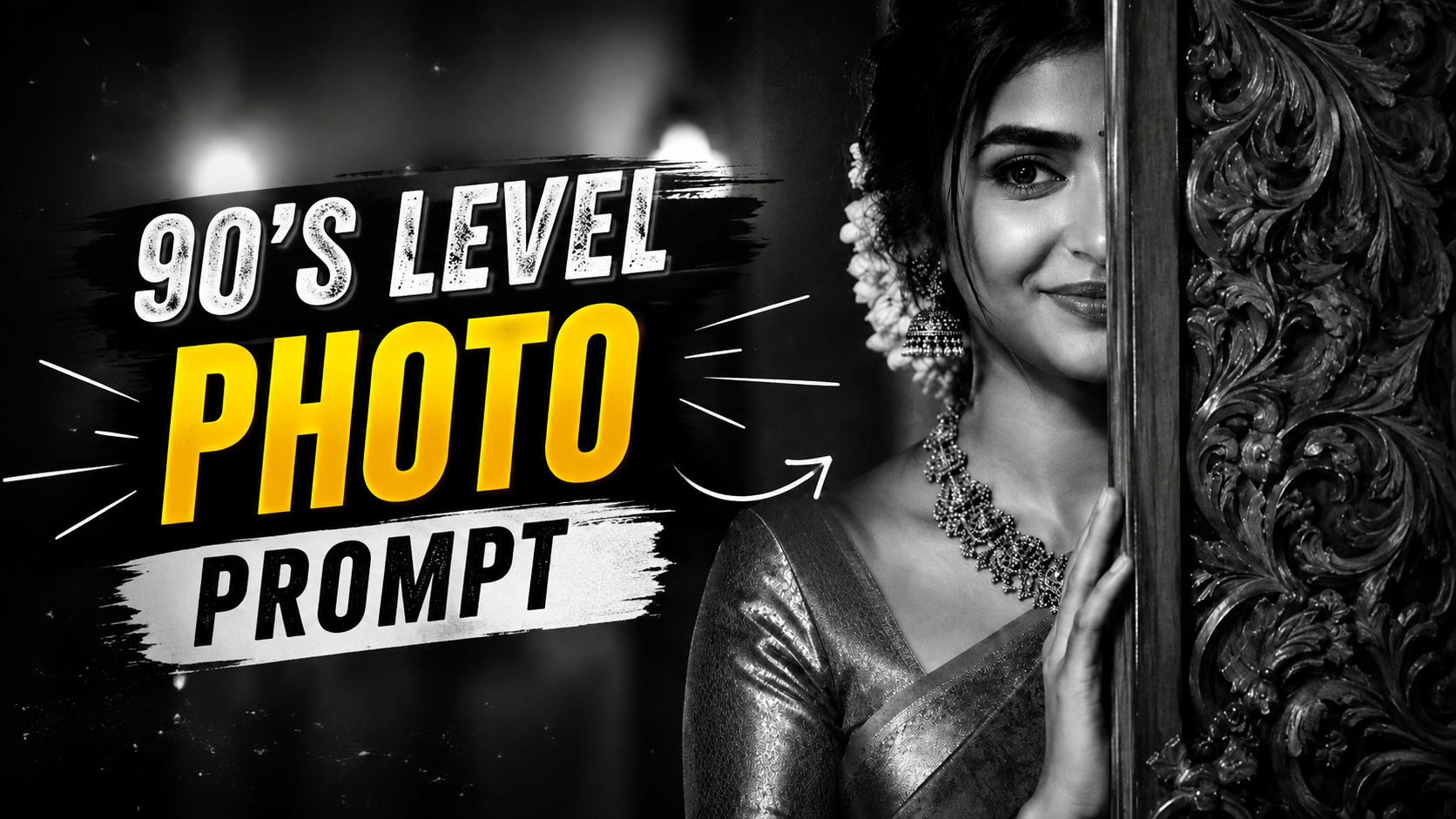
Hello friends, today we are going to try something useful with this topic of next level 90s style photos. Many people see those sharp retro edits on Instagram and Reels and wonder which exact words or prompts were used to get that look. Randomly typing retro or 90s aesthetic often gives soft or messy results that do not match the viral trend.
This guide will help you create a clean next level 90s photo making prompt that works in popular AI image apps and mobile editors. We will talk about colors, background shapes, texture, and how to keep your face natural instead of plastic. The goal is simple, type smarter prompts and spend less time fighting with confusing settings.
The article is useful for creators who use tools like Midjourney, DALL E, Stable Diffusion apps, Lightroom presets, or mobile editors such as PicsArt and Lightroom Mobile. If you are a short video creator, meme page admin, or just someone who wants that MTV and cassette era feel around your photo, these examples will fit your style.
We will also connect these prompts to real use cases like profile photos, poster style edits, and reel covers. You will see a small case study of turning a flat selfie into a bold 90s cover and learn where people usually go wrong. After reading, you can copy the formulas and then adjust them for your own color taste and device.
Related Resource
The Prompt Link button above opens the related resource for Trending Todays Next Level 90’s Photo Making Prompt. It is included so readers can reach the mentioned page directly.
What people really mean by a next level 90s photo look
When people search for a next level 90s photo making prompt, they usually want more than a simple vintage filter. The trend mixes bright pop colors, bold shapes, clean cutout of the subject, plus some analog feeling like film grain or VHS lines. It should feel sharp and modern, not just old and faded.
You will see three common directions for this style. First, neon poster style that uses bright magenta, cyan, yellow, and abstract shapes. Second, TV or VHS style that uses scan lines and slight distortion. Third, magazine cover style that looks like 90s pop star or Bollywood album art with big titles and gradients.
Core formula for a strong 90s photo prompt
Instead of guessing, you can build every next level 90s photo making prompt from four parts. Subject, camera and lighting, 90s style details, and quality control words. You can remove or add blocks depending on which app you use, but the structure stays the same.
Basic text structure
Here is a simple structure you can adapt:
- Subject block, for example close up portrait of a young man looking at camera
- Camera and lighting block, such as studio lighting, sharp focus, 35mm film look
- 90s style block, for example 1990s poster design, neon shapes, Memphis pattern, VHS texture, bold gradient background
- Quality block, such as high resolution, clean edges on subject, detailed face, no extra objects
Different apps react differently, so keep the structure and tweak the words. If one keyword gives you weird results, remove it and try another related term like film grain instead of noise.
Copy ready 90s prompts you can test today
You can paste these prompts into AI imaging tools that accept text input, or use them as captions or sticker ideas inside mobile editors that support AI style transfer. Always start with a safe selfie or stock photo, and respect privacy rules when editing faces of others.
Prompt 1, Neon 90s poster profile pic
close up portrait of a young person looking at camera, cutout from background, studio flash lighting, 1990s neon poster style, bright cyan and magenta gradient background, geometric shapes, floating triangles and circles, light film grain, high resolution, smooth skin but natural facial texture, clean edges around hair, no background objects
Prompt 2, VHS music video frame
mid shot of a person standing, soft side lighting, casual 90s streetwear, background city lights, 1990s VHS tape recording, visible scan lines, slight color fringing, timestamp in corner, warm tones, subtle noise, cinematic composition, high resolution, keep face clear and readable, no glitch covering the eyes
Prompt 3, 90s magazine cover style
portrait of a smiling person, front facing, hair styled, clean studio background, 90s pop magazine cover design, pastel gradient backdrop, bold title text space above head, sticker shapes, stars and hearts, light halftone texture, high resolution, beauty lighting on face, no heavy distortion, keep skin tone natural
Apps and tools that work well with 90s prompts
Not every app understands the same words. Some tools accept full natural language prompts while others offer style presets or manual sliders. The table below compares typical options so you can decide where to start. Tool names are examples, always check the current features in your region and app version.
| Tool type | Example apps | How it uses prompts | Best for 90s look | Cautions |
|---|---|---|---|---|
| Full AI image generator | Midjourney, DALL E type tools | Typed text prompt controls all details | Creating new 90s style portraits from scratch | Sometimes changes your face too much |
| AI photo editor on phone | PicsArt, Photoleap style apps | Mix of text prompt and style filters | Turning normal selfie into 90s layout | Quality and ads can vary by device and plan |
| Manual editor with overlays | Lightroom Mobile, Snapseed plus PNG packs | No real prompts, you stack effects manually | Precise control of colors and grain | Slower, you must understand basic color editing |
For most beginners, trying a mobile AI photo editor that supports text prompts is the easiest start. If you need full control or run a design page, a desktop model with advanced settings might be worth the extra effort and subscription cost.
Step by step workflow for a clean 90s portrait
Use this simple workflow using any AI powered editor that supports prompts. The exact buttons will differ but the logic stays the same.
- Pick a clear source photo. Use a well lit selfie with your face fully visible and no strong shadows. Blurry photos turn into muddy edits and no prompt can fix that fully.
- Cut the subject if possible. Many apps have an auto cutout tool that separates you from the background. This gives the AI more freedom to create a fresh 90s style background around you.
- Paste a structured prompt. Use one of the sample prompts above and adjust words like young person to man or woman, and change colors to your taste.
- Lower the strength if the app allows it. If you see your face becoming cartoon like, reduce effect strength around 40 to 70 percent so character stays closer to real you.
- Add manual finishing touches. Increase contrast slightly, add light grain, and sharpen the eyes. Avoid super strong clarity on skin, it can break the 90s soft glam feeling.
Real world examples and a mini case study
Example one, Instagram profile update. A creator used a simple indoor selfie and a neon 90s prompt similar to Prompt 1. The app added a cyan and pink background, triangle shapes, and film grain. They then manually toned down the saturation slightly and added a white outline around their body which made the profile image pop even at small size.
Example two, music reel cover. A small band needed a fast cover for a 15 second audio clip. They took a group photo, did a quick cutout, used a magazine style 90s prompt, and then placed song title text in the empty space. The result looked like a classic CD cover from the late 1990s without hiring a designer.
Mini case study, fixing a failed 90s edit. One user started with a very low light selfie and a heavy VHS glitch prompt. The result was dark, noisy, and the face looked melted. To fix it, they switched to a brighter selfie, reduced glitch words, and focused on scan lines plus a timestamp. They also added a soft spotlight in the app. The second result kept the VHS mood while the face remained clear.
Common mistakes with 90s prompts
People often pack too many trend words into a single prompt. For example neon, glitch, VHS, magazine, anime, vaporwave in one line. The AI then guesses and mixes styles into a chaotic image. It is better to decide one main direction and maybe one supporting detail.
Another mistake is ignoring app limits and phone power. Heavy AI effects can lag on older devices or free app plans. If your app keeps crashing, reduce resolution, close other apps, or switch to a lighter style. Also, always check app privacy policies before uploading sensitive selfies or ID photos and use trusted download sources only.
Conclusion
A next level 90s photo making prompt is mostly about clear structure and realistic expectations, not magic words. When you define your subject, pick one main 90s style direction, and then control quality with terms like high resolution and natural skin, your chances of a clean result rise sharply.
Start with the sample prompts in this guide, test them in your favorite AI photo editor, and then adjust color words and background elements to match your personal taste. Save successful prompts inside a note app so you can reuse them quickly for new selfies, reels, or thumbnails without rebuilding from scratch.
FAQ
Which app is best for 90s style AI photos
Many AI photo apps can handle this look but results vary. Try one or two popular editors from your official app store, look for recent reviews mentioning retro or 90s styles, and always test free options before paying.
Can I use these photos for commercial work
It depends on the tool license and source image rights. Check the terms of the AI service, and only use photos where you hold permission or own the image. When in doubt, keep it for personal or social use only.
Why does my face look warped in AI 90s edits
This usually happens with strong stylization or low quality input. Use a clearer selfie, reduce style strength if the app supports it, and remove extreme keywords like heavy glitch or distorted face.
How can I get sharper 90s photos from my phone
Start with clean lighting, avoid heavy digital zoom, and keep your lens wiped. Then add 90s style with prompts or filters. Sharpen only lightly so grain and edges still feel like film and not harsh digital noise.
Is it safe to upload my selfies to AI sites
Safety depends on the platform. Use well known services, read the privacy section, avoid uploading sensitive or private photos, and remove images from your account if you stop using the tool.
Thank you for reading this guide. If you found it useful, keep following this blog for more latest tech news, practical phone tips, AI tools, and creative editing tutorials.








