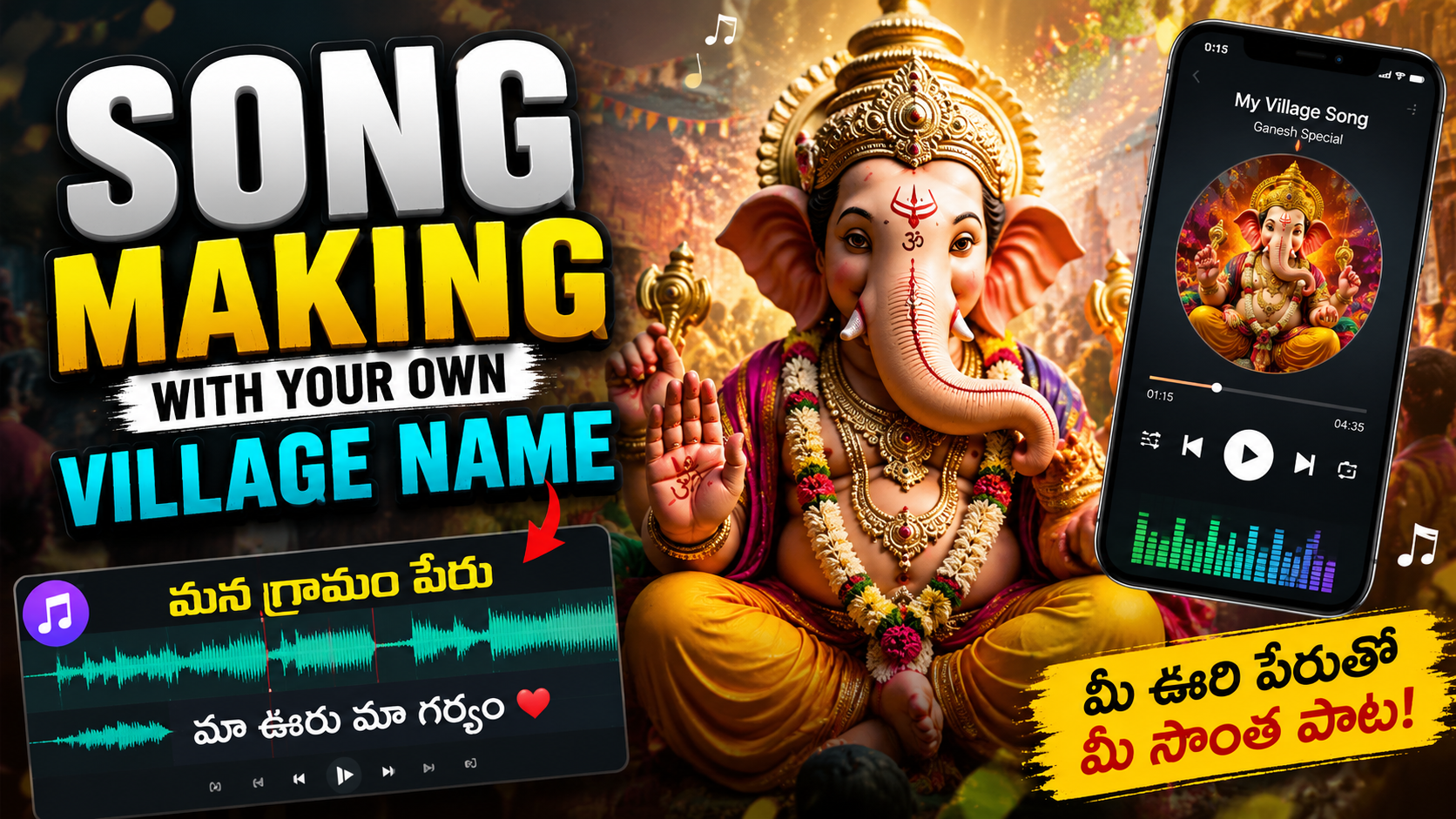
If you type song making on own village names lyrics into search, you’re probably trying to do one thing: create a custom song that proudly mentions your village and feels personal, not generic.
This tutorial gives you ready‑to‑use lyric prompts and a simple workflow you can follow on Android or iOS. You can use these ideas in any writing app, AI lyrics tool, or just with pen and paper.
1. First, Decide What Type of Village Song You Want
Before you open any app, decide the mood of your song. This makes your lyrics more focused and less random.
Common styles for village‑name songs:
- Proud anthem for festivals, school shows, local events.
- Love & nostalgia memories of childhood, grandparents, fields, rivers.
- Fun/party track DJ style, dhol beat, dance lyrics calling the village name.
- Storytelling/folk telling a story about local heroes, history, or legends.
Pick one main mood and write it at the top of your note, for example: Mood: Proud anthem with energy. You’ll use this in your prompts.
2. Gather Details About Your Village (This Powers Your Lyrics)
The biggest mistake is only repeating the village name and not adding real details. That makes songs sound flat and copied.
Spend 5 10 minutes listing:
- Village name: e.g., Ramapur
- Nicknames / short forms: e.g., Rampa, RP Town
- Nearby places: rivers, hills, cities, famous roads.
- Local spots: temple/masjid/church, market, school, tea stall, bus stop.
- Special things: crop, festival, dish, sport, fair, local hero.
- Language & dialect: words people actually use in daily talk.
Keep this list open while writing. These details become your rhyme material and hook lines.
3. Basic Prompt Template for Village‑Name Lyrics
You can use the following template in any AI tool, or as a self‑prompt if you’re writing manually. Just replace the words in brackets with your details.
Write song lyrics in [language] using the village name [Village Name]. Mood: [proud / emotional / fun / folk story]. Include: Local places: [list 3 5]. Special things: [list 3 5]. Style: [Bollywood style / folk / rap / devotional / DJ party]. Length: [8 lines / 16 lines / 2 verses + chorus].
Avoid copying any existing songs. Make the lyrics original.
If you are writing without AI, use the same structure for your own thinking:
- Verse 1: Introduce the village + one or two places.
- Chorus: Strong repeat line with the village name.
- Verse 2: Describe people, food, or festival.
- Chorus: Repeat or slightly change the hook.
Official App Listing
The view guide document button opens a third-party file or document page related to Song Making On Own Village Names Lyrics. Review the owner, sharing status, and file type before copying, installing, or entering private information.
Use any lyrics generator or note‑taking app you trust. If you are sending your village name or personal details to an online tool, remind readers to check the tool’s privacy policy and avoid sharing sensitive information.
4. Example Prompts With Village Names (You Can Copy & Edit)
Here are some ready‑made prompt ideas and lyric fragments. Replace the sample village names with your own.
4.1 Proud Anthem Style
Prompt idea:
Write 12 lines of proud anthem style lyrics in Hindi about my village Ramapur.
Mention: The green fields and river Kaveri nearby Our Friday market and old banyan tree Unity of people from all religions
Make a catchy chorus that repeats Ramapur, Ramapur.
Sample hook (edit for your village):
[Village Name] ka naam hai roshan, Din bhi yahan tyohar jaisa, raat bhi mehfil si, [Village Name], [Village Name], dil ke andar basta tu hi.
4.2 Fun / DJ Dance Track
Prompt idea:
Write 2 verses and a chorus in a fun, DJ dance style in Hinglish.
Village name: Lakshmipur.
Include: Dhol beats, DJ lights Friends dancing in the school ground A line that people can shout together
Make the chorus easy to remember.
Sample chorus structure:
DJ wale bajaa beat, [Village Name] on the street, Haath utha, sab repeat [Village Name], [Village Name]!
4.3 Emotional & Nostalgic
Prompt idea:
Write emotional lyrics in Telugu about missing my village Sri Nagar.
Mention: Childhood on the dusty playground Grandmother’s stories at night Festival lights near the temple
Tone: soft, nostalgic, simple words.
Sample emotional line:
Door shehar ki bheed mein, yaad aaye mera [Village Name], Mitti ki us khushboo mein hi, chhupa mera har kal, har aaj.
5. How to Do This Smoothly on Android & iOS
You don’t need a studio setup to start. A basic workflow on your phone is enough.
5.1 On Android
- Open a notes app (Google Keep, Samsung Notes, or any editor you like).
- Create a new note and title it Village Song [Village Name].
- Paste or type your prompt at the top (from section 3 or 4).
- Use your browser or AI app to generate drafts, then paste the best lines into the note.
- Edit manually to fix local words, slang, and cultural details.
You can also use voice typing if you think faster than you can type. Most keyboards (Gboard, etc.) have a mic icon for speech‑to‑text.
5.2 On iOS (iPhone/iPad)
- Open Apple Notes or any writing app.
- Create a new note for your village song.
- Write your mood + village details at the top.
- Switch to your browser or AI app, use the prompt templates, then copy the results into your note.
- Use the built‑in microphone on the keyboard to dictate changes in your own dialect.
6. Common Mistakes When Making Village‑Name Songs
To keep your lyrics original and respectful, watch out for these issues:
- Copying film songs line‑by‑line and only changing the place name this can cause copyright problems and sounds cheap.
- Using stereotypes or insults about your own village or others these may go viral for the wrong reasons.
- Overstuffing the village name in every single line. Use it mainly in the chorus and a few key spots.
- Ignoring local language if people speak a dialect, mix in some real phrases so it doesn’t feel fake.
- Forgetting rhythm read your lines out loud to a basic 4‑beat count (1‑2‑3‑4). If you can’t say a line smoothly, shorten or split it.
7. Turning Your Lyrics Into a Simple Recording
Once you’re happy with the words, you can record a rough version directly on your phone:
- Use Voice Recorder / Voice Memos for a basic vocal demo.
- Play a free beat from a royalty‑free site or beat‑making app only if the license allows you to record over it.
- Keep volumes low to avoid distortion. Hold the phone a bit away from your mouth.
For public uploads (YouTube, Instagram, etc.), use music that you have rights to, or beats that clearly say royalty‑free for use with terms you understand. Avoid ripping music from films or commercial tracks.
8. Quick FAQ: Songwriting With Your Village Name
Can I use any village name in my lyrics?
Yes, you can mention real places, including your village. Avoid defamation, hate speech, or sharing private information about individuals without consent.
Is it okay to use famous song tunes and just change lyrics to my village?
For private fun with friends, it might be fine. For public posting or monetization, it’s risky because the original tune is copyrighted. Create your own melody or use licensed music.
Which language should I write in?
Use the language people in your village actually use local language or dialect. You can mix it with Hindi, English, or any other language for style, but authenticity matters more than showing off vocabulary.
Can I do this without any AI tools?
Absolutely. Use the same prompt ideas as questions. For each bullet, answer in your own words. Combine lines that feel good, then refine them into verses and a chorus.
How long should a village‑name song be?
For social media, 30 60 seconds works well. That’s usually one verse plus a chorus. For stage performances, you might want 2 3 verses with repeated hooks.
Use the templates above as a starting point, then slowly replace generic lines with details only someone from your village would know. That’s what makes the song yours.








