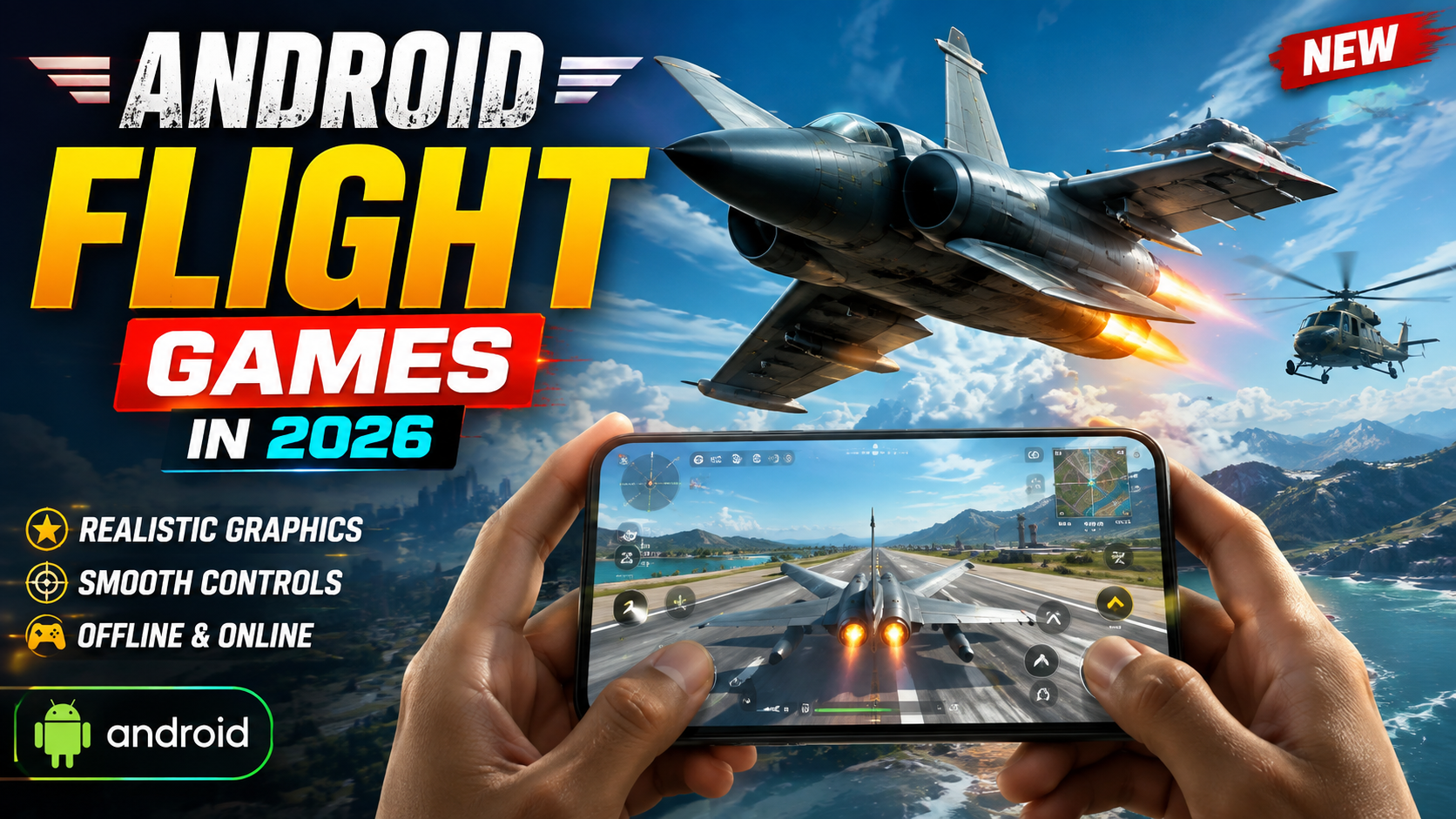
If you’re into flying but mostly game on your phone, 2026 is a good year. Mobile flight games are better than ever, and you can also use Android as a companion screen or streaming client for serious PC sims like Microsoft Flight Simulator 2024 on Windows.
This guide walks through two things:
- How to safely connect your Android device with Microsoft Flight Simulator 2024 on Windows (using official tools and PC streaming).
- Which native Android flight games are worth playing if you don’t have a gaming PC.
1. What Microsoft Flight Simulator 2024 Actually Runs On
- You can’t install it directly from Google Play on your phone.
- You can connect Android to it as:
- a remote screen via game streaming, or
- a second display style companion (maps, instruments via third‑party tools).
This is important, because a lot of misleading videos and posts in 2026 still promise MSFS 2024 APK for Android. Those are not official and are usually unsafe or just clickbait.
2. Safe Ways to Play a PC Grade Flight Sim on Android
To experience PC level flying on your phone or tablet, you essentially stream the game from a powerful Windows machine to Android.
Option A: Stream From Your Own Windows PC
Typical requirements (these can vary slightly by tool and update):
MOBILE FLIGHT GAME :-
FLIGHT GAME FOR PC :-
- A Windows PC that meets or exceeds Microsoft Flight Simulator 2024 recommended specs.
- Stable home network ideally:
- PC on Ethernet, and
- Android on 5 GHz Wi‑Fi or Wi‑Fi 6.
- A supported game streaming app on Android.
Common workflow (generic, not tied to a specific brand):
- Install and configure the sim on Windows.
Use Steam or the official store, update your GPU drivers, and confirm the sim runs smoothly on PC before adding Android into the mix. - Install a streaming client app on Android.
Look for reputable, well reviewed clients from known publishers on Google Play. Avoid apps that ask for suspicious permissions (SMS, contacts) for a streaming use case. - Connect PC and Android to the same network.
Open the client on Android, sign in (if required), and pair it with the PC client or service. - Launch the sim from your phone.
Once the PC is detected, tap it in the app, and start streaming. The game is still running on the PC; Android only shows the video feed and sends back your controls.
Control tip: Streaming works best with a Bluetooth controller or a dedicated mobile gamepad, especially for complex planes. Touch only controls are possible but often clumsy for realistic sims.
Option B: Cloud Gaming Services
Some cloud platforms occasionally offer major PC titles via remote servers. As of 2026, availability for Microsoft Flight Simulator 2024 can vary by region and service, and may change year to year.
If a licensed cloud provider carries the sim in your region:
- You typically need a paid subscription.
- Strong, low latency internet (fiber or very solid 5G) is crucial.
- You launch the sim via the cloud app on Android; the game runs on the provider’s hardware.
3. Official Listing: Microsoft Flight Simulator 2024 on Steam
For readers on Windows, this is the official PC page referenced in this guide:
- Check the system requirements section against your PC hardware.
- Sign into Steam using your own account; do not buy keys from grey market websites promising cheaper access.
- Make sure you have enough storage flight sims can be extremely large downloads.
4. Best Native Android Flight Games to Try in 2026
If you don’t own a gaming PC, you still have good options that run directly on Android. Names change frequently, but most fall into three categories:
| Type | What You Get | Who It Suits |
| Realistic flight simulators | More accurate physics, cockpit views, navigation aids, often slower paced. | Players who enjoy procedure, longer flights, and learning basic aviation. |
| Arcade dogfighting / action | Fast missions, missiles and guns, simplified controls, shorter sessions. | People who just want quick, satisfying aerial combat on a commute break. |
| Management + flying hybrids | Run an airline or airbase plus light flying segments. | Fans of strategy/tycoon games who also like planes. |
When choosing a new Android flight game in 2026, check:
- Offline vs online: Always online games can be frustrating if you travel a lot.
- Monetization: Some titles push aggressive in‑app purchases for fuel or energy. Read the reviews for warnings about this.
- Controller support: If the game mentions external controller or gyro support, that’s a bonus for immersion.
5. First Time Setup Tips on Android and Windows
On Android
- Free space: Make sure you have comfortable free storage. Some 3D flight games exceed 3 4 GB once textures are installed.
- Graphics settings: On first launch, pick Medium and then raise settings gradually. Many midrange phones overheat if you max everything out immediately.
- Battery: Flying in 3D can drain the battery fast. If you play long sessions, plug into a charger and keep the phone on a cool surface.
On Windows (for MSFS 2024)
- Update GPU drivers: Use the official NVIDIA/AMD/Intel apps, not third‑party driver updaters.
- Windows Game Mode: Ensure Game Mode is on and unnecessary background apps (browsers with many tabs, other launchers) are closed.
- Network: For streaming, prefer wired Ethernet. Wi‑Fi only on the PC side can introduce stutter.
6. Common Mistakes to Avoid
- Installing APK copies from random sites.
High‑profile PC sims do not have legitimate full Android APKs. These files are often malware, adware, or unrelated apps that misuse the game’s logo. - Ignoring minimum specs.
If your Windows PC barely meets the minimum requirements, streaming to Android won’t magically fix poor performance. The game must run decently on PC first. - Using mobile data for long sessions.
Cloud or remote streaming at high bitrate can eat gigabytes of data per hour. Use Wi‑Fi whenever possible. - Assuming controller layouts are obvious.
Spend a few minutes in the control settings screen. Many games let you adjust sensitivity, inverted pitch, and button placements for a better feel.
7. FAQ: Android Flight Games and Microsoft Flight Simulator 2024
Can I install Microsoft Flight Simulator 2024 directly on Android?
No. It is a Windows PC title. Android devices can only connect via streaming or companion apps, not run the full game natively.
Is streaming a flight sim to my phone playable?
Yes, if your PC is strong enough and your network is fast and stable. For complex flying, a Bluetooth controller or external gamepad is strongly recommended.
Do I need Windows to enjoy flight games on Android?
No. There are good native Android flight sims in 2026. They may not match the visual fidelity of high end PC sims, but they’re far more convenient for short sessions.
Are free mobile flight games safe?
Games from Google Play with many genuine reviews are usually fine, but always scan permissions and avoid titles that request access to data they don’t need (contacts, SMS, etc.).
Can I use my Android as a cockpit instrument panel?
Some third‑party apps and tools can expose gauges, nav maps, or checklists over the network. Support depends on the sim and add‑ons you use. Check the add‑on’s documentation for Android compatibility before purchasing.
If you’re serious about aviation, the cleanest approach in 2026 is: run Microsoft Flight Simulator 2024 on a capable Windows PC, use Android for streaming or companion tools, and keep a couple of lighter native Android flying games for quick sessions on the go.








