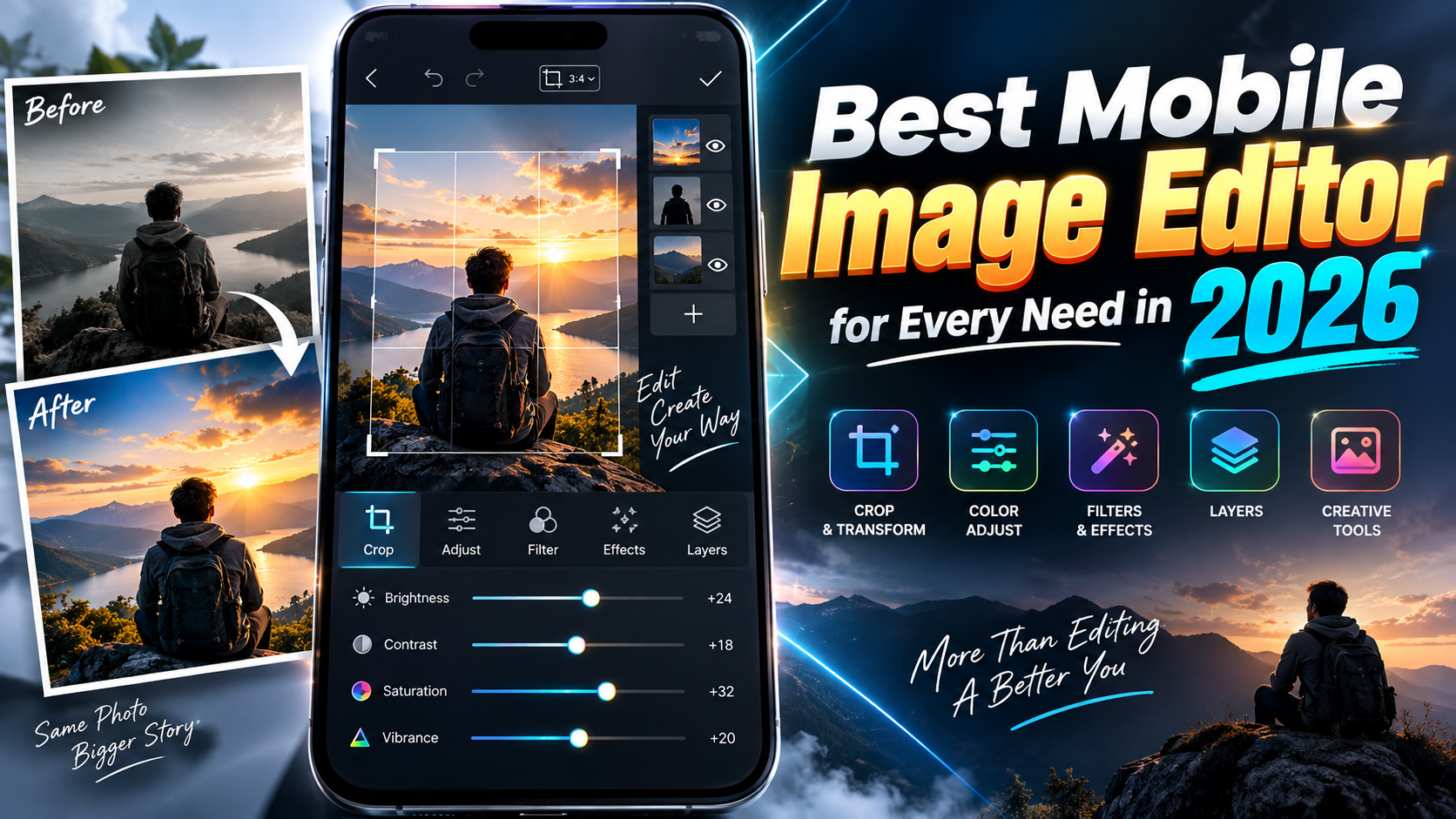
Most people install three or four photo apps and still feel stuck: one has great filters but ruins image quality, another buries tools behind paywalls, and a third is so complex it never gets used.
This 2026 guide takes a different approach: instead of listing every popular name, it matches a handful of mobile image editors to specific tasks quick social posts, serious color work, AI effects, product shots, and simple everyday fixes.
Start Here: What Do You Actually Edit on Your Phone?
Choosing the right app is easier if you narrow down your main scenario. For most readers, it’s one of these:
- Social first creator: You shoot on your phone and post to Instagram, TikTok, or Snapchat daily.
- Camera/RAW user: You shoot RAW or ProRAW and care about detail, noise, and color accuracy.
- Casual family photos: You just want better selfies, holiday pics, and pet photos without learning curves.
- Brand or small business: You need clean product shots, text, and on brand graphics for posts and stories.
- AI & effects fan: You enjoy stylized looks, background swaps, and experimental filters.
Keep your type in mind as you read. In most cases, you’ll be best off with one main editor plus one light app for a specific gap (like text layouts or AI cutouts).
Quick Comparison Table: Top Editors by Main Strength (2026)
| App | Main Strength | Best For | Key Pros | Key Drawbacks |
| Snapseed | Free all round editor | Most casual to intermediate users | Free, no account needed, strong tools, RAW support | Interface feels old, no built in social templates |
| Lightroom Mobile | RAW & color control | Photographers and serious hobbyists | Excellent color tools, profiles, cloud sync (paid) | Subscription for premium features, learning curve |
| Photoshop Express | Smart fixes & retouch | Selfies, portraits, quick corrections | Good AI tools, spot fixes, easy interface | Some tools behind paywall, Adobe account needed |
| VSCO | Film like filters & subtle edits | Aesthetic focused social posts | Consistent looks, batch edits, community | Subscription for most filters, limited text tools |
| Canva | Layouts & text for posts | Businesses and creators making graphics | Templates, brand kits (Pro), quick exports | Heavy app, not ideal for deep photo editing |
| PhotoRoom (or similar AI background apps) | Background removal & product shots | Online sellers and small shops | Fast cutouts, product presets, batch (paid) | Exports may be watermarked on free tier |
1. Snapseed Best Free All Rounder for Most People
Platform: Android, iOS • Pricing: Free
Snapseed remains one of the strongest free editors in 2026. It covers everyday needs without ads or aggressive upsells, which is getting rare.
Why it works:
- Tap and drag sliders make exposure, contrast, and saturation quick to adjust.
- Tune Image and Details tools bring dull photos back to life in seconds.
- Selective edits let you brighten faces or darken skies without masking skills.
- RAW support is good enough for many casual photographers.
Where it can frustrate you:
- The UI hasn’t changed much; some new users find tools hidden in menus.
- No built in multi page or story templates like Canva.
- Export options are simple fine for individuals, but light for brands.
Good fit if: You want one free app that can fix exposure, color, perspective, and a bit of retouching without dealing with subscriptions.
2. Adobe Lightroom Mobile For RAW Shooters and Color Perfectionists
Platform: Android, iOS • Pricing: Free basics; subscription for full tools/cloud
Lightroom Mobile is the go to choice if you’re serious about photography and already shoot RAW or plan to.
Why it stands out:
- Precise control over exposure, white balance, HSL, and curves.
- Profiles and presets that stay consistent between mobile and desktop.
- Masking and selective adjustments for skies, subjects, and backgrounds (varies by subscription level).
- Optional cloud sync so your phone, tablet, and desktop share the same catalog.
Drawbacks to know before committing:
- Best features usually sit behind an Adobe plan, which is ongoing cost.
- The interface can feel complex if you only want quick social edits.
- Heavy RAW processing may feel slow on older or budget phones.
Good fit if: You treat your phone as a serious camera and want the same editing language used in professional workflows.
3. Photoshop Express Friendly AI Tricks & Retouching
Platform: Android, iOS • Pricing: Free with Adobe account; optional subscription
Photoshop Express focuses on corrections that non photographers care about: skin smoothing, object removal, perspective fixes, and playful effects.
Highlights:
- One tap looks to quickly test different styles.
- AI powered tools like content aware spot healing for removing small distractions.
- Portrait enhancements: teeth whitening, blemish fixes, and light face sculpting (varies by version).
- Collage options right inside the app.
Limitations:
- Requires an Adobe account to unlock full use; some features are premium only.
- Deep color workflows still feel better in Lightroom than here.
Good fit if: You mostly edit selfies and social images and want smart fixes without dealing with complex RAW tools.
4. VSCO For Consistent, Film Like Aesthetic
Platform: Android, iOS • Pricing: Free with limited presets; subscription for full library
VSCO is less about heavy editing and more about vibe. Its strength is subtle filters that give consistency to your feed.
Why creators like it:
- Preset packs tuned for skin tones, street photography, and landscape.
- Simple tools (grain, fade, split tone) that mimic film looks.
- Can copy and paste edits to a whole batch of images.
- Built in community if you want another place to share.
Weak points:
- Most of the good looks are in the paid membership.
- Not ideal for text, graphics, or multi image layouts.
Good fit if: You want your social grid to look cohesive with minimal manual tweaking.
5. Canva For Posts, Stories, and On Brand Graphics
Platform: Android, iOS, web • Pricing: Free with optional Pro plan
Canva isn’t a pure photo editor, but in 2026 it’s often the second app people open after Snapseed or Lightroom because it makes publishing fast.
What it does well:
- Thousands of templates sized for Reels covers, stories, posts, and ads.
- Text, icons, stickers, and brand kits for consistent fonts and colors (brand features may require Pro).
- Basic photo tools: crop, straighten, filters, brightness, contrast.
- Multi image layouts and carousels without needing desktop tools.
What to watch out for:
- Heavier than a simple editor; slower on older devices.
- Advanced photo adjustments (true RAW control, detailed masking) are limited.
Good fit if: You run a small business, personal brand, or social page and care as much about text and layout as the photo itself.
6. AI Background & Product Editors For Shops and Side Hustles
Apps like PhotoRoom and similar AI tools focus on removing backgrounds and producing clean, store ready images quickly.
Typical features:
- One tap subject cutout for people or products.
- Preset backgrounds (plain colors, gradients, studio looks).
- Shadow and reflection tools to make products look more realistic.
- Batch export options on paid tiers, helpful for larger catalogs.
Common downsides:
- Free tiers often add watermarks or limit resolution.
- Background removal can fail on complex edges like hair or glass.
Good fit if: You sell on marketplaces or social platforms and need many clean product photos more than perfect artistic edits.
Safe Setup & Privacy Tips for Mobile Editors in 2026
- Install from official stores only. Use Google Play or the Apple App Store. Avoid third party sites promising pro unlocked versions.
- Check permissions carefully. A photo editor usually only needs access to Photos/Media and sometimes the camera not your contacts or SMS.
- Review cloud and AI settings. Some apps may upload images to train AI or for cloud sync. Look for toggles labeled use images to improve services and turn them off if you’re not comfortable.








