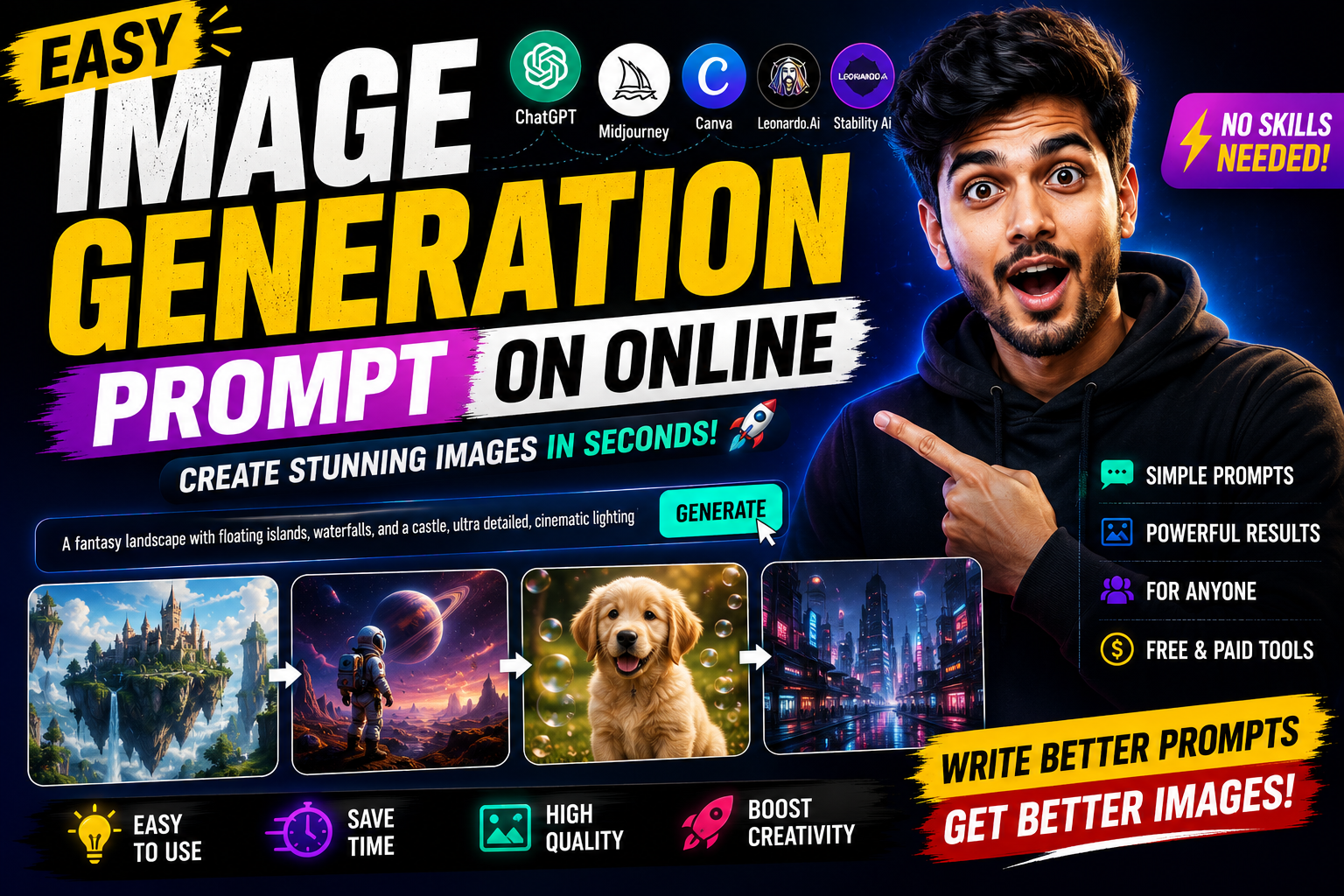
Hello friends, if you have opened an AI art site and stared at the empty prompt box not knowing what to type, you are not alone. Many people reach that screen, type only one or two words, and feel disappointed when the picture looks random or low quality.
This blog will walk you through a simple way to write an easy image generation prompt online that actually produces useful results. You will see real examples, a repeatable structure, and common mistakes to avoid when you type your next prompt into tools like DALL E, Midjourney style services, or free web generators.
The article is written for beginners, social media creators, bloggers, and anyone who wants quick visuals without learning advanced art jargon. If you can write one or two clear sentences, you can upgrade your prompts and get closer to the image you see in your head, even with free browser tools.
We will look at how these online generators read your words, then build a few prompt templates that you can copy and adapt for product photos, thumbnails, simple landscapes, and character images. Whenever you try a new AI art site, you can paste one of these structures into the prompt box, adjust a few words, and generate more consistent images.
Related Resource
The Prompt Link button above opens the related resource for Easy Image Generation Prompt On Online. It is included so readers can reach the mentioned page directly.
How Online Image Generators Understand Your Prompt
Most online generators use text to image models that break your prompt into small pieces and match them with patterns learned from many training images. If you only type dog or car, the system has almost no context, so it picks a random style, angle, and background.
When you add details such as style, lighting, camera angle, and mood, the model has more anchors to follow. That is why a slightly longer prompt like cute golden retriever puppy sitting on a wooden floor, soft natural light, realistic photo quality usually works far better than a single word.
Simple Prompt Formula You Can Reuse
You do not need a complicated script. Start with this basic formula and adjust it for any online tool.
Subject plus Action or Pose plus Setting plus Style plus Lighting or Mood plus Quality Hint
Here is an example for a social media post about working from home.
Young woman working on a laptop at a small desk, cozy living room, warm sunset light through the window, modern flat illustration style, clean minimal background, high resolution.
This format is easy to remember and works across most popular online generators.
Real World Example 1: Simple Product Photo For Online Shop
Imagine you want a clean product image for a mock online store. You sell a basic blue water bottle and want it on a white background for a landing page.
A weak prompt would be blue bottle. The tool might add strange reflections, busy backgrounds, or extra objects. Instead, use the formula.
- Subject blue metal water bottle
- Action or Pose standing upright
- Setting on a plain white studio background
- Style realistic product photo
- Lighting or Mood soft diffused studio light, no harsh shadows
- Quality Hint high detail, centered composition
Combined prompt example
Blue metal water bottle standing upright on a plain white studio background, realistic product photo, soft diffused studio light, no harsh shadows, high detail, centered composition.
Most online generators accept such a prompt without any advanced settings and already give a decent mockup.
Real World Example 2: YouTube Thumbnail Background
Many creators use AI images only as a background, then add text and photos using Canva or similar editors. Suppose you run a tech tips channel and you want a simple thumbnail base for a video about cleaning your laptop.
A better prompt could be
Clean minimalist desk with a modern laptop, soft blue lighting, top down view, flat background space on the right side, digital illustration style, no text, no people.
This gives you a flexible background where you can place your own face and big bold title in an editor later. Remember to mention no text and no people to avoid clutter.
Case Study Style Walkthrough: From Vague To Clear Prompt
Consider a small blog owner who wants a header image for an article about travel budgeting. The first attempt uses the prompt cheap travel. The result looks generic, maybe random tourist photos that do not fit the brand colors.
On the second attempt, the blogger switches to a structured prompt.
Young traveler sitting with backpack at a train station, checking expenses on a phone, warm early morning light, soft pastel colors, friendly flat illustration, clean background with space for title text on the top.
This version mentions subject, activity, setting, style, mood, and layout. The generated image now clearly suggests budgeting and travel instead of any random trip. This small change often makes the difference between a throwaway image and something you can reuse across several posts.
Popular Online Image Tools And Prompt Behavior
Different sites respond slightly differently to the same sentence. Some honor style words strongly, others focus more on subject and composition. The table below gives a general idea so you can adjust your expectations.
| Tool Type | Typical Access | Prompt Sensitivity | Best For | Watch Out For |
|---|---|---|---|---|
| DALL E style web app | Browser, often through major platforms | Good with short clear English prompts | Blog images, concept art, playful ideas | May ignore layout details such as space for text |
| Midjourney style service | Chat or bot based, separate account | Very responsive to style words and aspect ratio tags | Artistic posters, dramatic scenes | Interface can confuse beginners, paid tiers vary |
| Free browser generators | Ad supported websites | Often less consistent, but fine for basic prompts | Simple icons, fun profile pics, test ideas | Watch for aggressive ads, unclear usage rights |
Since features and policies change often, always check each site for terms of use, content limits, and whether you can use the images for commercial work.
Common Prompt Mistakes To Avoid
- Too many styles mixing watercolor, 3D render, pencil sketch, pixel art in one prompt confuses the model, pick one or two.
- No subject priority typing only aesthetic words like dreamy, magical, detailed without naming a clear subject leads to messy images.
- Ignoring negative phrases online tools often support short negative cues like no text, no watermark, no people, use them when needed.
- Expecting perfect faces many free tools still struggle with fingers, eyes, and logos, minor flaws are normal and may need editing.
Actionable Steps For Your Next Prompt
- Write one simple sentence of what you want without thinking about style.
- Underline the subject and the main action in that sentence.
- Add one setting and one style word such as photo realistic, flat illustration, 3D render.
- Add a short mood or lighting phrase, like warm sunset light or cool digital blue.
- Add one layout request if needed, for example space on top for title, centered, close up.
- Add a short negative line, such as no text, no logo, no extra objects.
- Paste the final version into your online generator, then adjust one element at a time until you like the result.
Conclusion
Writing an easy image generation prompt online is less about secret words and more about a clear structure. When you tell the tool who or what is in the picture, what they are doing, where they are, and what overall style you want, the results usually improve fast even on free sites.
Start with practical tasks, such as a clean product photo or a thumbnail background, and use the formula shared in this article. After a few sessions, you will build your own mini library of prompts that you can copy, edit, and reuse for new projects.
FAQ
What is the best easy image generation prompt online for beginners
A reliable starter format is subject plus action plus setting plus style plus mood plus quality hint. For example, cute orange cat sleeping on a sofa, cozy living room, soft natural light, realistic photo style, high detail.
Do I need long prompts for good AI images
No, long walls of text usually do not help. Two or three focused sentences with a clear subject, style, and mood are enough for most web tools.
Can I use these generated images for commercial projects
Sometimes yes and sometimes no. It depends on the website terms, your country, and the model provider. Always read the licensing section on the tool you use and avoid assuming that anything generated is automatically safe for selling.
Which language should I use for prompts
Most popular generators work best with clear English, although some support other languages. If your first result looks off, try rewriting the same idea in simpler English words.
How can I keep my brand style consistent
Reuse similar style words and color cues in all your prompts, for example flat illustration, soft pastel colors, white background. Save your favorite prompt templates in a notes app so you can copy and adapt them later.
Thank you for reading. If you found this guide useful, keep visiting our blog for more practical tips on AI tools, helpful apps, and the latest tech updates for everyday users.








