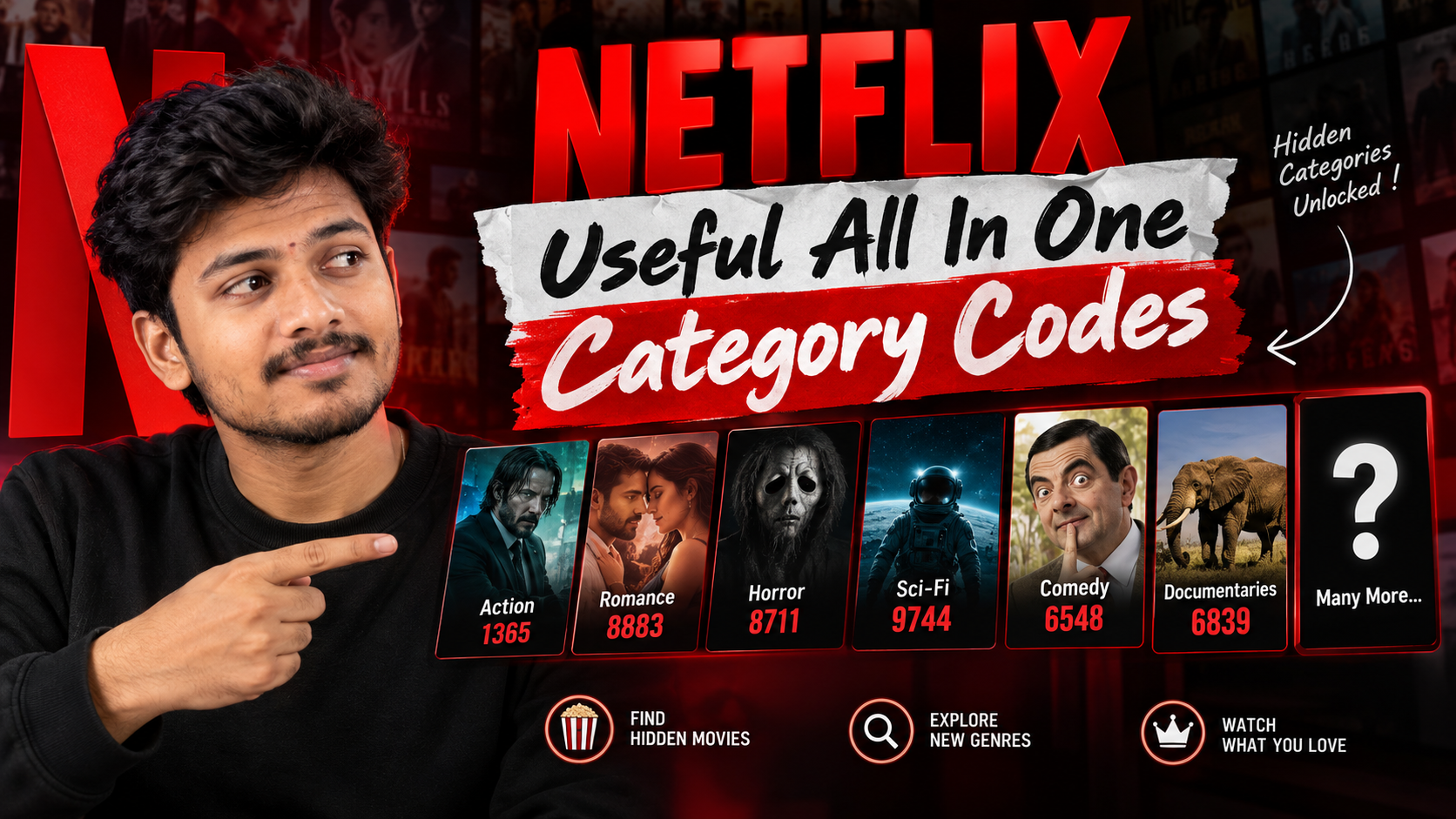
Most people open Netflix, scroll for 15 minutes, and still can’t decide what to watch. The problem isn’t how much is on Netflix. It’s how little you actually see.
Behind the main rows, Netflix uses hundreds of hidden numeric category codes to organise very specific genres: things like Critically acclaimed Crime Movies or Feel good Sports Dramas. You almost never see these categories from the front page.
What Netflix Category Codes Actually Are
Netflix assigns a numeric ID to almost every genre and sub‑genre. When you open a category page, Netflix is really loading a URL that ends with that ID.
On the web, that URL looks like this:
- The
XXXXXpart is the category code. - Each code represents a narrow theme: e.g., 1365 = Action & Adventure, 6548 = Comedies.
- There are hundreds of these, including niche ones like Scandinavian Thrillers or Goofy Horror Movies.
| Category | Code |
|---|---|
| General Action and Adventure | 1365 |
| Martial Arts Movies | 8985 |
| Spy Action Movies | 10702 |
| Romantic Movies | 8883 |
| Romantic Comedies | 5475 |
| Classic Romance | 31273 |
| Comedies | 6548 |
| Dark Comedy | 869 |
| Stand Up Comedy | 11559 |
| Horror Movies | 8711 |
| Psychological Thrillers | 5505 |
| Supernatural Horror | 42023 |
| Family Movies | 783 |
| Kids TV Shows | 27346 |
| Animated Movies | 7424 |
| Anime Series | 6721 |
| Anime Action | 2653 |
| Anime Sci Fi | 2729 |
| Documentaries | 6839 |
| Nature Documentaries | 2595 |
| True Crime Documentaries | 9875 |
| Classic Movies | 31574 |
| Independent Movies | 7077 |
| Foreign Movies | 7462 |
| Music Movies | 1701 |
| Concerts | 90361 |
These codes don’t unlock paid content or bypass your region. They only change how the catalogue you already have access to is filtered and presented.
How to Use Netflix Codes on Desktop (Fastest Method)
The desktop browser is the easiest way to work with hidden categories because you can edit the address bar directly.
- Open netflix.com in Chrome, Edge, Firefox, or Safari and sign in.
- Click into the profile you actually watch with (this matters for recommendations).
- In the address bar, paste:
https://www.netflix.com/browse/genre/1365(for Action & Adventure). - Press Enter. Netflix will jump straight to that genre page.
- To try a different category, simply change the final number. For example:
https://www.netflix.com/browse/genre/6548(Comedies).
Using Netflix Codes on Smart TVs, Consoles, and Mobile Apps
On most smart TV apps, game consoles, and official mobile apps, you can’t directly edit the URL. But you still have a few options:
1. Use a Phone or Laptop as the Code Launcher
This is the simplest workaround:
- Open the category on a browser using the method above.
- Pick a show or movie from that category.
- Start playing it on your phone or laptop.
- Tap or click the Cast icon (if you have a Chromecast, smart TV, or similar) to send it to your TV.
You won’t see a dedicated hidden category page on the TV, but you’ll have used the code to discover content you wouldn’t normally see.
2. Use Search Terms Inspired by Codes
Some categories map loosely to search keywords. For example, if the code is for Korean TV Dramas, searching Korean dramas on your TV app will show a similar pool of titles, even if you can’t open the exact code page.
It’s less precise than using URLs, but still more targeted than mindless scrolling.
3. Mobile Browser + Netflix App
On phones, you can often open Netflix in a browser, use the code URL, then let it deep‑link into the app:
- If prompted, tap Open in app.
- Some devices will jump to that category view inside the app, others will just open the home screen. Behaviour depends heavily on OS and app version.
Handy Netflix Category Codes: Starter All‑In‑One List
Netflix changes and adds categories regularly, and availability varies by region. Think of this as a living starter list, not a complete database.
| Code | Category Name (Approx.) | Good For |
|---|---|---|
| 1365 | Action & Adventure | General action, heists, classic blockbusters |
| 7424 | Anime | All anime content, mixed styles |
| 783 | Children & Family Movies | Family movie night, younger kids |
| 6548 | Comedies | Quick laughs, stand‑ups and movies |
| 31574 | Classic Comedies | Older, well‑known comedy films |
| 26835 | Classic Thrillers | Retro suspense and crime films |
| 63908 | Documentaries | General documentary collection |
| 9875 | Crime Documentaries | True crime binges |
| 5475 | Romantic Movies | Date night staples, light romances |
| 8883 | Romantic Comedies | Feel‑good, low‑stakes rom‑coms |
| 8711 | Horror Movies | General horror, from classics to modern |
| 10673 | Disney | Disney catalog where licensed |
| 83 | TV Shows | Browse TV‑only instead of movies |
| 852490 | K‑Dramas | Korean TV dramas & series |
| 9916 | Independent Movies | Indie films and festival darlings |
Smart Ways to Use These Codes Day‑to‑Day
Instead of treating the codes like a curiosity, build them into how you actually pick something to watch.
1. Build a What to Watch Folder
- Create a bookmarks folder called Netflix Genres.
- Add your 5 10 most‑used codes as individual bookmarks.
- Any time you’re stuck, open that folder and pick a category first, then a title.
This reduces choice overload: you’re making one decision (genre) instead of hundreds (every title on Netflix).
2. Match Codes to Profiles
If your household uses multiple profiles, assign a few codes to each:
- Kids’ profile: 783 (Children & Family), plus any kids’ animation codes you like.
- Horror fan: 8711 (Horror), maybe a niche horror code.
- Documentary watcher: 63908 (Documentaries), 9875 (Crime Docs).
Each profile’s recommendations will gradually shift in a direction that matches the category codes you actually use.
3. Combine With My List Instead of Scrolling Forever
A simple workflow:
- Pick a category code and skim the page for 2 3 minutes.
- Add interesting titles to My List without overthinking it.
- Back on the home screen, open My List and choose from there.
This separates collecting options from choosing something right now, which makes decision‑making easier, especially if you’re watching with other people.
Limitations, Region Differences, and Safety Notes
- Region locks still apply. Codes don’t bypass licensing. If a title isn’t available in your country, the category page may show fewer items or none at all.
- Codes can change or stop working. Netflix occasionally renames, merges, or removes categories. If a code loads a blank page, try again later or check a newer list.
- External code lists aren’t official. Many websites publish long lists of Netflix codes. Some are helpful, some are outdated, and some are loaded with pop‑ups or tracking scripts. Treat them like any other third‑party tech resource: cautious, not automatic.
- Don’t install random Netflix unlocker apps or browser extensions. You don’t need any special software to use category codes. Be very suspicious of anything promising to hack or unlock extra Netflix content at best it’s pointless, at worst it can be malware or a phishing attempt.
- Account security still matters. Using codes in a standard browser is fine, but avoid typing your Netflix password into sites that claim to scan your account and recommend secret genres.
Quick FAQ on Netflix Category Codes
Do Netflix codes work on every device?
They work reliably in desktop








