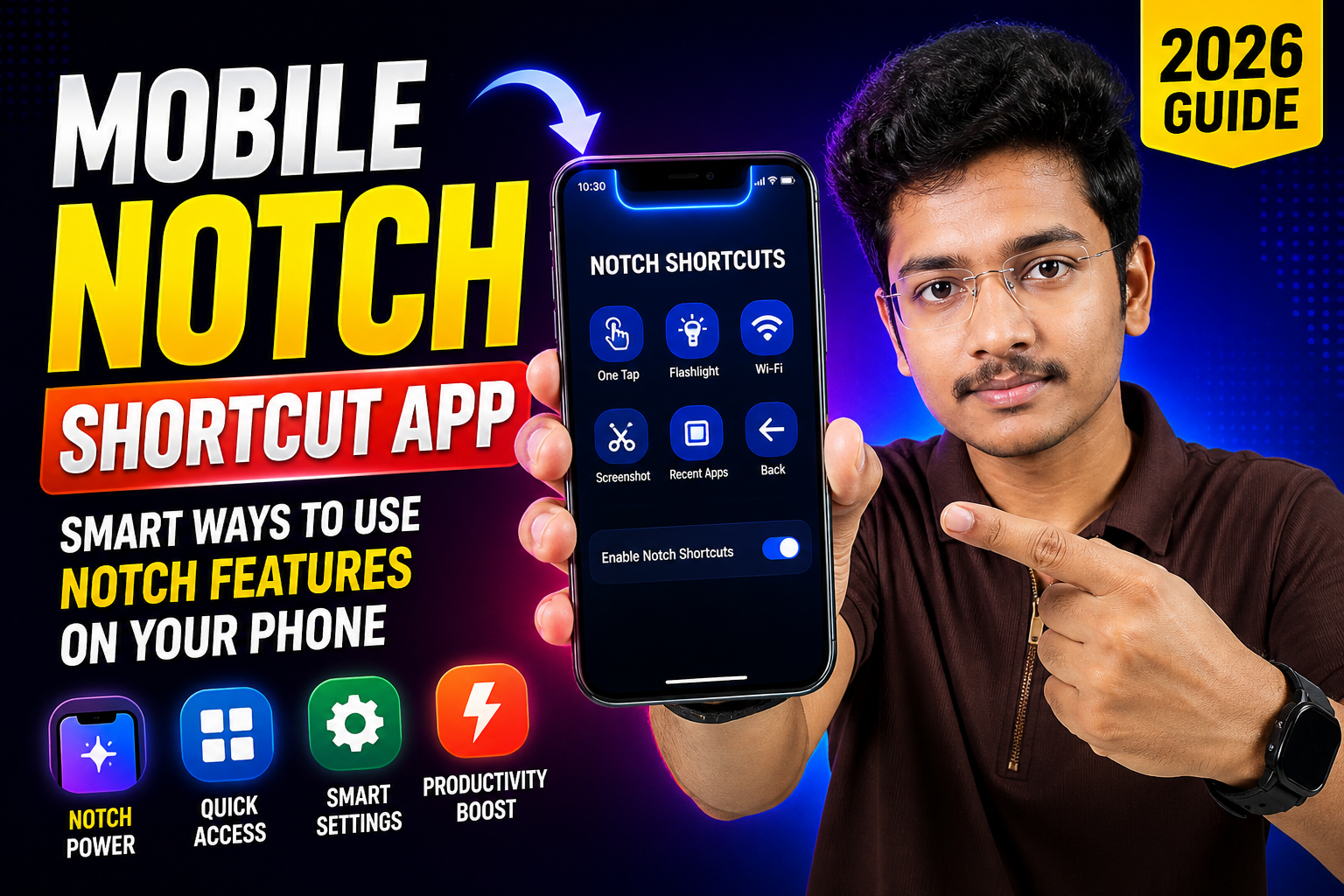
In 2026, smartphones are not just powerful—they are also smarter in how users interact with them. One interesting area of innovation is the use of the notch area on mobile devices. Earlier, the notch was simply a design element to house cameras and sensors. But now, it has become a functional space that can be used creatively with the help of notch shortcut apps.
A notch shortcut app allows you to turn the top cutout area of your phone into a smart control panel. Instead of leaving it unused, you can assign gestures, shortcuts, and quick actions that improve your daily mobile experience. These apps are especially popular among users who want faster access to features without navigating through multiple menus.
This guide explains how notch shortcut apps work, their benefits, and smart ways to use notch features on your phone in 2026.
What Is a Mobile Notch Shortcut App
A notch shortcut app is a mobile tool that lets you use the notch area as a touch-sensitive or gesture-based control zone. By tapping, swiping, or holding near the notch, you can trigger different actions.
These apps work by detecting touch input around the notch and converting it into commands. Depending on the app, you can customize what each gesture does.
For example, a single tap near the notch can open the camera, while a swipe can launch a specific app. This turns a previously unused space into a powerful shortcut tool.
Why Notch Features Are Useful in 2026
Smartphone usage has increased significantly, and users now expect faster and more efficient ways to access features. Notch shortcut apps help reduce the time spent navigating through menus.
Instead of unlocking your phone, opening apps, and searching for options, you can perform tasks instantly using gestures. This saves time and improves productivity.
Another advantage is convenience. Since the notch area is always at the top of the screen, it is easy to access without interrupting your workflow.
Smart Ways to Use Notch Features
Quick Access to Apps
One of the most common uses of notch shortcuts is launching apps quickly. You can assign your most-used apps to notch gestures.
For example, a tap could open the camera, while a swipe could launch your favorite social media app. This reduces the need to search through your app drawer.
Control System Settings
Notch gestures can also control system settings. You can use them to toggle Wi-Fi, Bluetooth, or flashlight.
This is especially useful when you need quick access without opening the settings menu. A simple gesture can turn features on or off instantly.
Take Screenshots Easily
Taking screenshots usually requires pressing buttons, which can sometimes be inconvenient. With notch shortcut apps, you can assign a gesture to capture screenshots.
This makes the process faster and more comfortable, especially for users who take frequent screenshots.
Music and Media Control
Another smart use is controlling media playback. You can play, pause, or skip songs using notch gestures.
This is helpful when you are listening to music or watching videos and want quick control without opening the media app.
Open Camera Instantly
The camera is one of the most used features on a smartphone. Assigning a notch gesture to open the camera allows you to capture moments instantly.
This is particularly useful when you need to take photos quickly without missing the moment.
Activate Voice Assistants
You can also use notch gestures to activate voice assistants. This allows hands-free control of your phone.
With a simple tap, you can ask questions, set reminders, or perform tasks using voice commands.
Customization Options
One of the best features of notch shortcut apps is customization. You can assign different actions to different gestures such as tap, double tap, swipe, or hold.
This flexibility allows you to create a setup that matches your usage habits. For example, heavy social media users can assign shortcuts to their favorite apps, while professionals can focus on productivity tools.
Customization makes the notch area truly personal and efficient.
Benefits of Using Notch Shortcut Apps
Using notch shortcut apps offers several advantages.
First, it improves speed. Tasks that normally take multiple steps can be completed instantly.
Second, it enhances productivity. Quick access to features allows you to focus on your work without interruptions.
Third, it improves user experience. The phone feels more intuitive and easier to use.
Finally, it adds a creative element to your device. Turning the notch into a functional tool makes your phone usage more interesting.
Things to Consider Before Using
While notch shortcut apps are useful, there are a few things to keep in mind.
Make sure the app is compatible with your device. Not all apps support every phone model.
Check permissions carefully. These apps may require access to certain system features, so ensure you are using a trusted app.
Avoid overloading gestures. Assigning too many actions can make it confusing. Keep your setup simple and easy to remember.
Common Mistakes to Avoid
One common mistake is assigning too many shortcuts. This can lead to accidental triggers and confusion.
Another mistake is ignoring gesture sensitivity settings. Adjusting sensitivity helps prevent unwanted actions.
Using untrusted apps can also be risky. Always download apps from reliable sources to ensure safety.
Future of Notch Features
The future of notch features looks promising. As smartphone design evolves, we may see more advanced interaction methods integrated directly into the system.
Manufacturers may introduce built-in notch gestures without the need for third-party apps. AI integration could also make these features smarter and more personalized.
The notch, which was once just a design compromise, is now becoming a functional part of the user interface.
Conclusion
Mobile notch shortcut apps are a simple yet powerful way to enhance your smartphone experience in 2026. By turning the notch area into a smart control zone, you can access apps, settings, and features instantly.
These apps save time, improve productivity, and make your phone usage more efficient. With proper customization and careful setup, you can create a system that fits your daily needs perfectly.
As technology continues to evolve, using features like notch shortcuts can give you an advantage in making the most of your device.
FAQs
What is a notch shortcut app?
It is an app that allows you to use the notch area of your phone for gestures and quick actions.
Are notch shortcut apps safe?
Yes, if you use trusted apps and check permissions carefully.
Can all phones use notch features?
No, it depends on the phone design and app compatibility.
Do notch gestures affect battery life?
Most apps are optimized and have minimal impact on battery usage.
Can I customize notch gestures?
Yes, most apps allow full customization of gestures and actions.
Is it better than traditional shortcuts?
It offers faster access and convenience compared to traditional methods.
Do I need technical skills to use it?
No, these apps are user-friendly and easy to set up.
Will notch features improve in the future?
Yes, future updates may bring more advanced and built-in functionality.








