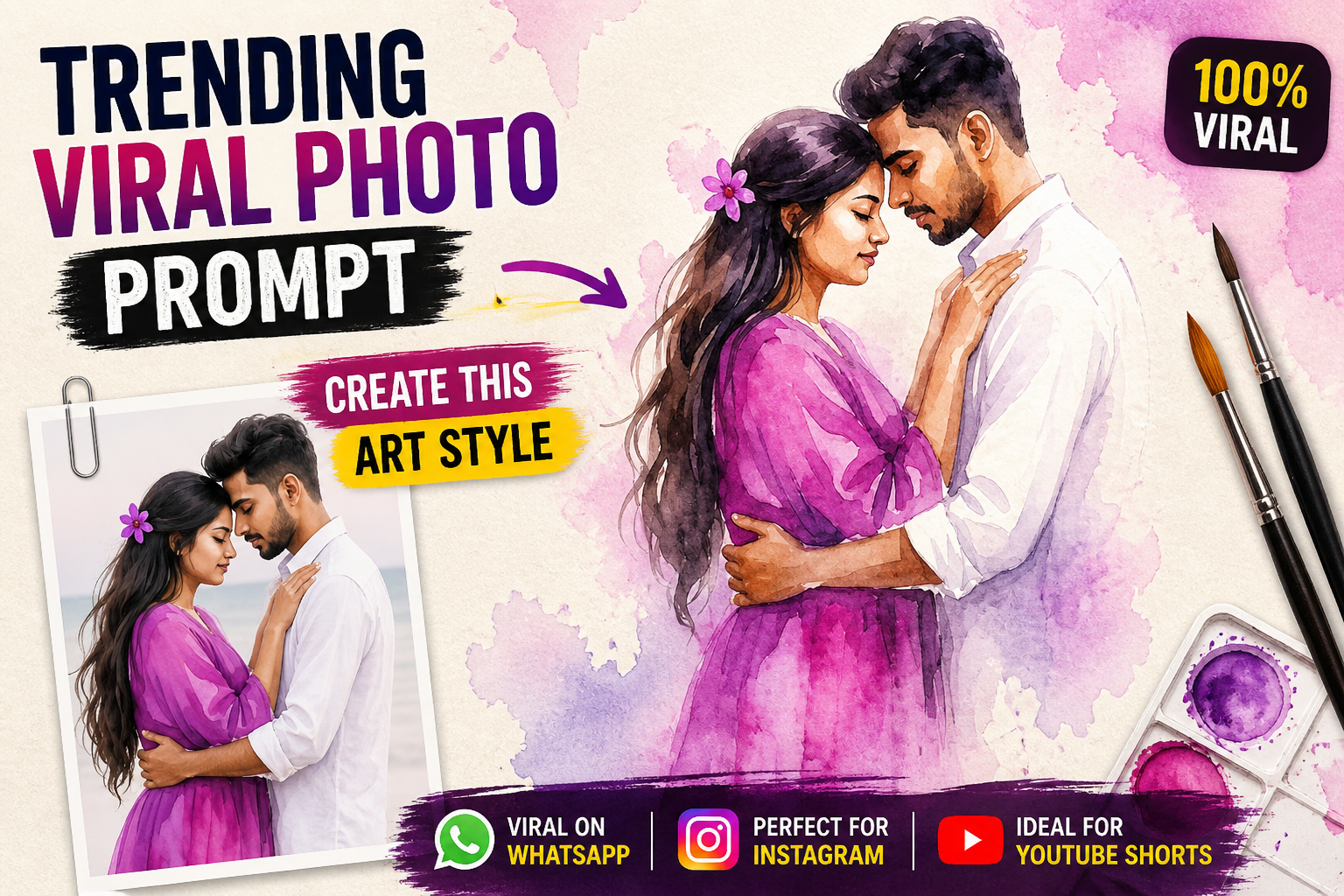
Right now a lot of people are using ChatGPT to create photo ideas, not just text. But most people are using it the wrong way. They type one random line and expect amazing results. That does not work.
If you want good photos, your prompt matters more than the app you use. A weak prompt gives a weak image. A clear and detailed prompt gives a strong result. That is the difference most people ignore.
On platforms like Instagram and Pinterest, trending photos are not random. They follow a pattern. Good lighting, clear mood, simple background, and natural feeling. You need to include these things in your prompt.
What Is a Photo Prompt
A photo prompt is just a clear description of what you want to create. But here is where people go wrong. They keep it too short or too confusing.
For example, writing couple photo is useless. It gives no direction. Another example is writing something too long but unclear. That also fails.
A good prompt is simple but detailed.
For example, a couple walking on a road during sunset with soft light and natural expressions. Another example is a person sitting on a chair near a window with calm mood and soft shadows. These prompts give clear direction.
Why ChatGPT Prompts Are Trending
People like using ChatGPT because it makes the process easy. You don’t need to think too much if you understand the basics.
Also, AI photo tools are growing fast. Many people want quick results for content creation. That is why prompts are trending.
For example, content creators use prompts to create Instagram posts quickly. Another example is using prompts to design creative thumbnails or profile pictures.
But again, copying random prompts without understanding them will not help.
Key Elements of a Strong Photo Prompt
Clear Subject
Always say who or what is in the image.
For example, a young couple walking together. Another example is a person sitting alone near a window.
If your subject is not clear, the result will be messy.
Lighting Matters a Lot
Lighting can completely change the look of a photo.
For example, soft golden hour light gives a warm feel. Another example is dark lighting with shadows for a dramatic mood.
If you don’t mention lighting, your result will look average.
Background Should Be Simple
Too many details in the background can ruin the image.
For example, a clean road or beach looks good. Another example is a simple indoor room with minimal objects.
Keep it clean so the focus stays on the subject.
Mood and Style
This is what makes your photo stand out.
For example, a romantic mood creates soft and emotional photos. Another example is a cinematic mood with strong shadows and contrast.
Without mood, your image will feel empty.
Trending ChatGPT Photo Prompt Ideas
Cinematic Style Prompt
This style looks like a movie scene.
For example, a man standing under a street light at night with rain falling and strong shadows. Another example is a couple walking in slow motion style with dramatic lighting.
This style works well for reels and thumbnails.
Soft Aesthetic Prompt
This style is simple and clean.
For example, a girl sitting near a window with soft light and calm expression. Another example is a couple standing close during sunset with warm tones.
This style is popular on Pinterest.
Street Style Prompt
This style feels real and natural.
For example, a person walking on a busy street with casual outfit. Another example is sitting in a roadside cafe with natural expressions.
It gives a daily life feel.
Travel Style Prompt
Outdoor photos always attract attention.
For example, standing on a mountain with wide background. Another example is walking on a beach during sunset.
These prompts feel open and free.
Common Mistakes in Photo Prompts
Being Too Vague
Short prompts without detail don’t work.
For example, writing nice photo gives nothing useful. Another example is writing cool image without any direction.
Always be clear.
Adding Too Much
Too many details can confuse the result.
For example, adding too many styles in one prompt creates a messy image. Another example is mixing different moods like happy and dark together.
Keep it focused.
Ignoring Real Feel
Many AI images look fake because they are too perfect.
For example, perfect skin and unrealistic lighting look unnatural. Another example is forced poses that don’t match real life.
Try to keep it close to real situations.
How to Improve Your Prompts
Think Like a Photographer
Instead of random words, think like you are planning a photo.
For example, decide the subject, light, and mood first. Another example is imagining the scene before writing the prompt.
This gives better results.
Keep It Simple and Clear
Don’t try to sound complex.
For example, simple sentences give better results. Another example is using clear words instead of complicated descriptions.
Clarity always wins.
Test and Adjust
You will not get perfect results in one try.
For example, change lighting and test again. Another example is adjusting background details to improve output.
This is how you improve over time.
Why These Prompts Work
These prompts work because they follow real patterns.
They focus on simple things like light, mood, and natural behavior.
For example, a sunset scene always looks good because of warm light. Another example is a candid moment because it feels real.
That is what people like.
Conclusion
Trending ChatGPT photo prompts are not magic. They are just clear ideas written properly. If you keep your prompts simple, natural, and focused, your results will improve fast.
Stop writing random prompts. Start thinking clearly. That is the difference between average and great images.
Use ChatGPT as a tool, not a shortcut. Learn how prompts work, and you will get better results every time.
FAQs
What is a photo prompt
It is a simple description of the image you want to create
Do I need technical knowledge
No, just clear thinking and simple words
Why do my prompts not work
Most likely they are too vague or too complex
Can I copy prompts from others
You can take ideas but should adjust them
How do I improve fast
Practice writing prompts and test different styles








