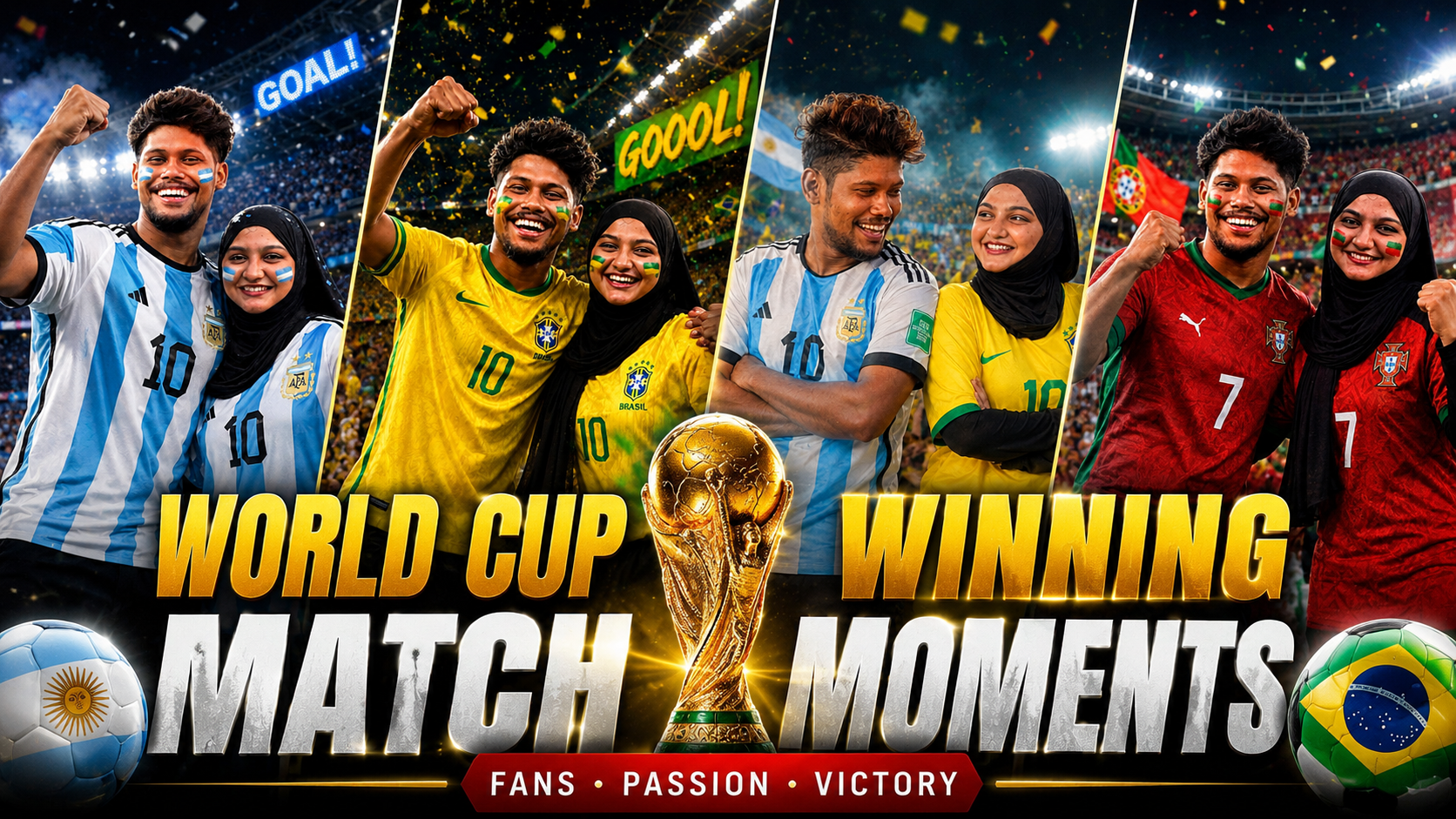
Hello friends, today we are going to try something very practical with World Cup photography and AI. Many fans want that perfect match winning moment image, either from a real camera or generated with an AI tool, but the result often looks flat or fake. The celebration feels empty, the stadium looks generic, or the emotion just is not there.
This guide will help you write a strong World Cup match winning photo prompt that creates drama, context, and story. We will mix ideas for real life photography and AI image generators, so you can plan the shot, then describe it clearly in text if you use tools like Midjourney, DALL·E, Leonardo, or similar image apps. You can adapt the ideas for any team or player.
The article is for football fans, social media creators, small sports blogs, and designers who need eye catching match winner images without a full production crew. You might be running a fan account on Instagram, a small news site, or just preparing graphics ahead of the next World Cup. The aim is to help you avoid awkward poses and weak stadium scenes and instead create photos that feel close to real TV broadcasts.
PROMPT LINK :-
CLICK HERE
We will walk through prompt formulas, camera angles, lighting, and simple props that instantly shout last minute winner. When a useful external tool or download is mentioned, it is only to show what kind of app can help you control style, aspect ratio, or edits. You can pick any trusted app or your favorite AI platform, as long as you focus on the structure of the prompt instead of only clicking random presets.
Related Resource
The Prompt Link button above opens the file page related to World Cup Match Winning Photo Creating Ideas Prompt. It is placed here so you can access the mentioned resource directly from the article.
What a World Cup match winning photo prompt must include
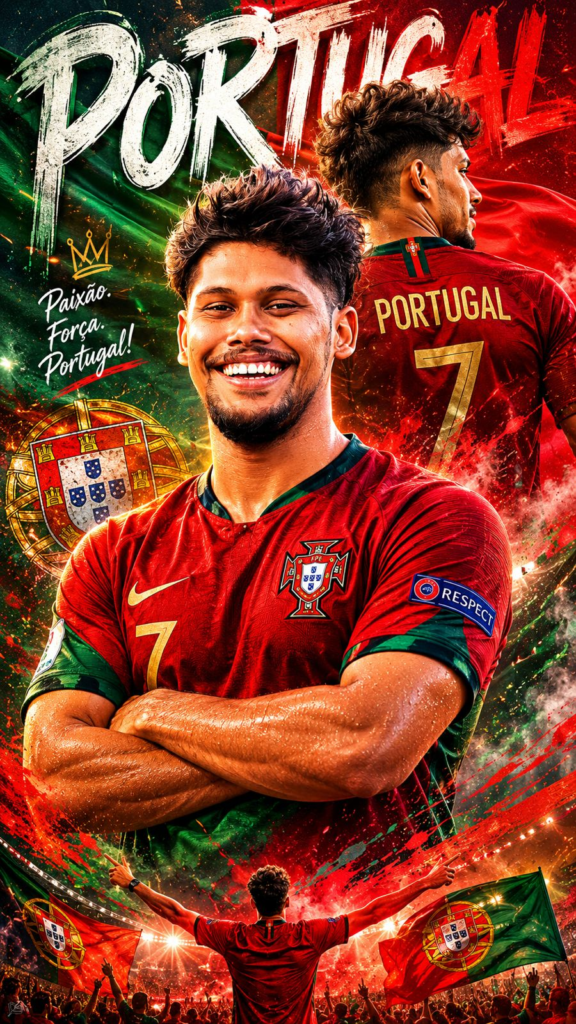
A good World Cup match winning photo prompt is not just goal celebration. It gives the AI or the photographer a clear story. Think about five parts: who scored, which side of the pitch, what the scoreboard situation is, what the crowd is doing, and what emotion you want on the player face.
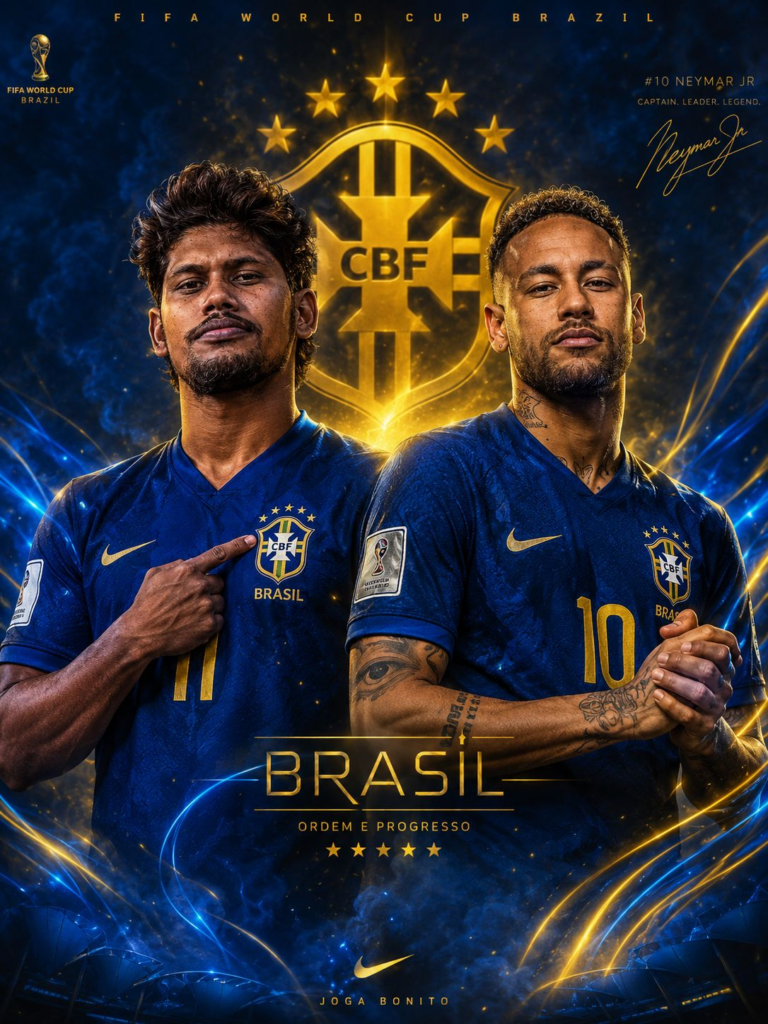
When you leave these details out, you usually get generic stock style images. For example, if you just type World Cup winning goal, the tool may produce an empty stadium or a random cup ceremony. If you say last minute winning goal, 93rd minute, underdog team in red kit, close up sliding celebration, shocked defenders in the background, you will already get a stronger scene.
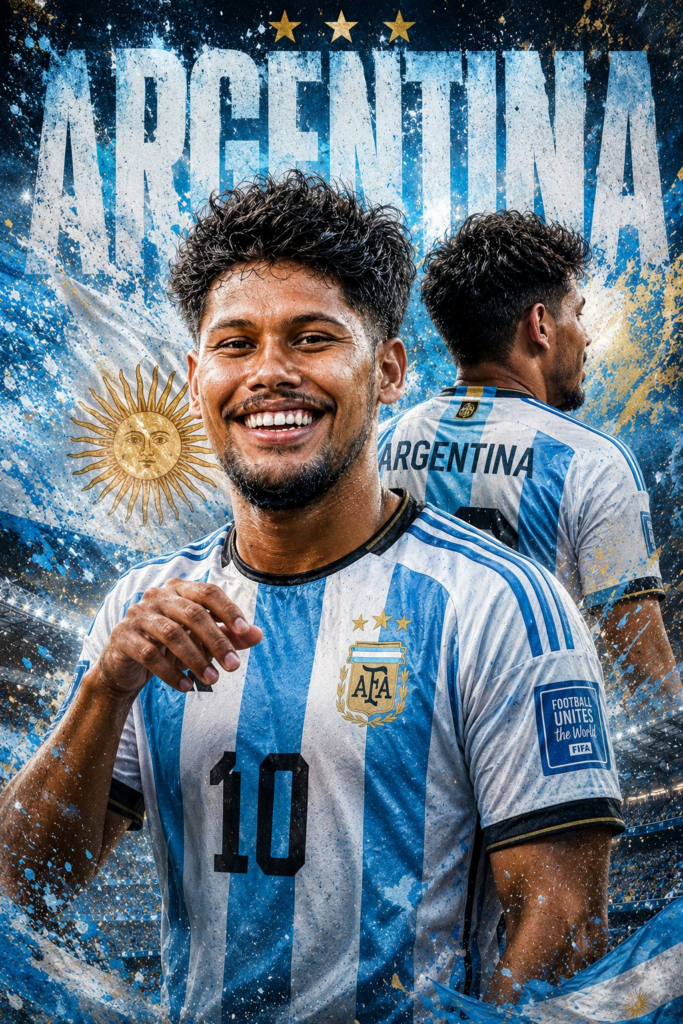
Simple prompt formula for match winning images
You can treat every World Cup match winning photo prompt like a small checklist. Here is a simple formula that works for most AI tools and also as a mental list for real photography.
- Subject (player, position, home or away kit)
- Moment (penalty, long shot, header, volley, rebound)
- Time and tension (last minute, extra time, penalty shootout)
- Camera angle and framing
- Stadium mood and crowd details
- Lighting and weather
- Style (photo realistic, TV broadcast, slow motion frame)
Write each part as a short phrase, separated by commas, instead of a long complicated sentence. Many tools respond better to short clear chunks compared with over decorated text.
Copy ready World Cup match winning photo prompt ideas
Here are some concrete prompt ideas that you can paste into your favorite AI generator and adapt for your team or colors. Remember to swap team names or kit colors so you do not create misleading or infringing content around real licensed logos.
Example 1, close celebration style: ultra detailed photo of a World Cup striker in red kit sliding on knees toward the corner flag after a 93rd minute winning goal, stadium floodlights, fans jumping and waving flags, grass flying from the pitch, wide angle broadcast camera, realistic motion blur.
Example 2, penalty winner: intense close up of a World Cup penalty taker in white kit just after scoring the winning penalty, net shaking, goalkeeper on the ground, scoreboard showing 5 to 4 on penalties, crowd behind the goal exploding with joy, shot from low angle behind the player, cinematic lighting, photo realistic, sharp focus on player face.
Example 3, underdog upset: dramatic photo of an underdog World Cup team in blue kit celebrating a shock last minute winner against a giant team, several players sprinting toward the camera with arms wide, confused defenders in background, packed stadium, confetti starting to fall, captured from sideline with slight zoom, natural stadium light.
Real world case study style workflow
Imagine you run a fan blog for an Asian national team and you want a thumbnail for a story titled The night we beat the champions. You do not have real match photos for licensing, so you decide to create an AI image that suggests the mood without copying real shirts or faces.
You start with a written brief that defines the story. Your team is in blue, they score a long range shot in the 89th minute, and the stadium is full of mixed fans. You decide on horizontal 16 to 9 aspect ratio to fit blog and YouTube thumbnails. You also want a TV style broadcast angle, not a fan selfie.
Your first prompt attempt is: World Cup upset, team in blue kit scores last minute goal, stadium celebration. The result looks like a video game cut scene because it is too vague. So you refine it with details from the formula. You mention 89th minute, long range shot, net rippling, underdog emotion, and real lens type if your tool supports that.
The improved prompt looks like this: realistic stadium photo of World Cup underdog team in plain blue kit celebrating an 89th minute long range winning goal, ball in top corner, net rippling, goalkeeper fully stretched and beaten, fans in mixed colors jumping and holding scarves, broadcast camera angle from sideline, 16 to 9 ratio, bright stadium floodlights. This second try usually gives a much more convincing match winner frame.
Composition tips from real match photography
Even if you only use AI, it helps to think like a sports photographer. Real broadcast shots often place the player slightly off center, so you can still see defenders or the crowd. This rule of thirds layout makes the image feel dynamic instead of like a posed portrait.
If you control camera settings in person, use a fast shutter speed to freeze motion when the ball hits the net or when the player starts the knee slide. For AI images, mention freeze frame or single frame from live broadcast to encourage sharp action. Also ask for motion blur in background, not on the main player, so the energy is visible but the subject feels crisp.
Common mistakes when writing match winning prompts
One frequent mistake is forgetting the score or time context. If you do not say last minute or penalty shootout, the tool might create a normal goal scene that does not feel decisive. Adding scoreboard details like 2 to 1 in the 92nd minute instantly communicates that this is a match winning strike.
Another issue is over using club logos or real player names. That can raise copyright and likeness questions, and some AI tools block those words completely. It is safer to describe players by position, kit color, and body language, then use your own graphic overlay for names or scores later in an editing app.
Users also tend to ask for too many viewpoints at once, for example top down drone angle and close up at the same time. This confuses the model or produces messy results. Pick one clear camera angle and stick with it for each prompt.
Practical workflow and editing steps
A realistic workflow for content creators is simple. First, collect reference frames from legal sources like your own screenshots of public broadcasts where you hold usage rights, or your own match day photos. Look at the angles and feelings that work best and note keywords like low angle or over the shoulder of the goalkeeper.
Second, design your World Cup match winning photo prompt in a notes app following the formula. Keep a base template and swap colors, time, and emotions for each new match. Third, generate several images at once and mark the best one with a star rating. Fourth, adjust in a safe editor. You might add a subtle scoreboard in a corner, your blog logo, and a short title overlay.
If you use real match photos instead of AI, the steps are similar. Capture in burst mode when the team attacks, choose the best frame with clear ball and emotion, then crop for social media. Just be aware of stadium rules and broadcast rights. Respect restrictions on commercial use of official logos, player faces, or TV feeds, and check local regulations before monetizing images.
Conclusion
A strong World Cup match winning photo prompt is about structured detail, not magic words. When you take time to define the scorer, the moment, the angle, and the crowd story, both AI images and real lifetime shots start to feel closer to what you see in broadcasts. That extra planning is what separates generic goal pictures from thumbnails and banners that people actually remember.
Use the formula in this guide as a reusable template. Adjust kit colors, weather, and tension level for group matches, knockouts, or finals. Combine these prompts with careful editing, safe usage of branding, and respect for rights, and you can build a full set of match winning visuals for your fan page or blog before the tournament even kicks off.
FAQ
How specific should my World Cup match winning photo prompt be
Include enough detail to define the moment, like time, type of goal, kit color, and crowd mood, but keep each phrase short and direct so AI tools can process it clearly.
Can I use real player names in my prompts
Some platforms block famous names and there can be rights of publicity issues, especially for commercial use. It is usually safer to describe generic players by role and appearance.
What aspect ratio works best for match winning images
Sixteen to nine widescreen is good for YouTube and blog headers. Four to five or one to one fits Instagram feeds. Choose the ratio before you start prompting or shooting.
Which AI tool is best for football celebration images
Popular choices include Midjourney, DALL·E, and several mobile apps with sports presets. Quality and rules vary by region and version, so try a few and check their content policies.
Is it safer to avoid official World Cup logos in AI images
Yes, avoiding official logos and trade dress reduces the chance of infringement. Focus on generic kits and colors, then add your own branding or text in a separate editor.
Thank you for reading. If you found this helpful, consider following this blog for more practical guides on tech tools, AI apps, mobile workflows, and the latest digital updates.








